

On this page7 parts
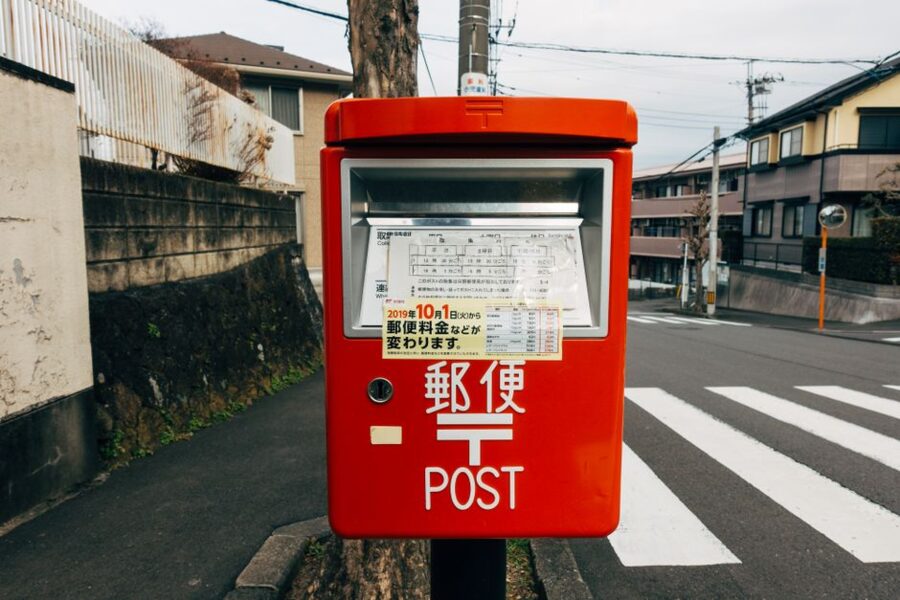
The cheapest pocket Wi-Fi plan I found in Japan costs ¥440 (about US$3) a day and slows to a crawl after one gigabyte. The plan most families end up wanting costs more than four times that, and most of them end the same way: you seal the router in a prepaid envelope on your last morning and push it through the slot of a red post box before airport security.
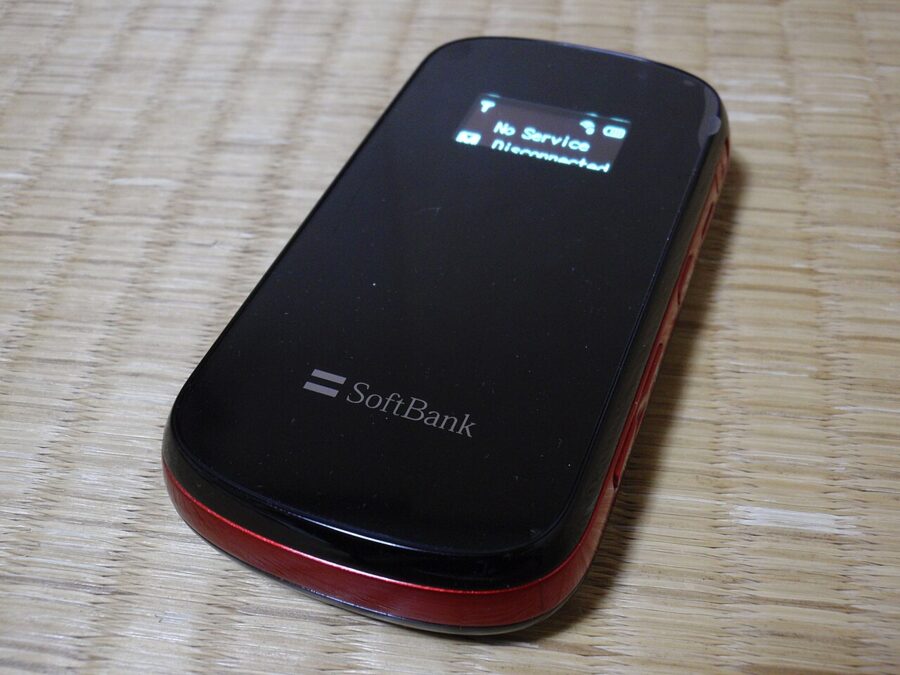
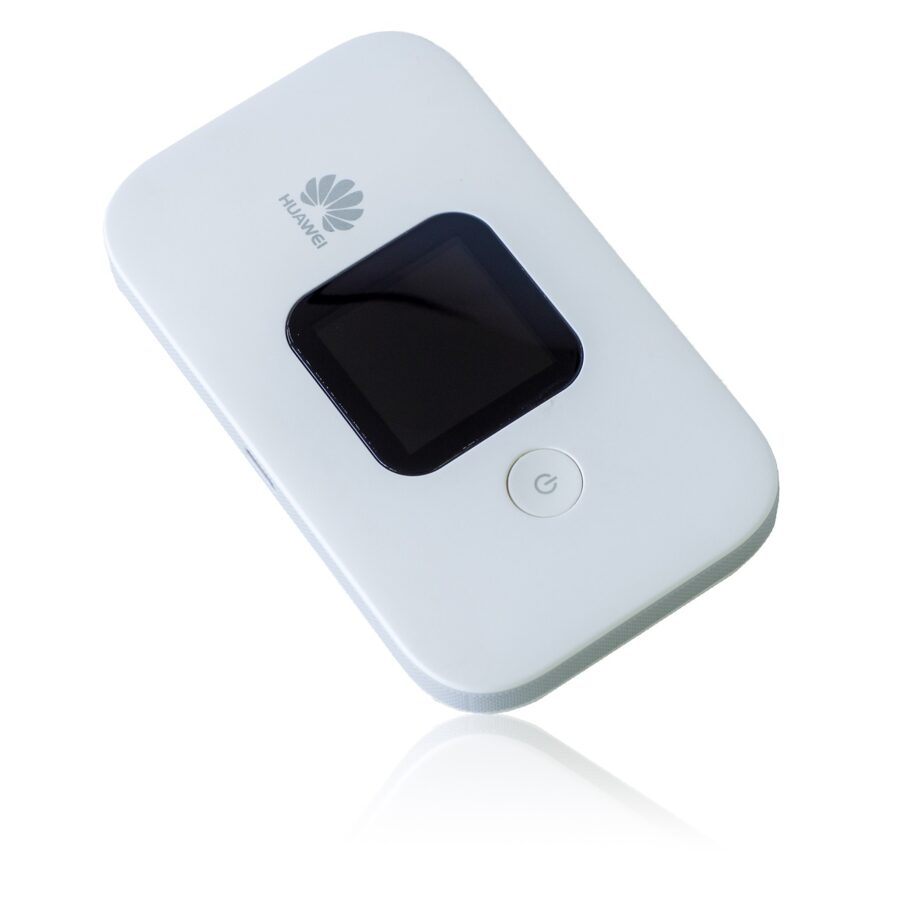
Between those two numbers sits almost everything worth knowing about renting one. A pocket Wi-Fi is a battery-powered router with a Japanese SIM card inside. It picks up the mobile network and turns it into a private Wi-Fi network that your phones, tablets and laptop join like the one at home.
It needs no setup on your phone, which is the whole appeal. It also needs charging, carrying and returning, which is the whole catch.

Who should rent one, and who should not
Rent a pocket Wi-Fi if you are three or more people sharing one connection, if someone needs a laptop online for work, or if a phone in your group is locked to its home carrier or too old to take an eSIM. One router serves the whole table. Japan Wireless allows up to 8 devices on its router, Sakura Mobile up to 15.
Skip it if you travel alone or as a couple with phones bought in the last few years. An eSIM costs less per person, needs no pickup or return, and keeps working when the person carrying the router wanders off to a different shop. I would take an eSIM unless your phone is locked.
A pocket Wi-Fi gives you data only. There is no Japanese phone number, so calls go through LINE, WhatsApp or FaceTime. That is also why there is no identity registration: under Japan’s anti-fraud law for mobile phones, the Ministry of Internal Affairs and Communications treats rented data-only SIMs as outside the ID-check rules. The passport you show at the counter is only to match you to the parcel.
That may change. The law has since been amended to bring some data-only SIMs under ID checks, and an August 2026 ministry working paper shows the rules still being drafted, starting with SIMs that can send SMS. For now nothing changes for renting a router.
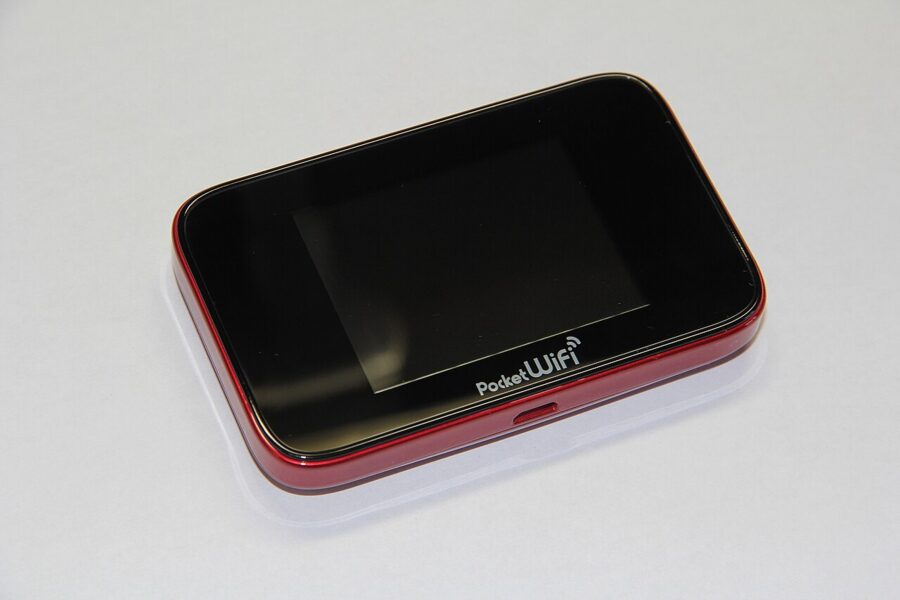

How renting works, from order to post box
Every provider runs the same four steps: order, collect, use, post it back. The deadlines and the places are where trips go wrong.
Ordering
Book online, pay by card, and choose a pickup point. Japan Wireless asks for at least three days’ notice but takes last-minute orders placed less than 48 hours before pickup. NINJA WiFi takes reservations up to one day before pickup. JAL ABC’s online deadline is 5 p.m. Japan time one day before pickup at Narita, two days at Haneda and three days at Kansai.
Read how the company counts days, because it is never “24 hours from pickup”. Japan Wireless counts calendar days from midnight on your pickup date, however late you land, and gives you until noon the day after your rental ends to drop the envelope. Sakura Mobile’s period runs from 12:01 a.m. on the start date to 11:59 p.m. on the return date, and the envelope has to be in a mailbox by midnight that day.
Picking up at the airport
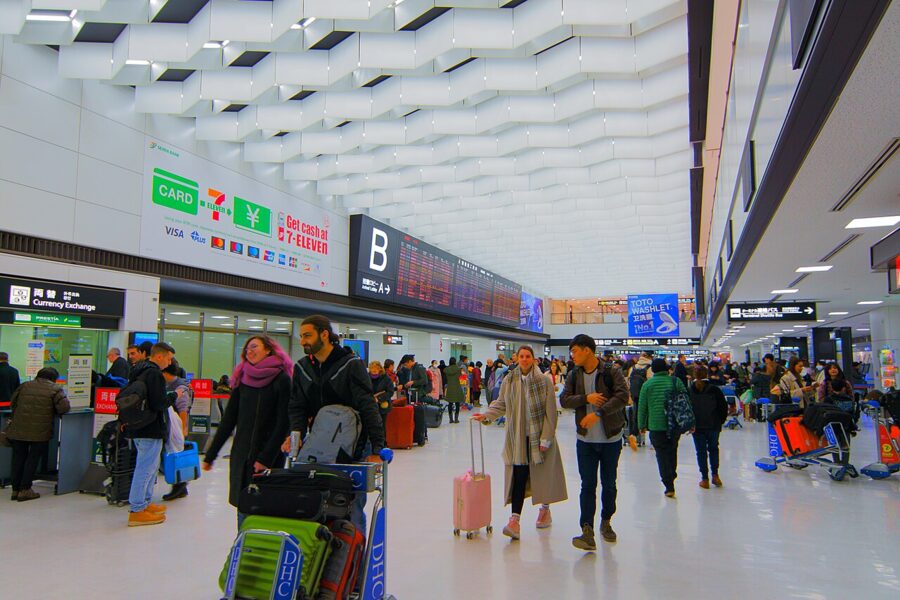
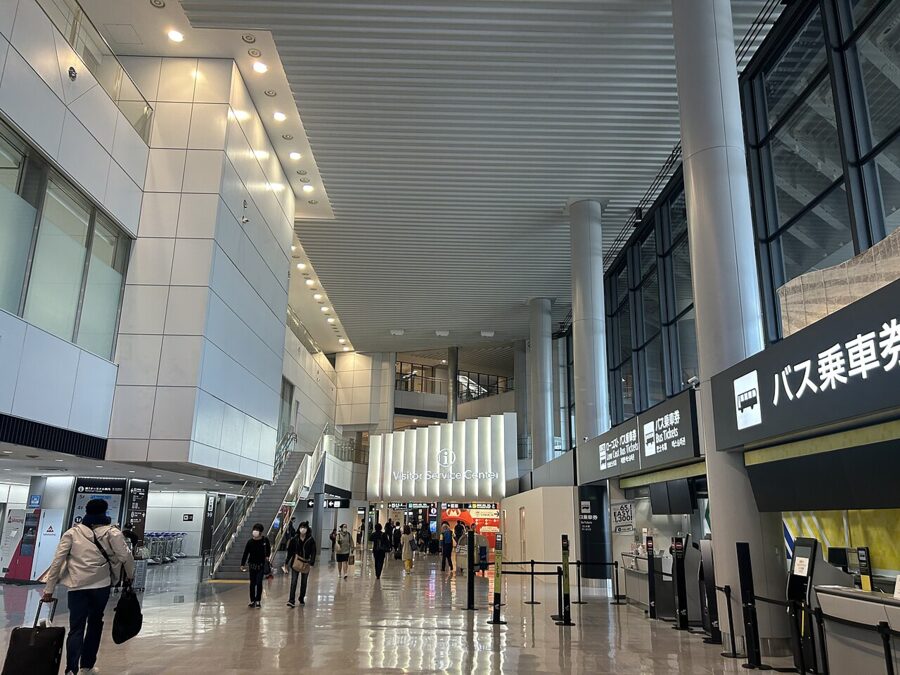
Airport counters are the easy option if your flight lands in daytime. At Narita’s rental counters, every one of them is before departure passport control, spread across the North and South Wings and Central Building of Terminal 1 and the main building of Terminal 2. JAL ABC’s arrival counters there open at 6:30 a.m. and stay open until an hour after the last international arrival, and several companies hand out their parcels through them.

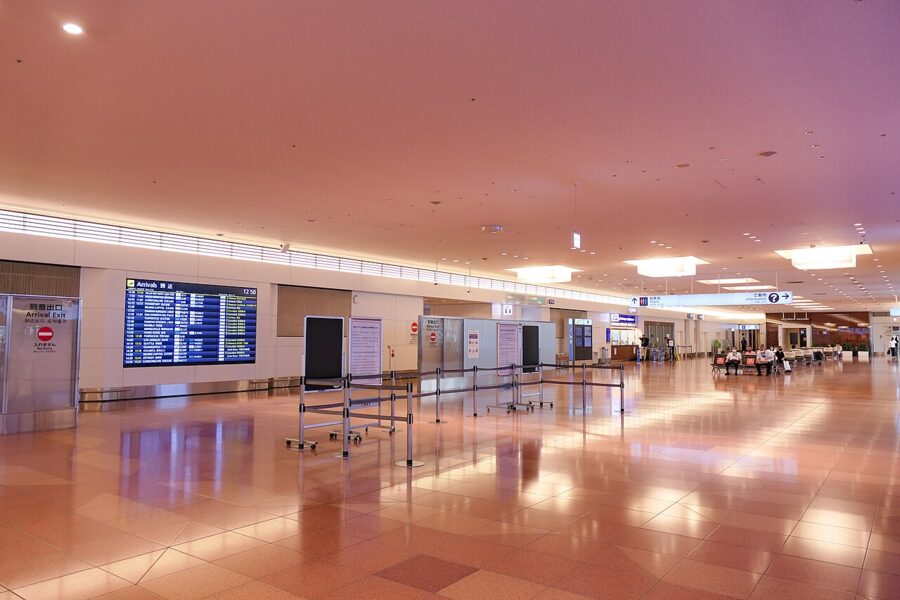
Haneda’s rental list puts the Mobile Center counter on the second-floor arrival lobby of Terminal 3, open 6:30 a.m. to 11 p.m., with a 24-hour unmanned rental machine in front of it. Japan Wireless customers landing at Haneda collect from a partner counter in Terminal 3, named in its own Haneda guide. Sakura Mobile’s Terminal 3 pickup is at JAL ABC on the second floor.

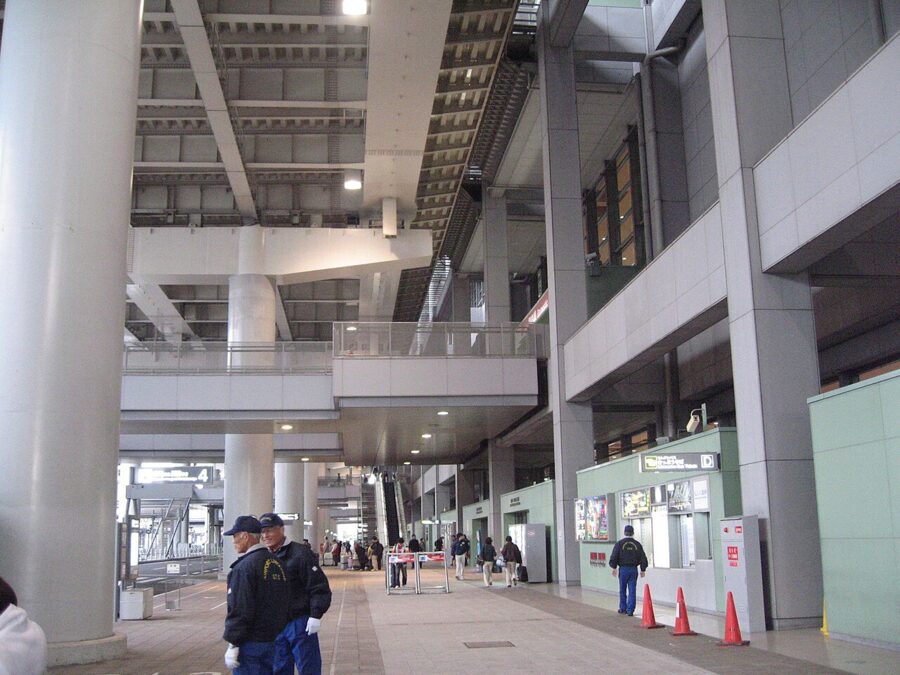
At Kansai, the airport’s own list shows 24-hour pickup lockers and unmanned return boxes in Terminal 1, alongside staffed counters. Sakura Mobile’s Kansai counter is on the first floor of Terminal 1, open 6 a.m. to 11 p.m., and it has nothing in Terminal 2, so passengers on Terminal 2 airlines take the free shuttle bus across.

Two airports catch people out. At Chubu Centrair, both Japan Wireless and Sakura Mobile hand over parcels at the airport post office (Sakura names it the Tokoname Post Office Centrair Branch), open weekdays from 9 a.m. to 5 p.m. only. Land on a Saturday and your router sits in a locked post office until Monday. New Chitose’s domestic terminal post office opens 9 a.m. to 5 p.m. every day for Sakura; Japan Wireless uses the JTB counter there, open 8 a.m. to 7 p.m.
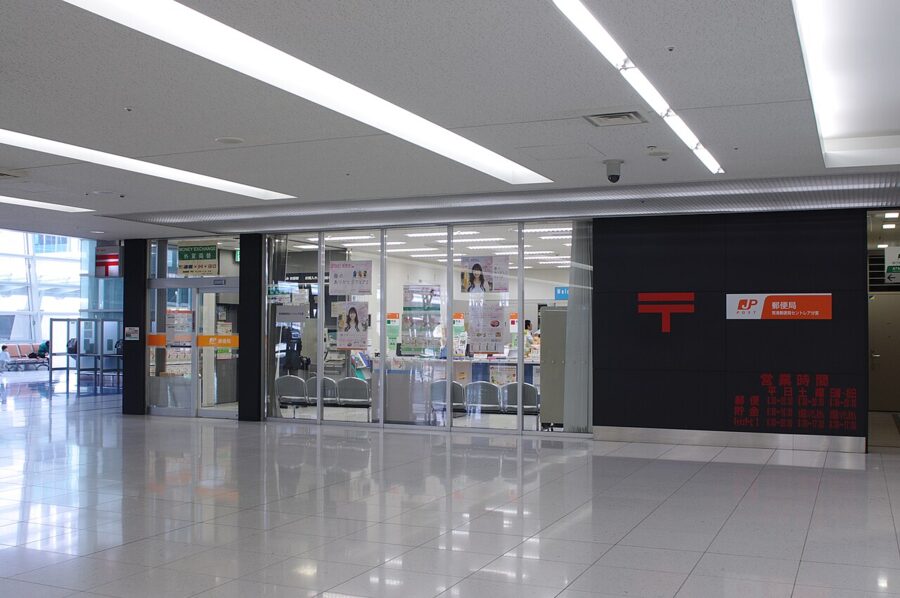

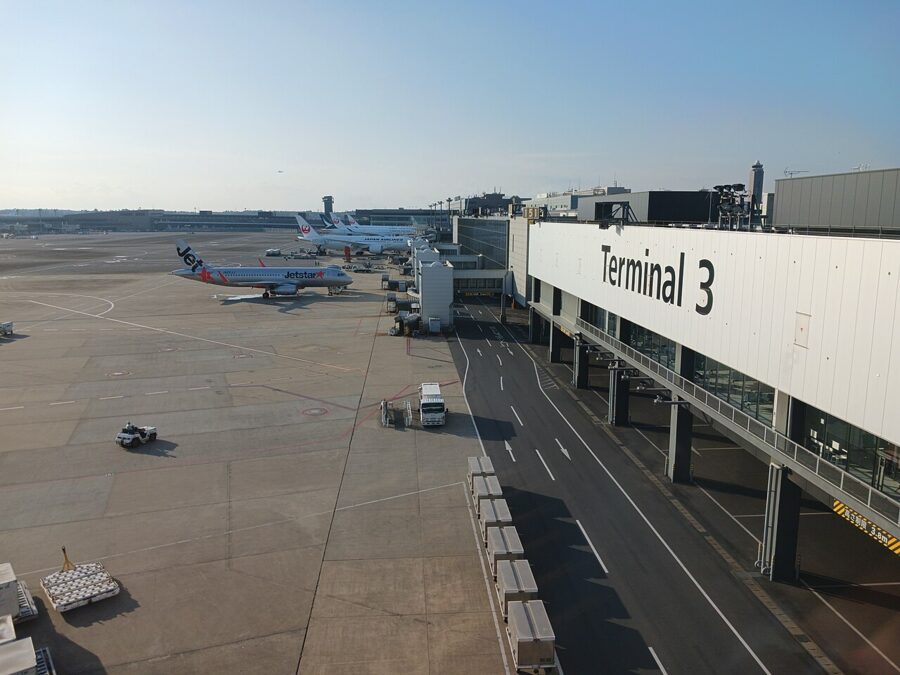
NINJA WiFi adds lockers. Its “Smart Pickup” lockers at Haneda Terminal 3, Narita Terminal 3, Kansai and a dozen regional airports let you skip the counter queue. Since pick-up and drop-off locations differ by terminal as much as by company, check yours against your flight before you pay.
Hotel, post office or home delivery
If you land late, have it waiting at the hotel. Japan Wireless and Sakura Mobile ship to any hotel in Japan for collection at check-in; NINJA WiFi charges ¥550 (about US$4) for delivery. Put the order in the same name as the hotel booking, so the front desk can match the parcel to you.
Staying in a rental apartment? Japan Wireless will not deliver to Airbnb addresses and points you to a post office instead. Sakura Mobile offers the same thing nationwide: you go to the counter, ask for your held parcel (kyokudome, 局留め, held at the post office) and show your passport.
Returning it
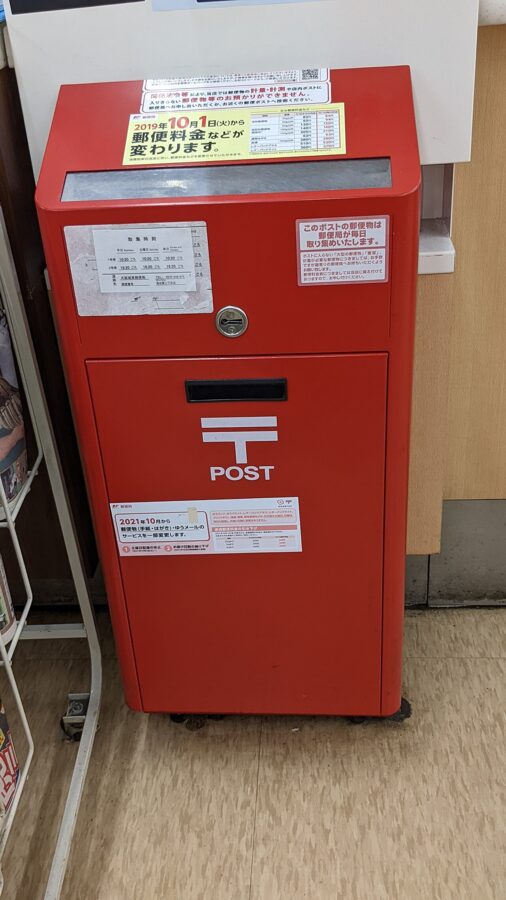
The return is the step people forget. Japan Wireless and Sakura Mobile include a prepaid, pre-addressed envelope; you put the router, cable, power bank and pouch inside, press it flat, and drop it into any Japan Post box. It does not have to be the airport, and it does not have to be the city where you picked it up.
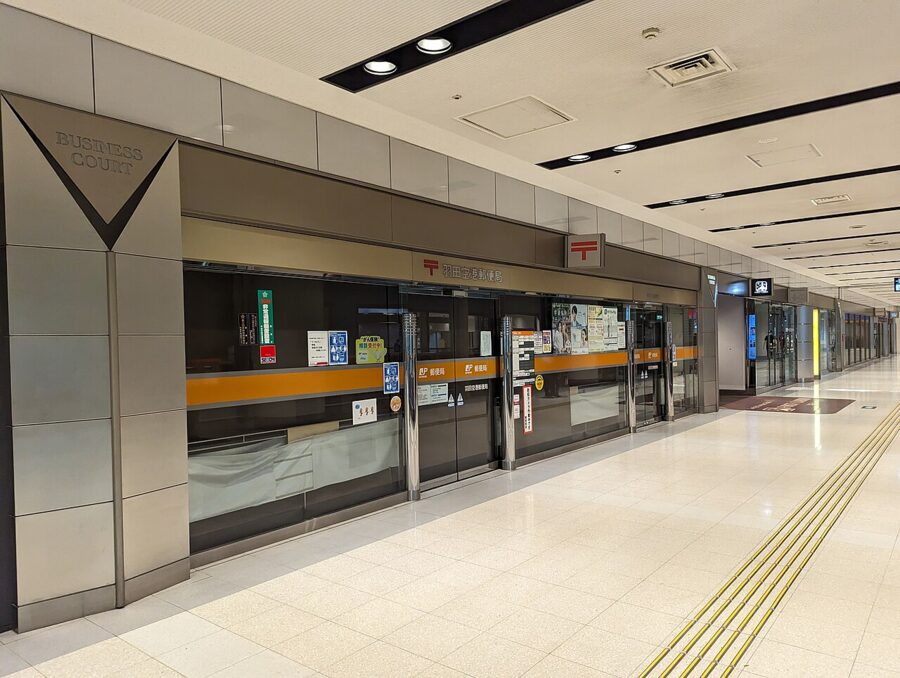
Do it before security. Sakura Mobile lists the airport boxes: Narita Terminal 1 on the fourth-floor departure lobby, Terminal 2 on the third floor near North Exit 2, Terminal 3 on the second floor near the security check, Haneda Terminal 3 on the third floor near check-in counters F and G, and Kansai Terminal 1 on the fourth floor next to the information counter.

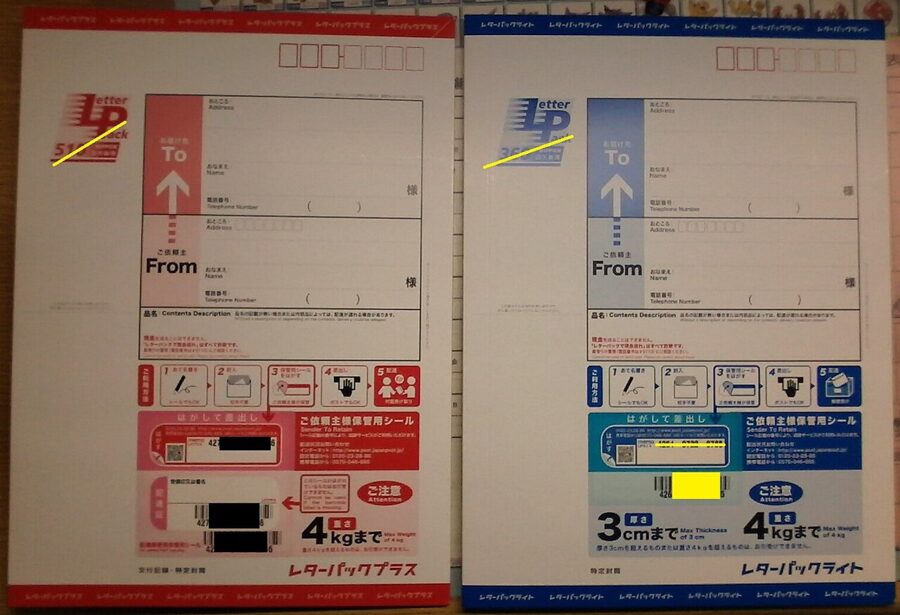
Lost the envelope? Buy a Letter Pack Light (retā pakku raito, レターパックライト) at a post office or Lawson. Japan Post’s Letter Pack Light costs ¥430 (about US$3) anywhere in Japan, takes up to 4 kg and 3 cm thick, and goes in a post box. Write the company’s return address on it and email them the tracking number.

Not every company works this way. JAL ABC routers go back to a JAL ABC counter at Narita, Haneda Terminal 3 or Kansai, and NINJA WiFi takes returns at its airport counters free of charge or by courier for ¥550. Japan Wireless says returning its parcel to a pickup counter costs a penalty fee, and it refuses hotel returns because staff sometimes send them cash on delivery.
The providers and what their plans include
Four rental companies and one that sells instead, from their own pages as of November 2026, prices including tax.
| Provider | Network | Price | Data and speed | Router | Pickup |
|---|---|---|---|---|---|
| NINJA WiFi (Vision Inc.) | SoftBank 4G; docomo 5G plan | ¥440 a day (1GB) to ¥1,980 (no daily cap); 5G ¥2,200 | 1, 3, 5 or 10GB a day, then 128 kbps; top plan uncapped but may slow at peak times after heavy use | Not stated on plan page | Counters and lockers at about 20 airports, Shinjuku, delivery ¥550 |
| Japan Wireless (Inbound Platform) | SoftBank 4G | From US$5.20 a day; yen total shown at checkout | One plan, advertised with no daily cap and no fair-use policy | Up to 8 devices, 8 to 10 hours, free power bank | Narita, Haneda, Kansai, Chubu, Fukuoka, New Chitose; hotel; post office |
| Sakura Mobile | docomo 4G | ¥7,780 for 7 days, ¥10,560 for 14, ¥16,890 for 30 at the online discount (list ¥9,900, ¥18,300, ¥37,500; 4-day minimum) | “Unlimited”, no cap stated | Up to 15 devices, 20 hours | Narita, Haneda, Kansai, Fukuoka, Chubu, New Chitose; hotel; post office |
| JAL ABC | 4G, or 4G/5G router | 4G ¥1,050 a day online, ¥1,313 at the counter; 4G/5G ¥1,584 online, ¥1,980 at the counter | Not stated on the page | Not stated | Narita T1 and T2, Haneda T3, Kansai T1 (reservation required); return to the counter |
| Mobal (bought, not rented) | SoftBank, docomo, au and Rakuten | ¥6,980 for the stick, then ¥4,980 a month | Up to 300GB a month, 4G | Up to 8 devices; USB-C stick that runs off a laptop, outlet or power bank | Shipped or airport pickup; nothing to return |
NINJA WiFi has the most pickup points by a distance and the widest spread of plans, which makes it the one to look at if you land at a regional airport. Its no-cap “Infinite Unlimited” plan at ¥1,980 (about US$13) a day is the one that compares with the others.
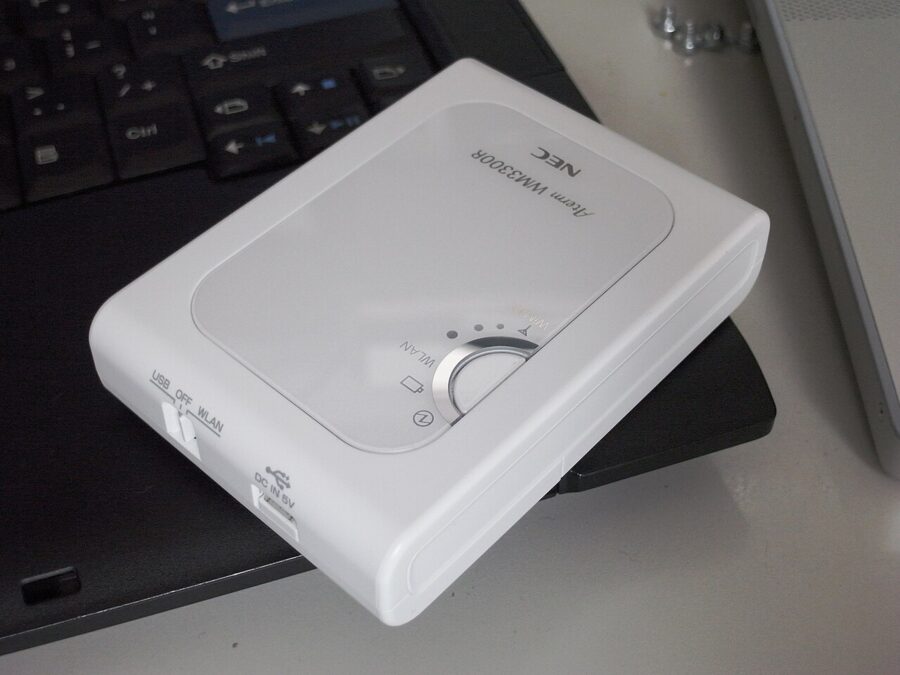

Japan Wireless sells one plan and argues hard that it has no fair-use limit; it also has the clearest published loss fees. Sakura Mobile sells by the trip rather than the day, runs on docomo, gives the longest battery life in this table, and lets 15 devices share. JAL ABC is the walk-up option: you can rent at the counter without booking, though the online price is 20% lower and counter stock is limited.
Mobal is different: you buy a USB stick router and pay a monthly plan with no rental period. It makes sense for a stay of two months or more, not a ten-day holiday. Whether to buy or rent a mobile Wi-Fi router is really a question of how long you stay.
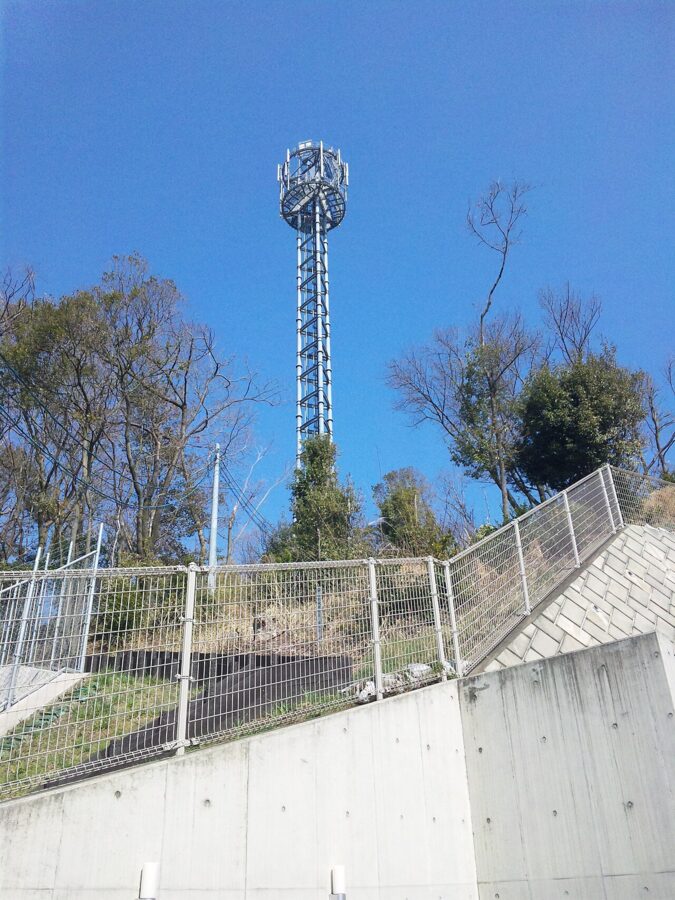
Coverage claims need one caveat. Japanese networks publish coverage by population, not by land area, so Japan Wireless itself points customers to SoftBank’s own coverage map. Japan Wireless also warns that its routers do not work at sea, so a ferry or cruise leg can be a gap.


The fine print
“Unlimited”, throttling and fair use
“Unlimited” means four different things in this market, so read the line under the word. NINJA WiFi’s Infinite plan has no daily cap, but its notes say heavy use within a certain period may slow your speed at peak hours. Its 5G plan may be restricted after 10GB in a day or 300GB in a month, and its capped plans drop to 128 kbps, which loads a text message and not much else.
Japan Wireless says it has no daily limit, no peak-hour slowdown and no fair-use policy. Sakura Mobile’s pocket Wi-Fi page says “no cut-offs or extra charges” and states no cap; its own SIM plans, by contrast, slow down after 3GB a day.
How much do you need? Vision Inc.’s data guide reckons 1.1GB covers about 2 hours 50 minutes of map searching, or about 38 minutes of YouTube at 1080p. So 20GB over two weeks, about 1.4GB a day, is enough for one person who navigates and messages and does not stream. Share it between three phones and you will run dry.
Insurance, loss and late fees
Losing the router is the expensive mistake. Without cover, Japan Wireless charges ¥40,000 (about US$260) for the router and SIM in its price table, while its FAQ quotes ¥44,000. NINJA WiFi charges ¥40,000. Sakura Mobile’s rental agreement charges ¥30,000 (about US$195) including the non-operation charge.
| Provider | Cover per day | What it pays | Router lost, no cover |
|---|---|---|---|
| NINJA WiFi | Mini ¥220; Full ¥330; Insurance + Battery ¥440 | Mini 80%; Full and Insurance + Battery 100% | ¥40,000 |
| Japan Wireless | Regular or Gold (priced at checkout) | Regular 80%, leaving ¥8,000; Gold 100% | ¥40,000 (¥44,000 in the FAQ) |
| JAL ABC | ¥210 | 70% of repair or replacement | Not published |
| Sakura Mobile | Not listed on its pages | None listed | ¥30,000 |
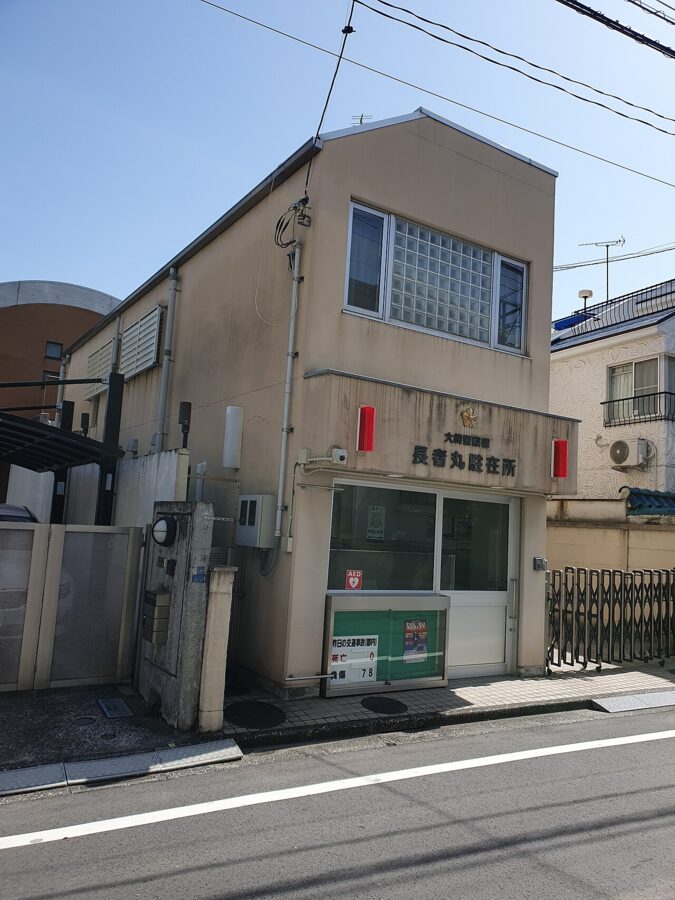
Take the cover on a trip with children, or if the router will spend days in a jacket pocket. NINJA WiFi’s Full Insurance at ¥330 (about US$2) a day costs ¥2,310 for a week, a fraction of the ¥40,000 replacement fee. For loss or theft NINJA WiFi asks for a certificate from a Japanese police station, so report it at a kōban (交番, police box) before you fly.
Late returns cost too. Sakura Mobile’s rental agreement charges the full retail price of the minimum extension period until the router reaches them. NINJA WiFi’s terms of service apply an extension fee automatically, and Japan Wireless bills for the delay, including a router carried home by mistake and sent back by courier.
I found no deposit on any of these companies’ pages: you pay the rental up front when you book, or at a JAL ABC counter, which also takes cash. Cancellation is free at Sakura Mobile until the shipping email and non-refundable after it; Japan Wireless charges ¥1,100 (about US$7) once the parcel has gone, and JAL ABC lists a ¥1,000 cancellation fee per device.
Battery life and power banks
The battery decides your day more than the data cap does. Japan Wireless quotes 8 to 10 hours of continuous use and puts a power bank in every parcel; Sakura Mobile quotes 20 hours. NINJA WiFi rents a 5,500mAh spare battery for ¥110 a day or a 10,000mAh one with a built-in cable for ¥220.
Four phones streaming photos drain any router faster than the brochure says. Keep it on the power bank in your bag in the afternoon, and charge both every night.
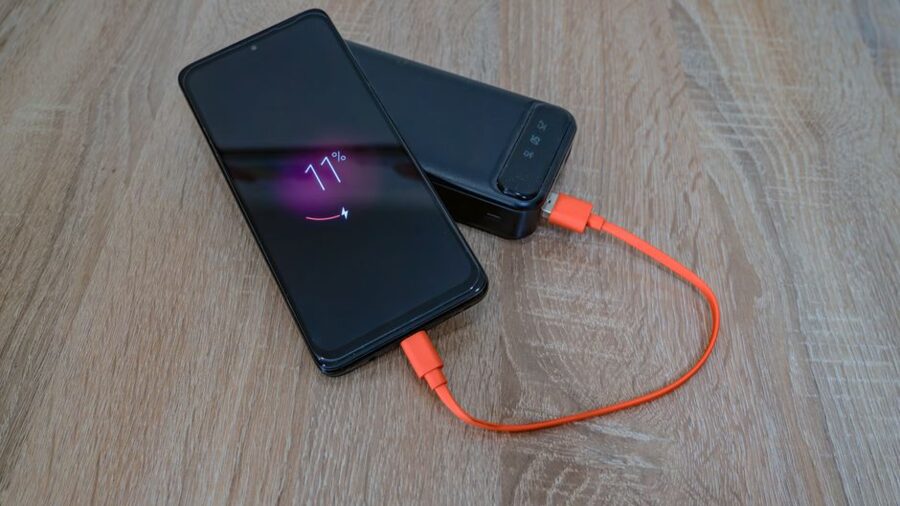
If you take a domestic flight mid-trip, the power bank follows airline rules. Since April 24, 2026, Japan’s transport ministry limits you to two power banks of up to 160Wh in the cabin and bans charging from them or charging them on board. They were already banned from checked bags, and airlines ask you to keep them out of the overhead bins. Japan Wireless leaves the power bank out of parcels sent to Okinawa because of airfreight rules.
What a pocket Wi-Fi costs per day and per trip
For two people on a seven-day trip, here is what the published prices add up to, before insurance:
- NINJA WiFi 3GB-a-day plan: ¥770 a day, ¥5,390 for the week (about US$35).
- JAL ABC 4G router booked online: ¥1,050 a day, ¥7,350 (about US$47).
- Sakura Mobile: ¥7,780 for 7 days (about US$49).
- NINJA WiFi Infinite plan: ¥1,980 a day, ¥13,860 (about US$89).
Split between two, the cheapest is under ¥2,700 each for the week. For a family of four sharing one uncapped router, even the priciest option here works out to about ¥3,500 a person for the week, and that division is the whole case for a pocket Wi-Fi.
Longer trips get cheaper per day. Sakura Mobile’s 14-day price of ¥10,560 works out at about ¥754 a day against ¥1,111 for a week, and its 30-day price falls to about ¥563. Past two months, the Mobal stick at ¥6,980 plus ¥4,980 a month (about US$45 and US$32) undercuts every daily rental.

Free Wi-Fi will not replace a rental, but it fills gaps. JNTO notes free Wi-Fi in the terminals of the major international airports and at convenience stores, which need a sign-up and can be patchy and slow. It is fine for the hour between landing and collecting a router.

Pocket Wi-Fi, eSIM or SIM card
Here is the short version, for one trip of two weeks or less:
- Pocket Wi-Fi: groups, families, laptops, locked or older phones. One device, one bill, one person in charge of charging it.
- eSIM: solo travelers and couples with unlocked phones that support it. Nothing to collect or return, and each phone has its own connection.
- Physical SIM card: unlocked phones that lack eSIM support. You swap the card and may need to set the APN (access point name, the network address your phone uses for data) by hand.
A phone with a home number you still need, for bank codes say, does better on an eSIM, which leaves your home SIM in place. With a pocket Wi-Fi you keep your home SIM too, but turn off data roaming so it does not quietly run up charges.
Before you order: the checks
Get these right and the rental is uneventful:
- Your arrival terminal and time. Sakura Mobile has no counter at Narita Terminal 3 or Kansai Terminal 2. Chubu’s post office pickup is weekdays only. If you land within two hours of the counter closing, Japan Wireless advises hotel delivery instead.
- The rental dates in Japan time. Count from the day you land in Japan, not the day you leave home, and include the day you fly out.
- Who carries it. If the group splits for a day, half of you are offline. NINJA WiFi sells two-router plans for that.
- The return route. Find the post box on your departure floor before you check in, and leave the envelope somewhere you will see it on the last morning.
- The cover. Compare a week of insurance against the ¥30,000 to ¥44,000 loss fee before you decline it.
- The cap. If the price looks too cheap, it is a daily-gigabyte plan that drops to 128 kbps.


Then order in this sequence: count the people and devices, choose the plan by data need, pick the pickup point from your flight’s terminal and landing time, enter the dates, add cover, and save the confirmation with the counter name and floor.
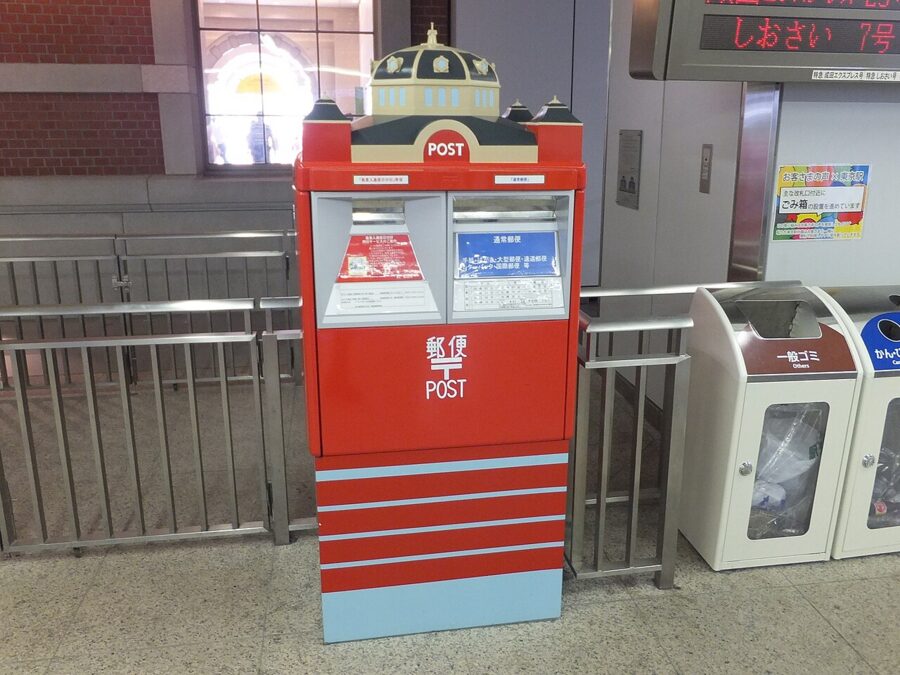

Before you fly, find the envelope in the parcel and put it in the front pocket of your carry-on. That one habit is the difference between a ¥5,000 rental and a ¥40,000 one.