
On this page9 parts
- 1What an eSIM is, and the two checks that decide everything
- 2The three kinds of eSIM a visitor can buy
- 3Data caps, speeds and what "unlimited" means here
- 4Installing it before the flight
- 5On landing: switching it on
- 6Living with two lines
- 7What a data-only eSIM cannot do
- 8Troubleshooting: when the bars stay empty
- 9When a pocket Wi-Fi or a physical SIM is the better buy
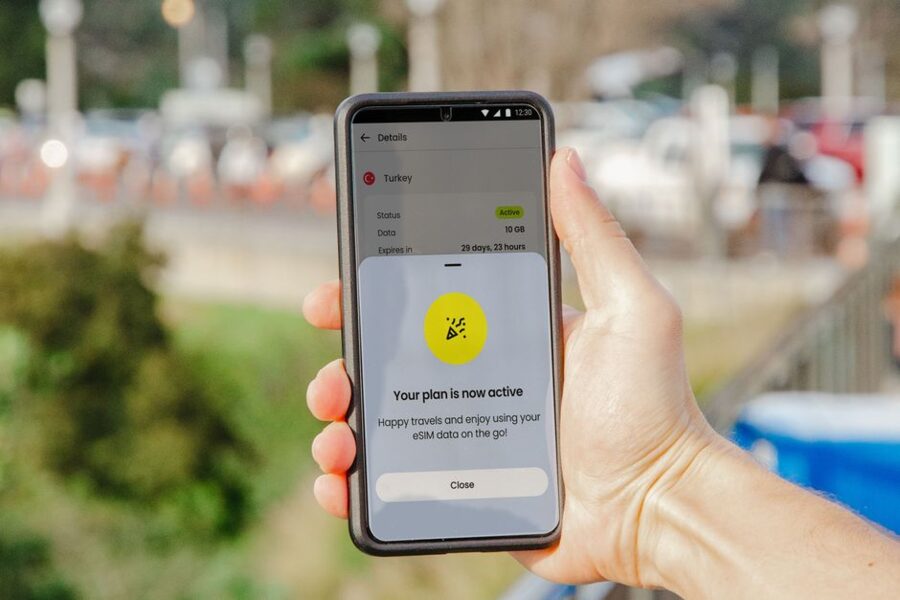
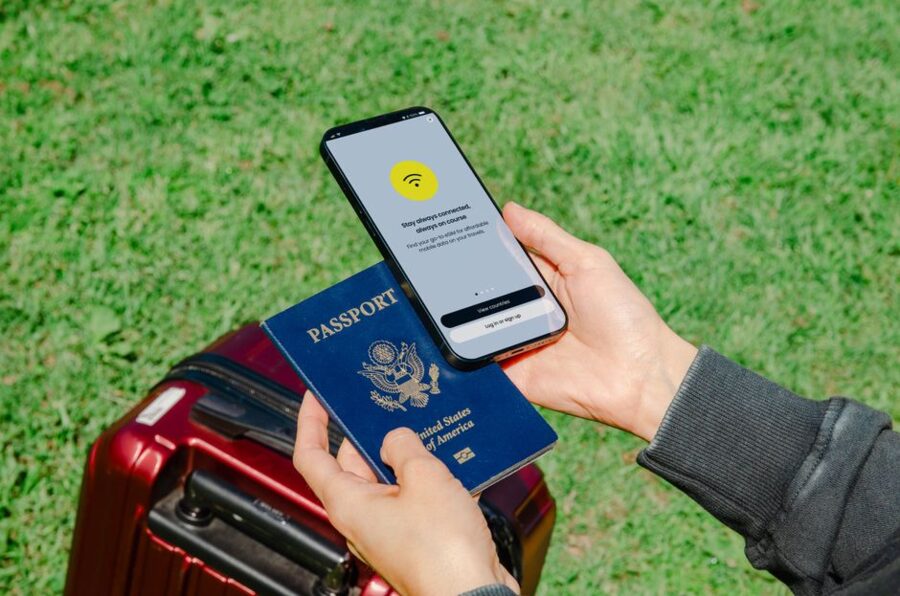
Seven days of mobile data in Japan costs ¥1,430 (about US$9) for 10 GB on the tourist eSIM that KDDI sells under its povo brand, and $84 on a US carrier’s day pass used every day of the same week. Between those two sit the global eSIM sellers, at $26.50 to $27.50 for a week of data sold as unlimited, with a fair-use slowdown in the small print. All three arrive the same way: a QR code or a link, installed on a phone you already own.
That last part is the catch. An eSIM only works if your phone can take one and your home carrier has released it, and both are worth checking tonight rather than in the arrivals hall. If both checks pass, I would take an eSIM over a rented router for almost any trip of one or two people.
Most travel eSIMs are data only: every app works, but there is no Japanese phone number.

What an eSIM is, and the two checks that decide everything
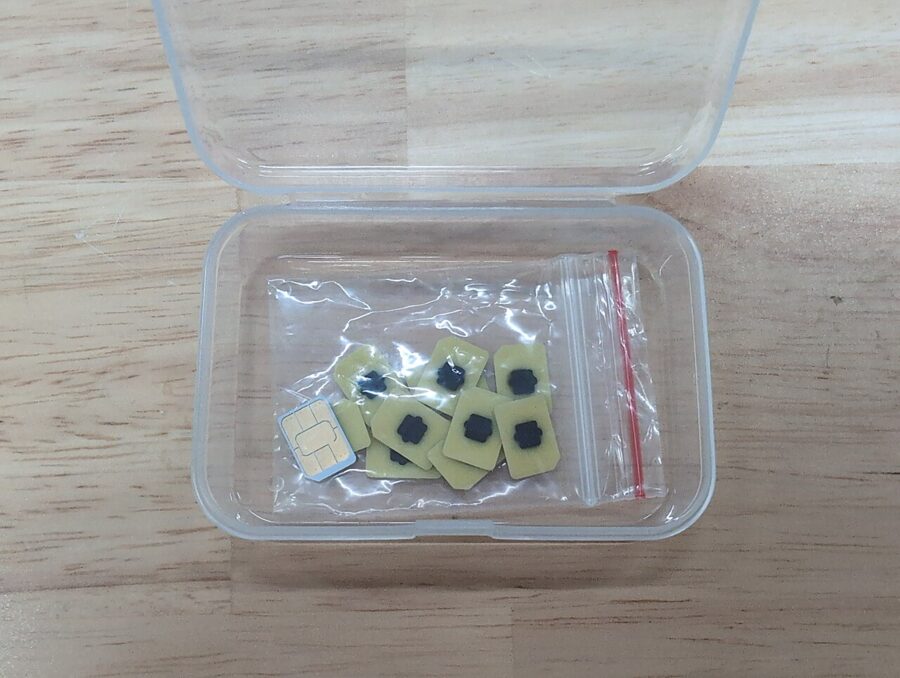
A SIM is the chip that tells a mobile network who you are and what you have paid for. An eSIM is the same thing built into the phone, with the plan downloaded as a profile instead of a card pushed into a tray. A phone can hold several profiles, which is why you can keep your home number on one line and Japanese data on another.

Check one: can your phone take an eSIM?
Every iPhone from the XS, XS Max and XR onward can, according to Apple’s eSIM setup guide. The exception is iPhones sold in mainland China, most of which take two physical SIMs instead; Apple’s page lists the few China models that do take an eSIM. Recent iPhones can keep two eSIMs active at once.
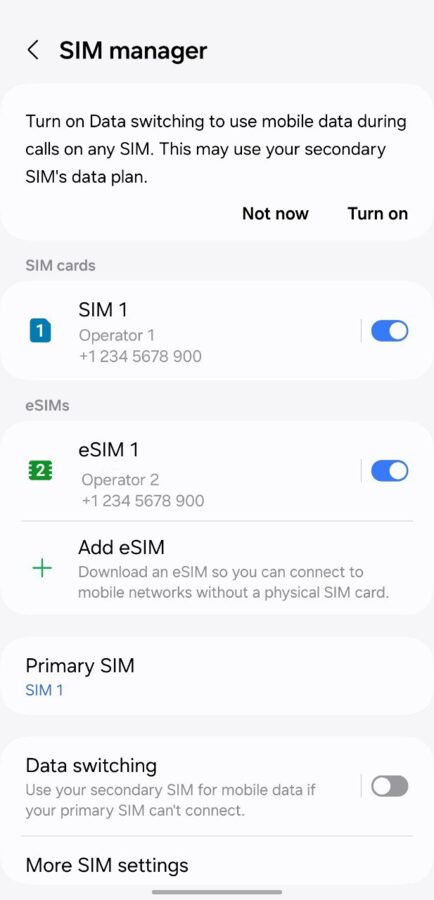
On a Google Pixel, the 3a and later take an eSIM, and the Pixel 7 and later can run two at once. On a Samsung Galaxy, open Settings, Connections, SIM manager: if “Add eSIM” appears, the phone supports one. On other Android phones, dial *#06#; an eSIM-capable phone usually shows an EID (the eSIM’s serial number), though a few capable models don’t, so check the maker’s specifications if nothing appears.

Check two: is it carrier-locked?
A phone sold on a contract or installment plan may be locked to the carrier that sold it, and a locked phone refuses another company’s eSIM even though it shows an EID. On an iPhone, go to Settings, General, About and read the Carrier Lock line: “No SIM restrictions” means you are free. Anything else means a call to your carrier, because only the carrier can unlock an iPhone, and Apple warns it can take a few days.
Most Android phones have no such line, so ask your carrier before you pay for a plan. If you can borrow a SIM from another network, put it in: if the phone connects and places a call, it is not locked.
The three kinds of eSIM a visitor can buy
Global travel eSIM sellers, such as Airalo and Holafly, buy capacity from a Japanese network and resell it in dollars. Japanese companies sell tourist eSIMs on their own or a partner’s network, in yen. Your home carrier sells a roaming pass that keeps your own number working.
The table shows one week on each, from each provider’s own page as of November 2026. Yen prices include tax.
| Provider | Kind | Japanese network | Data | Days | Price |
|---|---|---|---|---|---|
| povo Japan SIM (KDDI) | Japanese tourist eSIM, data only | au | 10 GB | 7 | ¥1,430 |
| povo Japan SIM (KDDI) | Japanese tourist eSIM, data only | au | Unlimited, may slow in congestion, plus 0.5 GB for 60 days | 7 | ¥3,390 (about US$21) |
| Sakura Mobile | Japanese tourist eSIM, data only | NTT Docomo | 3 GB a day, then slowed | 7 | ¥4,620 (about US$29) |
| Sakura Mobile | Japanese tourist eSIM, data only | au | Unlimited, no daily cap, hotspot capped by plan length | 7 | ¥5,775 (about US$36) |
| Sakura Mobile | Japanese eSIM with a phone number | au | 3 GB a day, 120 call minutes | 7 | ¥10,340 (about US$65) |
| Airalo | Global seller, data only | SoftBank, plus two others | Unlimited, 1 Mbps after 3 GB a day | 7 | $26.50 |
| Holafly | Global seller, data only | KDDI and SoftBank | Unlimited, fair-use slowdown for up to a day | 7 | $27.50 |
| Verizon TravelPass | Home carrier roaming | Partner network | 5 GB high speed, then 3G speeds | 7 | $84 ($12 a day) |
Global travel eSIM sellers
Airalo’s Japan plans are all sold as unlimited, with the seven-day plan slowed to 1 Mbps after 3 GB in a day; they run from $11.50 for three days to $69 for 30, with SoftBank named as the main network. Holafly runs on KDDI and SoftBank, costs $11.90 for three days and $73.90 for 30, and its unlimited data carries a fair-use slowdown that Holafly says lasts no more than one day. Neither includes a Japanese number.
These are the easiest to buy: dollars, English, an app. Most work as roaming plans on your phone, so they often need data roaming switched on for that line. In Tokyo, Osaka or Kyoto I would not choose between them on the network name.
Japanese providers’ tourist eSIMs
KDDI’s povo Japan SIM is a carrier selling direct: data only, on the au network, bought online by credit card, no photo ID. Since KDDI’s March 2026 line-up change, the packs are 3 GB for three days at ¥600 (about US$4), 5 GB for five days at ¥900 (about US$6), 10 GB for seven days at ¥1,430 and 20 GB for 30 days at ¥2,700 (about US$17). The unlimited packs, which povo says may slow during congestion or heavy video use, cost ¥1,540 (about US$10) for three days, ¥2,510 (about US$16) for five and ¥3,390 for seven.
Read povo’s rules twice. You need a phone number from one of its listed countries, including the US, Canada, the UK and Australia, to receive a verification text. A pack’s clock starts the moment you buy it, speed drops to 128 kbps with no pack, there are no refunds, and the account closes 90 days after activation.


Sakura Mobile sells by the day, from 1 to 90 days. Its 3 GB a day eSIM runs on NTT Docomo and slows after 3 GB until midnight Japan time; its unlimited eSIM runs on au with no daily cap, but hotspot use is capped from 2 GB on a one-day plan to 30 GB on longer ones. For 14 days they cost ¥6,930 (about US$44) and ¥9,240 (about US$58).
IIJ, on Docomo, announced in November 2025 that its Japan Travel SIM would also be sold as an eSIM from FamilyMart’s multifunction copiers. I could not confirm its current prices from IIJ, so they are not in the table.
Your home carrier’s roaming pass
Nothing to install, and your own number keeps working. Verizon’s TravelPass costs $12 a line per day plus taxes, for a 24-hour session that starts the first time the phone uses the network, with 5 GB at high speed and then unlimited data at 3G speeds for the rest of that session. Verizon notes that background app refreshes can start a session.
As Apple suggests, first check whether your plan already includes Japan at no extra cost; if it charges by the day, multiply by your days and compare.
Docomo, au, SoftBank, Rakuten: does the network matter?
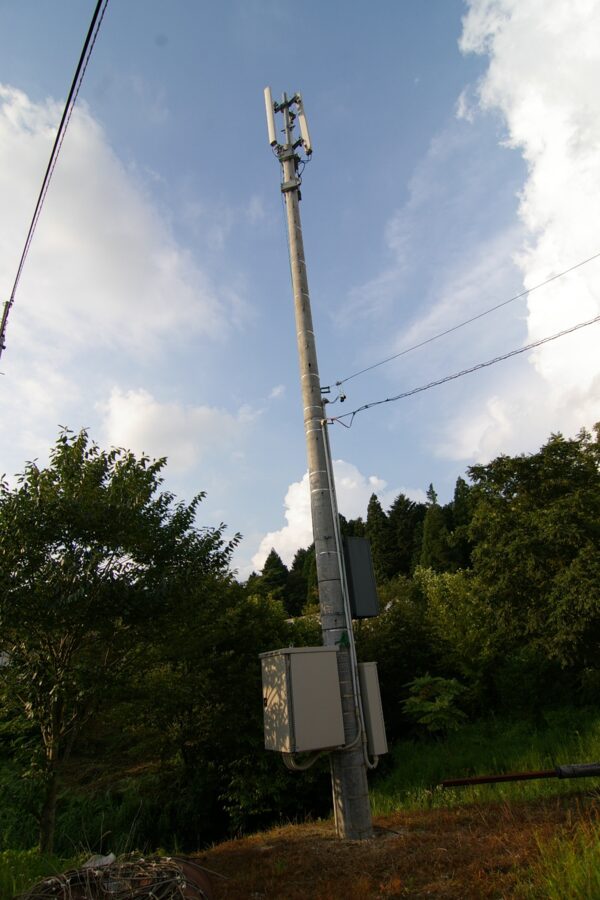
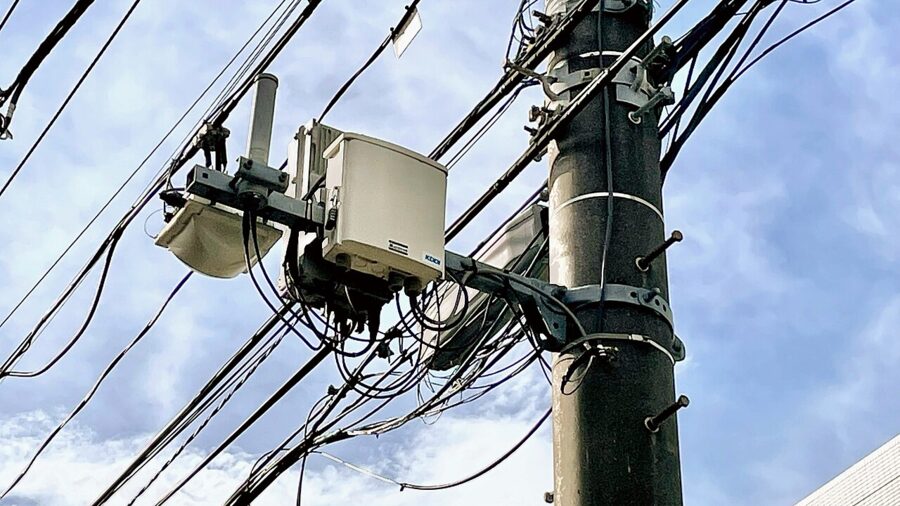
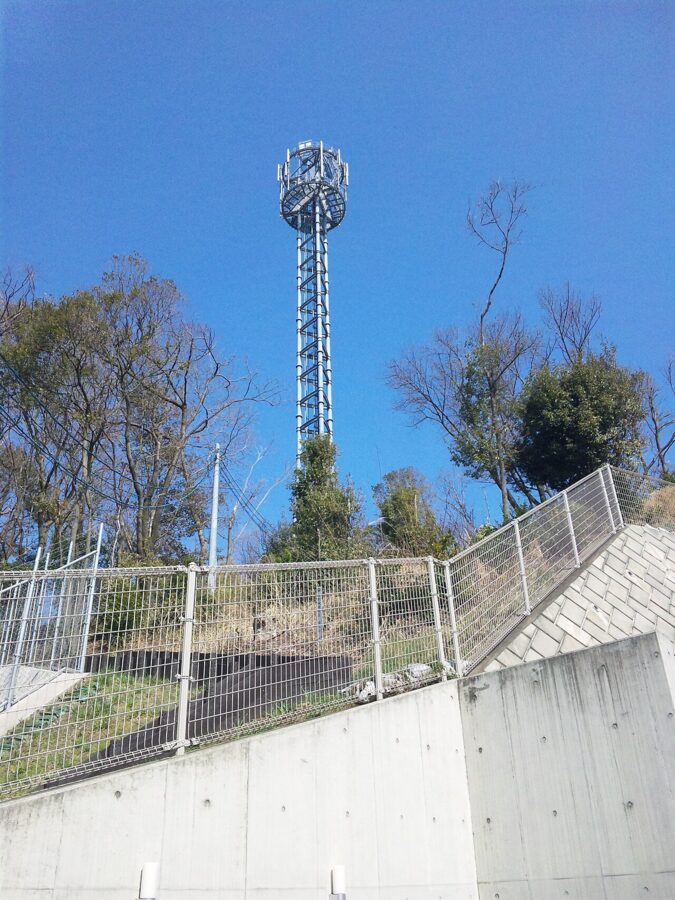
Japan has four networks: NTT Docomo, KDDI’s au, SoftBank and Rakuten Mobile. In the big cities, the seller’s rules matter more than the network name. In mountains and on rural rail lines the network starts to count, because coverage there leans on each carrier’s low-frequency band: band 19 for Docomo, bands 18 and 26 for au, band 8 for SoftBank.


Recent flagship phones usually list these bands; older or budget models may not. If your trip is mostly the Kiso Valley or the Kumano trails rather than Tokyo and Kyoto, check that your phone lists the low band for your plan’s network.

One 2026 change affects phones, not plans. Docomo shut down its 3G network, FOMA, on March 31, 2026, and says 4G phones without VoLTE (voice calls over 4G) can no longer make calls on it. A data-only eSIM doesn’t care; a plan with a Japanese number needs a VoLTE phone.

Data caps, speeds and what “unlimited” means here
Read the line under the word. Airalo’s seven-day plan drops to 1 Mbps after 3 GB in a day, which still loads maps and messages but stalls video. Holafly applies a fair-use slowdown for up to a day. povo has no daily cap but may slow in congestion, Sakura’s au plan has no daily cap but limits hotspot use, and Verizon gives 5 GB a session before 3G speeds.

Most visitors need less than they fear. I would expect maps, train apps, translation and messaging, with photo backups left for hotel Wi-Fi, to fit inside 3 GB a day, and a 10 GB week to suit a light user. Video calls, streaming on trains and a laptop on your hotspot are what break a cap.
Two habits stretch any plan: download offline maps of your cities on home Wi-Fi, and let photo backups wait for the hotel. On iOS 26, the prompt that switches your travel eSIM on also offers Low Data Mode, which pauses background updates; on a capped plan I would accept it.
Installing it before the flight
Install at home, on reliable Wi-Fi, a day or two before you fly, so any problem is solved by email rather than in a terminal. First, check on the plan page when the validity starts. Airalo says its packages begin only when the phone first connects to a supported network in Japan, so installing a week early costs nothing. povo is the opposite: a pack starts when you buy it, so buy the eSIM at home and the pack after landing.
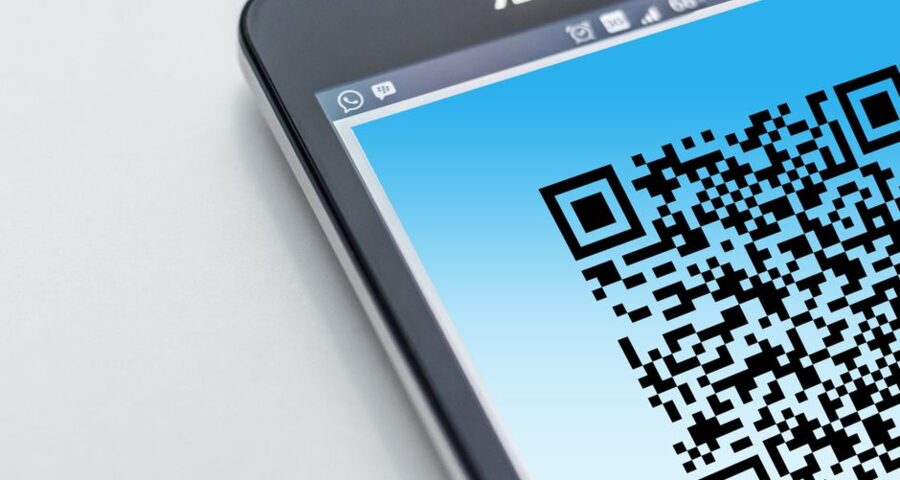
On an iPhone
Most sellers install from their app or a link: tap it and, on iOS 17.4 or later, allow “Activate New eSIM” and tap Continue. With a QR code, scan it with the Camera app from a second screen and tap “Cellular Plan Detected”; if the code is in an email on the same iPhone, press and hold it and choose Add eSIM. Label the new line “Japan” and keep your home line as the default for calls and texts.
On iOS 26 you can stop there: Apple’s travel eSIM guide says the phone prompts you to “Turn On Travel eSIM” after you land. On older versions, leave the new line off until arrival. If the provider gives an SM-DP+ address and activation code instead of a QR code, go to Settings, Cellular, Add Cellular Plan, Enter Details Manually; povo offers this route if the automatic one fails.
On Android
On a Pixel, open Settings, Network & internet, SIMs, then Add SIM and “Set up an eSIM”. Google’s Pixel eSIM page then asks which SIM handles calls, texts and mobile data. On a Samsung Galaxy, Samsung’s path is Settings, Connections, SIM manager, Add eSIM, Scan QR code, then a restart.
On landing: switching it on
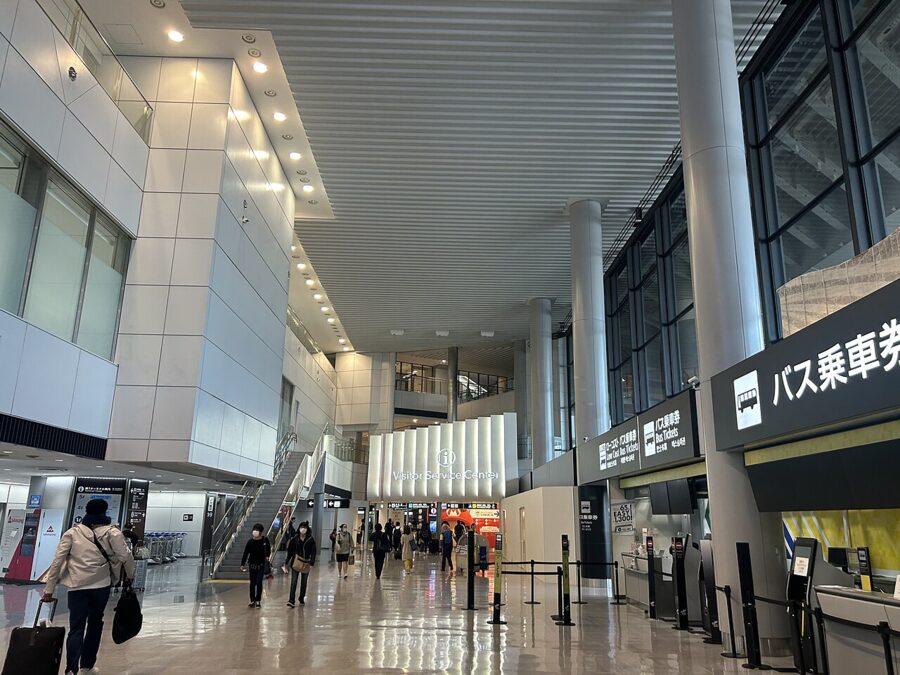
Turn Wi-Fi on first. FreeWiFi-NARITA covers every Narita terminal and the terminal shuttle buses, and Haneda’s Terminal 3 network is HANEDA-FREE-WIFI. That is your fallback if the eSIM needs a fix or povo needs a pack.
Then, on an iPhone: Settings, Cellular, tap the Japan line and check that “Turn On This Line” is on. Under Cellular Data, choose the Japan line. Turn Data Roaming on for that line if the provider’s instructions say so, and off for your home line unless you want to pay for it. On Android the same choices sit under SIMs on a Pixel or SIM manager on a Samsung.
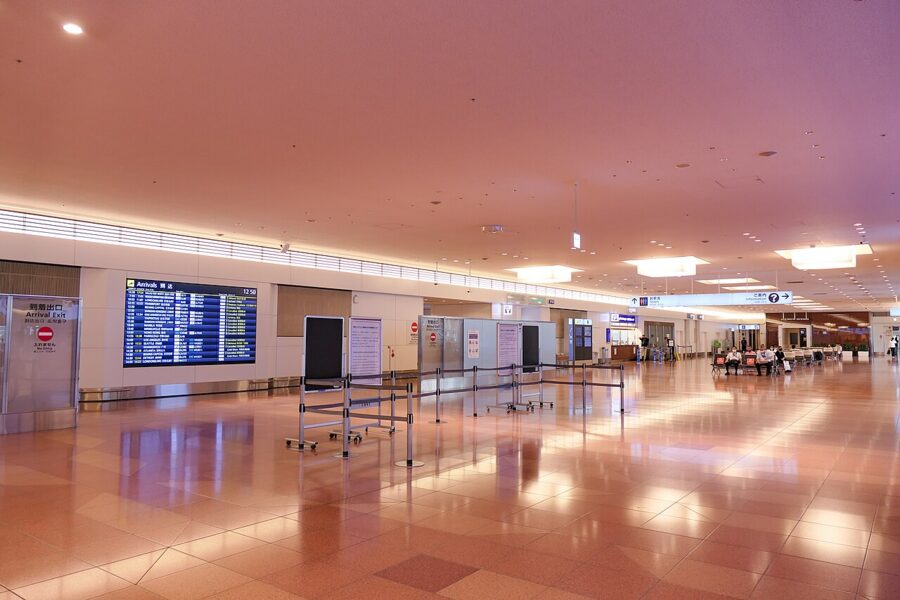

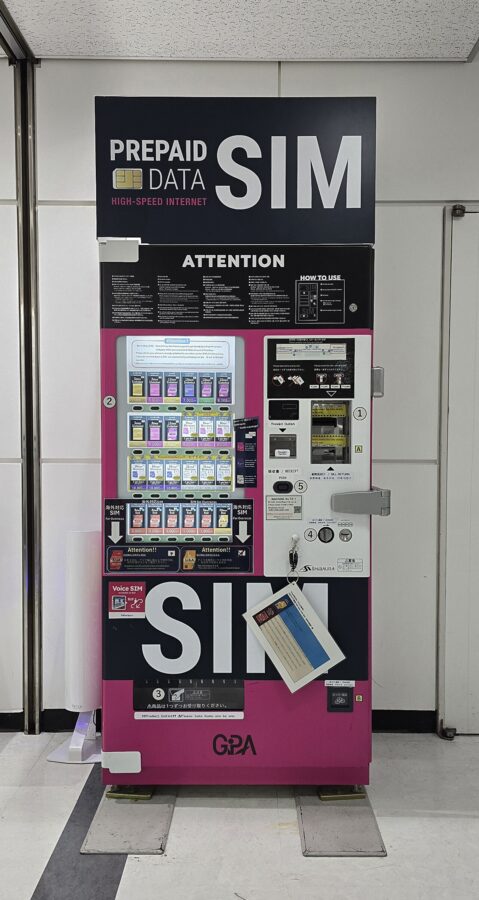
If the eSIM fails entirely, Narita lists GPA prepaid SIM vending machines in Terminals 1, 2 and 3, including four in the Terminal 2 main building on the second floor, before customs. For counters and hours at each airport, see picking up and dropping off at the airport.

APN settings, if you need them
An APN (access point name) is the address your phone uses to reach the network’s internet gateway. Nearly every travel eSIM sets it automatically; if yours doesn’t, the provider’s email gives the value. On an iPhone it goes in Settings, Cellular, then the line’s Cellular Data Network screen, and Apple’s APN page warns that a wrong value cuts off data and an iOS update can wipe manual changes.
Living with two lines
The usual setup is your home line on for calls and texts with its data roaming off, and the Japan eSIM for data. Apple says that with both lines on, the travel eSIM carries data but you may still pay roaming fees on the home line. With the home line off, iMessage and FaceTime keep working on your home number over the Japan data.
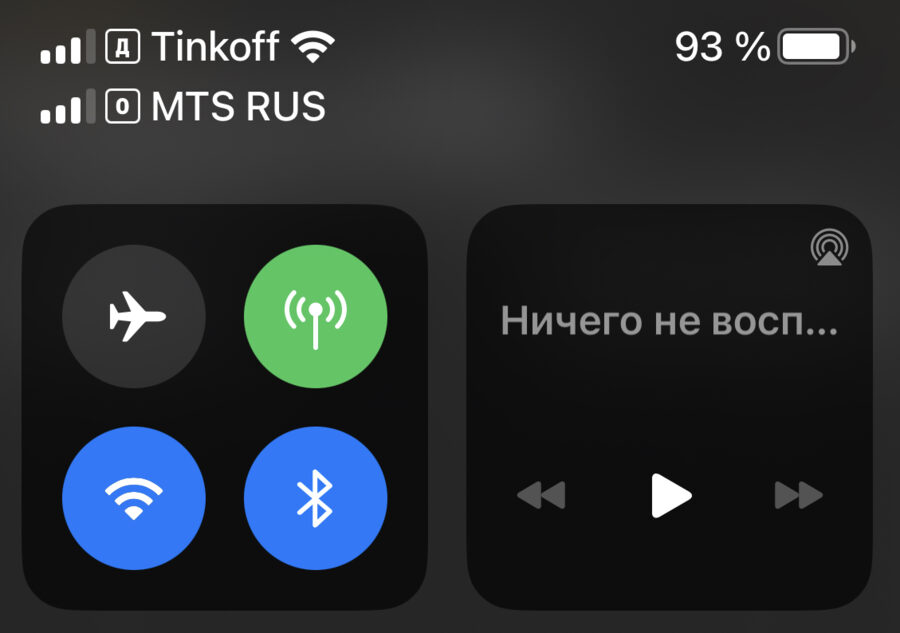
Keeping the home line on has one real use: bank and app codes sent by text. Receiving texts abroad is free on many home plans but not all, so check yours. On a Pixel 8a or later, Google says both SIMs can take calls at once if the second has automatic data switching and Wi-Fi calling.


Hotspotting a laptop or a partner’s phone
Most travel eSIMs allow tethering (sharing data through your phone’s Wi-Fi hotspot), but many limit it. Holafly gives 1 GB of shareable data per day bought, so a seven-day plan includes 7 GB for other devices. Sakura caps hotspot use on its unlimited plan by length, and counts it against the allowance on the 3 GB a day plans.

Hotspotting also drains the phone and ties everyone to it. Two people with eSIM phones are usually better off with two plans. A family of four, or anyone on a laptop all day, should look at a mobile Wi-Fi router.
What a data-only eSIM cannot do
A data-only eSIM gives you no Japanese phone number. You can’t take an ordinary call on one, send a text to one, or give one to a hotel or a booking form. Calls go through apps instead: LINE, Japan’s everyday messaging app, plus WhatsApp, FaceTime and the rest, all over data.
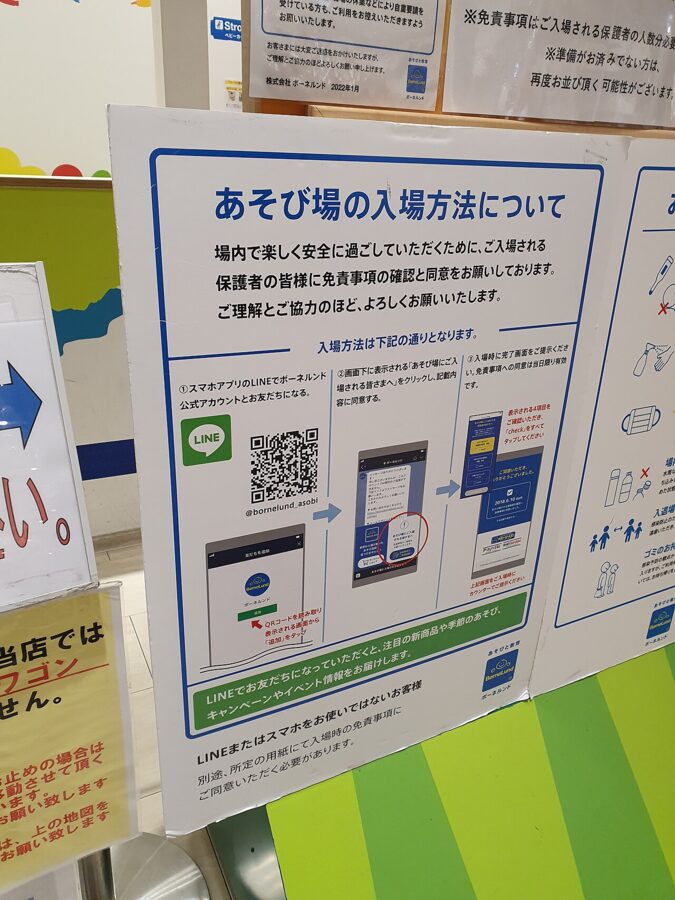
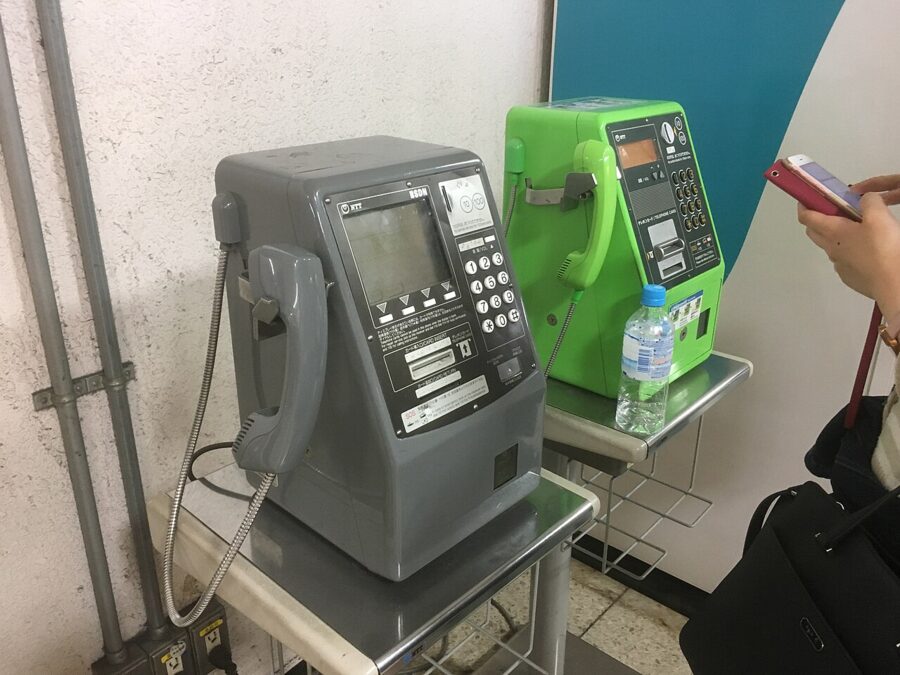

If you need a number, there are three routes. Your home line keeps your own number at roaming prices. Sakura’s Voice+Data eSIM includes a Japanese number with 120 domestic call minutes on plans up to ten days and 240 on longer ones. Mobal’s Japan Voice eSIM costs ¥4,950 (about US$31) at order, then from ¥1,430 a month voice only, with domestic calls at ¥44 (about 28 US cents) a minute and incoming calls free.
Neither arrives by email. Sakura says Japanese law requires an in-person ID check before a number goes live, so you collect its voice eSIM with your passport at a counter at Narita, Haneda, Kansai or Fukuoka airport, or at its Shinjuku office. Mobal wants your full passport at a pick-up point, or an ID upload with delivery to a post office, and a phone that supports VoLTE.


The ID rules are changing in 2027
Japan’s ID checks for phone contracts have so far covered voice lines only. The Ministry of Internal Affairs and Communications says the rules change from April 2027, when data-only SIMs come under the same checks, and that short-stay visitors using a data SIM for tourism or business may be covered. Online contracts have, as a rule, required reading the IC chip in an ID document since April 1, 2026.

As of November 2026, povo still asks for no photo ID, and the other data-only eSIMs here arrive by email. How the 2027 rules will apply to tourist eSIMs, including plans bought from sellers abroad, has not been spelled out, so after April 2027 check the plan page for an ID step before you buy.
Troubleshooting: when the bars stay empty
Work down this list; most problems end in the first three steps.
- Is the line on? In Settings, Cellular (SIMs on Android), the Japan line must be switched on.
- Is it the data line? Under Cellular Data or Mobile data, pick the Japan line, not your home line.
- Roaming, as instructed. Global sellers’ plans often need Data Roaming on for that line; follow the provider’s page.
- Restart the phone to force a fresh network search.
- Pick the network by hand. Turn off Automatic in the line’s network selection and choose the network your provider names.
- Check the APN against the provider’s email.
- Check the plan. Has the pack started, run out or expired? On povo, no pack means 128 kbps.
- Locked after all? A locked phone may install the eSIM and still refuse to use it.
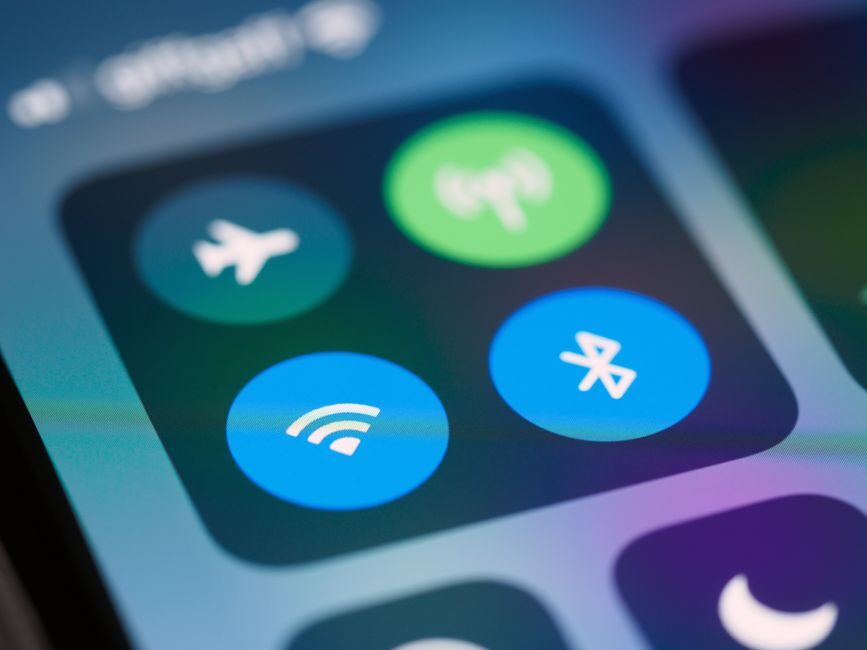
Don’t delete the eSIM as a fix: many profiles install only once, and a deleted one usually means asking for a replacement. Contact support from the airport Wi-Fi with a screenshot of your Cellular screen.
When a pocket Wi-Fi or a physical SIM is the better buy
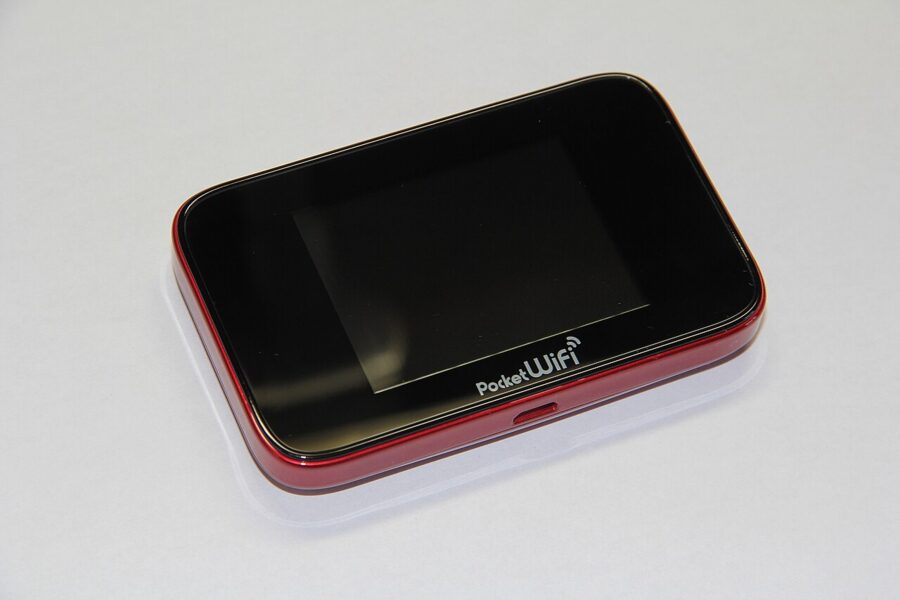
If your phone is locked and the carrier won’t release it in time, or it is too old for an eSIM, a pocket Wi-Fi works with anything that has Wi-Fi and asks nothing of your phone. A family sharing one connection, or a laptop online all day, is also better served by a router.

A physical prepaid SIM suits an unlocked phone that predates eSIM, and it is what the Narita machines sell. Free Wi-Fi is a supplement, not a plan: the Japan Wi-Fi auto-connect app that JNTO promotes signs you in once, then joins free networks at airports, stations, convenience stores and cafes.
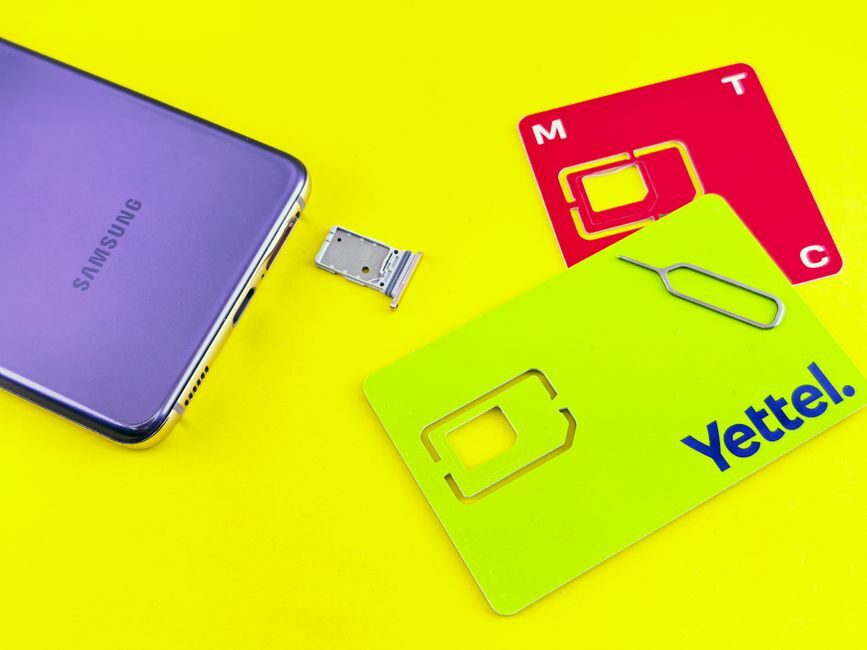


For one or two people with unlocked phones, I would still buy the eSIM. There is nothing to collect or post back, and the phone is the only thing to keep charged.

So before you spend $9 or $90 on Japanese data, open Settings, General, About on your iPhone, or call your carrier about your Android, and read the Carrier Lock line. “No SIM restrictions” means every option above is open; anything else means your week of data is one phone call away.