
On this page5 parts
Japan switched off its last 3G network on March 31, 2026, when NTT Docomo closed its FOMA service. A phone that makes calls over 4G works here. One that can’t is a camera with a map app that only wakes up on hotel Wi-Fi.
Most of the other questions people ask before a trip have answers just as short: a number of gigabytes, a plug shape, a counter in an arrivals hall. The one that takes longest is whether to rent a pocket Wi-Fi at all, and for one or two people with a recent, unlocked phone, my answer is no.


Before you fly
Will my phone work in Japan?
If it supports 4G calling (VoLTE, voice over the 4G network), yes, and most phones from the last several years do. With 3G gone, Docomo’s own notice says phones without VoLTE can no longer make voice calls at all, and the other two big networks, KDDI au and SoftBank, closed their 3G earlier. An older or budget model is the one to check, under VoLTE in the settings or in the maker’s specifications.

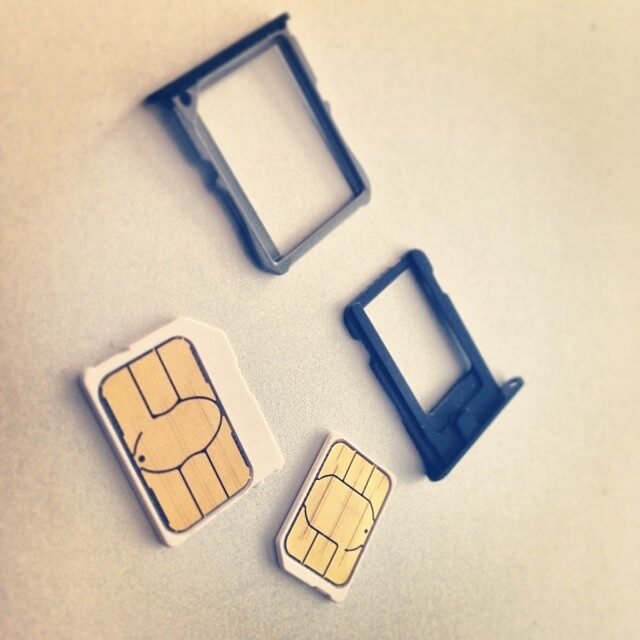
Working and working with a Japanese SIM are two different tests. Roaming on your home plan needs nothing but a phone your carrier supports abroad. A Japanese SIM card or eSIM needs a phone your carrier has unlocked: on an iPhone, Settings, General, About, then the Carrier Lock line should read “No SIM restrictions”.
Is it legal to use a foreign phone here?
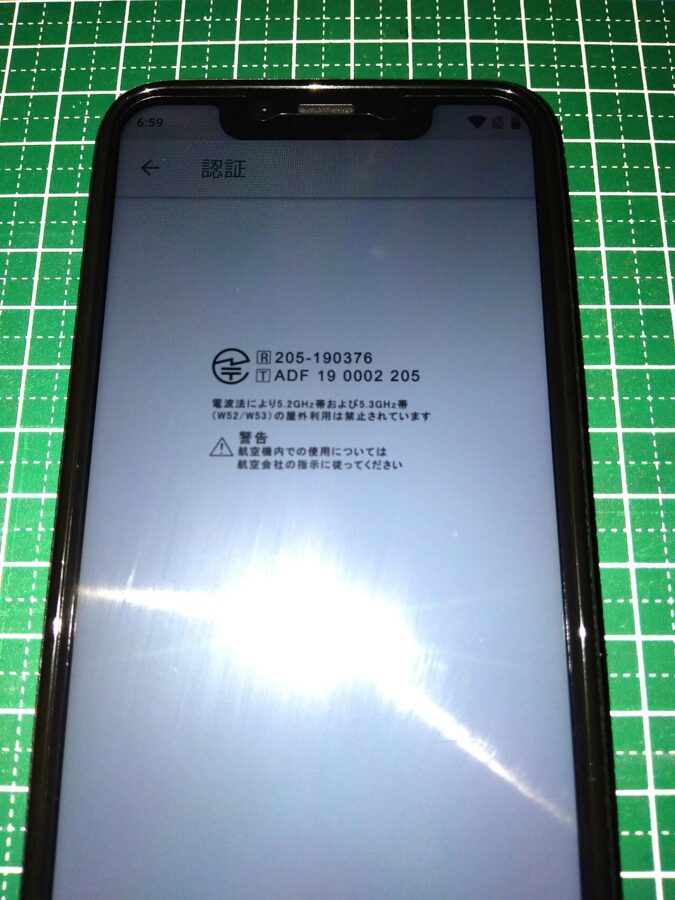
Yes, within limits set by the Ministry of Internal Affairs and Communications. Japan normally requires radio equipment to carry its technical conformity mark, called giteki (技適), but the ministry’s rules for devices brought into Japan exempt a foreign phone used on international roaming or with a Japanese carrier’s SIM. Wi-Fi and Bluetooth on phones, tablets, earphones and game consoles are allowed for 90 days after you enter the country, provided they carry the Wi-Fi or Bluetooth logo.
Two catches. A Wi-Fi router brought from abroad is allowed only if it carries the Japanese mark, so leave the travel router at home. And if you share your phone’s connection with a laptop, the exemption covers tethering in the 2.4 GHz band or 6 GHz low-power mode only, so check the band in your hotspot settings.

Do I need a pocket Wi-Fi, or is an eSIM enough?
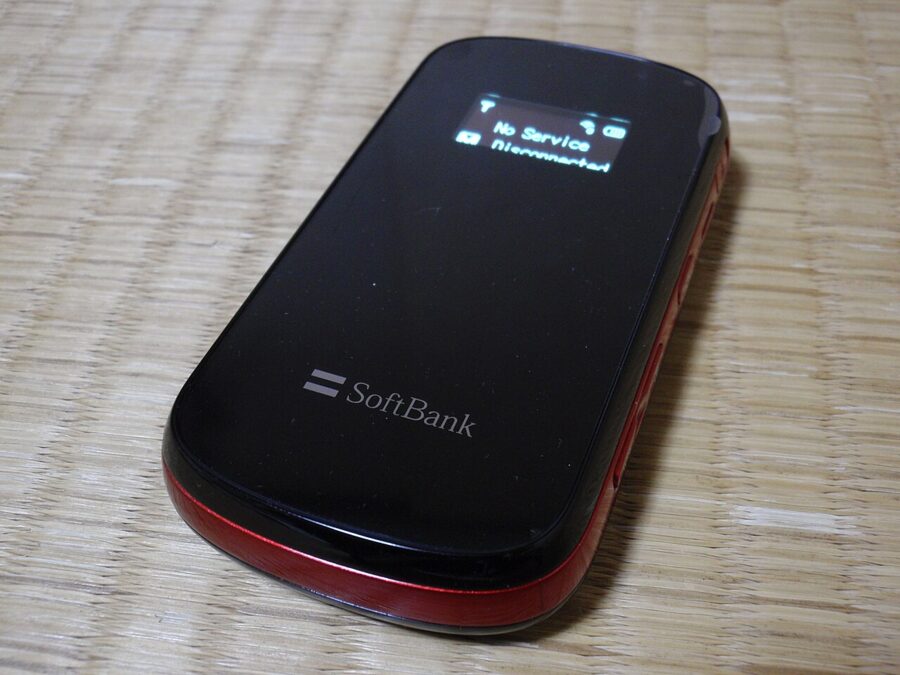
For one or two people with unlocked phones, an eSIM is enough and costs less. KDDI’s povo travel eSIM sells 10 GB for seven days at ¥1,430 (about US$9), at the prices povo set in March 2026. A 4G/5G router from JAL ABC starts at ¥1,584 (about US$10) a day booked online and ¥1,980 (about US$12) at the airport counter, as of November 2026.
The router earns its place in three cases: a family or group sharing one connection, a phone that is still carrier-locked, and tablets or laptops that have no SIM slot. Pocket Wi-Fi rental has its own costs on top of the daily rate, which I’ve added up in what staying connected in Japan costs, and the devices themselves are covered under mobile routers.

How much data do I need a day?
Less than the marketing implies. By my reckoning, maps, messages and a browser fit in about 1 GB a day, and 3 GB leaves room for some video. SoftBank publishes the usage estimates I’d plan with:
| Activity | Data used (SoftBank estimate) |
|---|---|
| Opening one news or portal page | about 0.3 MB |
| Sending one email with a photo | about 3 MB |
| One hour of voice calls on LINE or Skype | about 18 MB |
| One hour of music streaming (192 kbps) | about 87 MB |
| One hour of YouTube, standard quality | about 450 MB |
| One hour of Netflix in HD | about 1,300 MB |
Video is the whole story. A map open on a long walk is light next to one episode on the train, and video is what the fair-use ceiling on “unlimited” plans is there to stop: under its unlimited travel plans, Sakura Mobile’s price page says the 3 GB-a-day versions slow to 1 Mbps on the SIM card and 200 kbps on the eSIM once the day’s 3 GB is used.
Can I keep my home number?
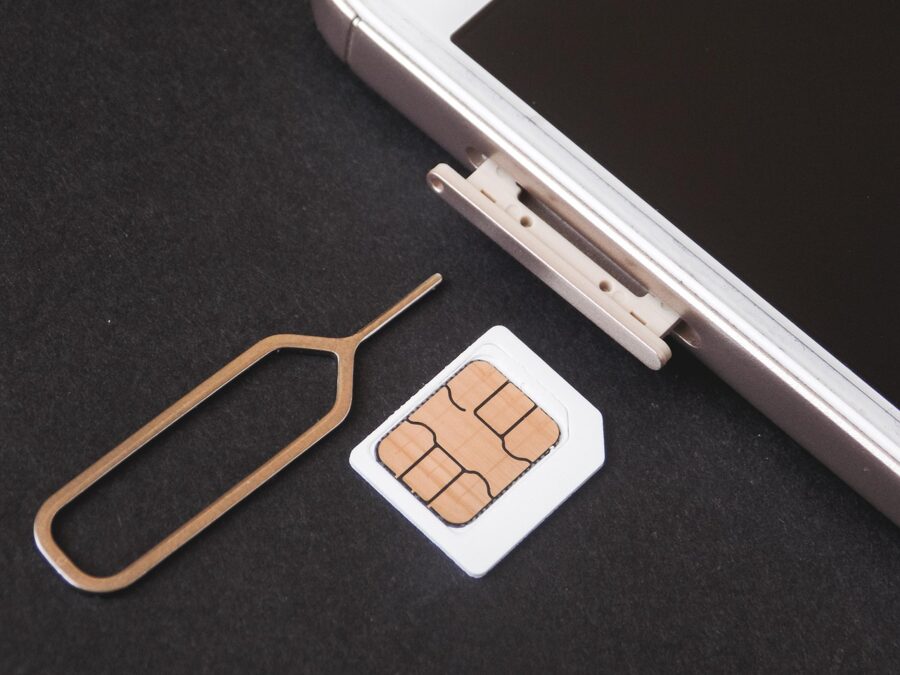
Yes, and on a dual-SIM phone you should. Keep your home line switched on for calls and text messages, which is how bank and login codes reach you, and set the Japanese eSIM as the line for mobile data. Then turn off data roaming on the home line, or your carrier may bill you for data the phone uses on it.
Incoming calls and texts while roaming are priced by your home carrier, not by Japan, so check its roaming page before you leave. How Japanese numbers work, and how to call home cheaply, is in calling in Japan.
Can I get a Japanese phone number?
Not with most travel eSIMs, which are data only: povo’s Japan SIM, for one, supports no voice calls or SMS. A Japanese number needs a voice SIM, and voice contracts require an identity check under Japan’s mobile anti-fraud law. Since April 1, 2026, an online contract must, in principle, verify identity by reading the chip in an ID card.
The next change catches visitors directly. From April 2027 the ministry’s new identity rules extend checks to data-only SIMs as well, and its page notes that foreign nationals on short stays, using a data SIM for sightseeing or business, may be covered. The voice SIMs still open to visitors are compared in SIM cards for Japan.

Do I need LINE?
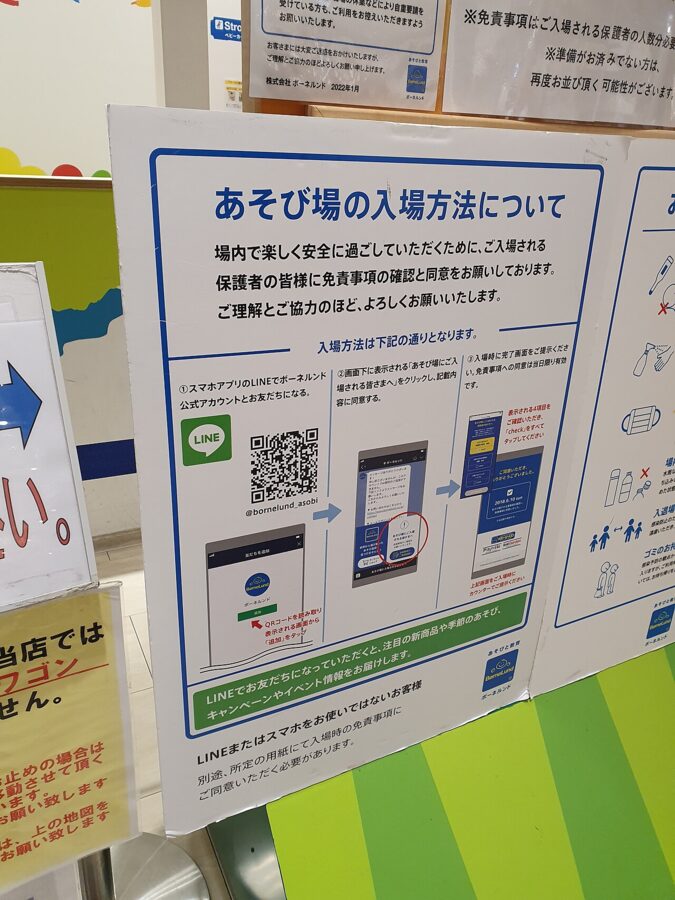
Only if someone you’ll deal with asks for it, and in Japan that happens: LINE passed 100 million monthly users in Japan at the end of December 2025. A guesthouse host, a guide or a Japanese friend may well prefer it to email or WhatsApp. Install it at home, not in the arrivals hall.
Sign-up has changed. If you live outside the handful of countries where LINE still verifies by phone number, LINE’s help page says to create the account with an Apple or Google login instead. The other apps worth installing before the flight are in travel apps for Japan.
Landing
Is there free Wi-Fi at the airport?
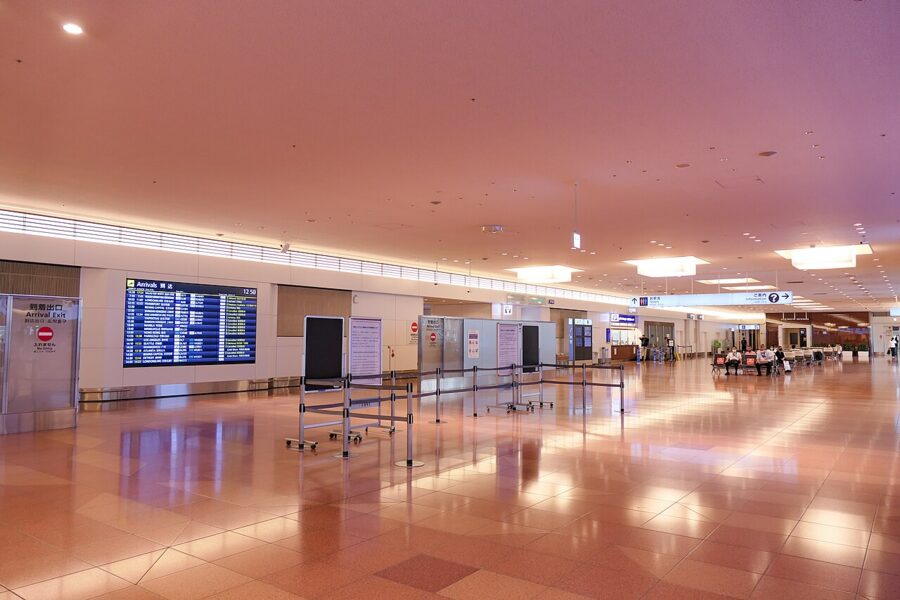
Yes, and at the two Tokyo airports you don’t even register. Tokyo’s tourism board lists HANEDA-FREE-WIFI across Haneda’s Terminals 1, 2 and 3, and Narita Airport Free Wi-Fi in all Narita terminals, both with no sign-up, in its hotspot guide updated September 1, 2026. That is enough to message whoever is meeting you and finish installing an eSIM you forgot about.

Where do I pick up a rental router?
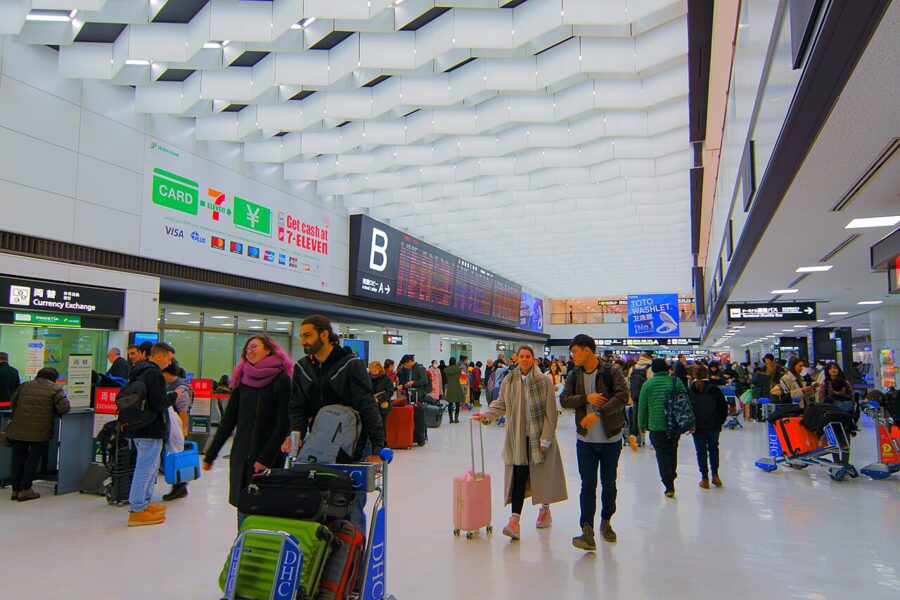
At a counter in the arrivals hall, or at your hotel if you had it delivered. JAL ABC, for one, hands out routers in the arrival lobbies of Narita Terminals 1 and 2 and Haneda Terminal 3, and at Kansai Terminal 1, where a reservation is required. Its online booking closes at 5 p.m. Japan time one day ahead for Narita, two days for Haneda and three for Kansai.
Counter stock runs out, so book. Every airport counter and return option, including the post-box return that most delivery rentals use, is in airport pick-up and return.

What plugs and voltage does Japan use?
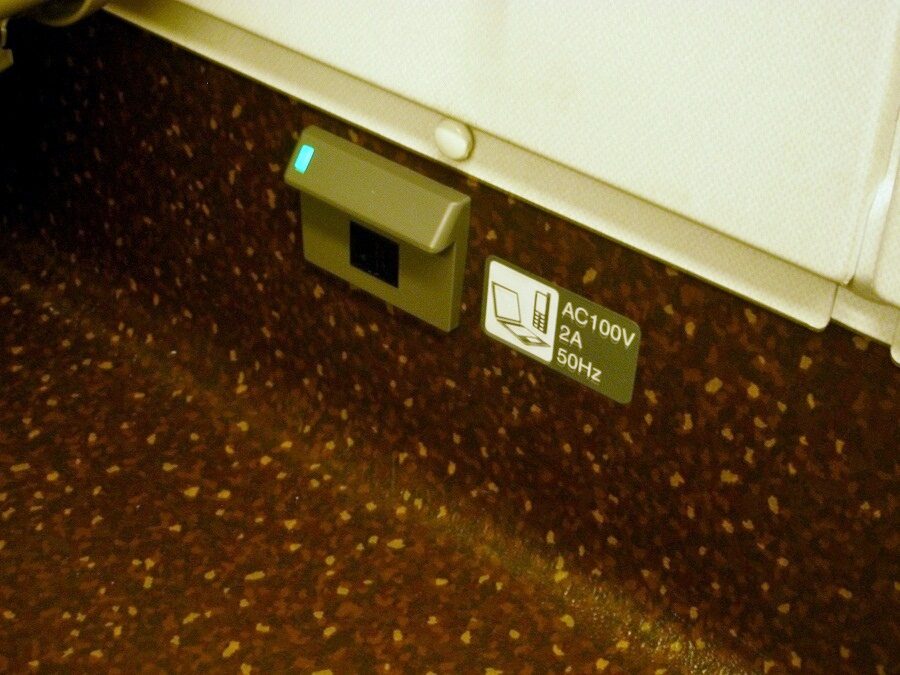
Flat two-pin plugs and 100 volts. The Embassy of Japan in Singapore’s electricity notes give 50 Hz in eastern Japan, including Tokyo, and 60 Hz in the west, including Nagoya, Kyoto and Osaka. A US or Canadian two-pin plug fits as it is; a three-pin plug usually doesn’t, because most sockets have just the two slots.
Phone, laptop and router chargers marked 100-240V work anywhere in the country. For other appliances, JNTO’s plug and electricity page says you need a step-down transformer, and it points to Akihabara in Tokyo, Nipponbashi in Osaka and the big electronics chains for adapters.

On the move
Is free Wi-Fi good enough on its own?
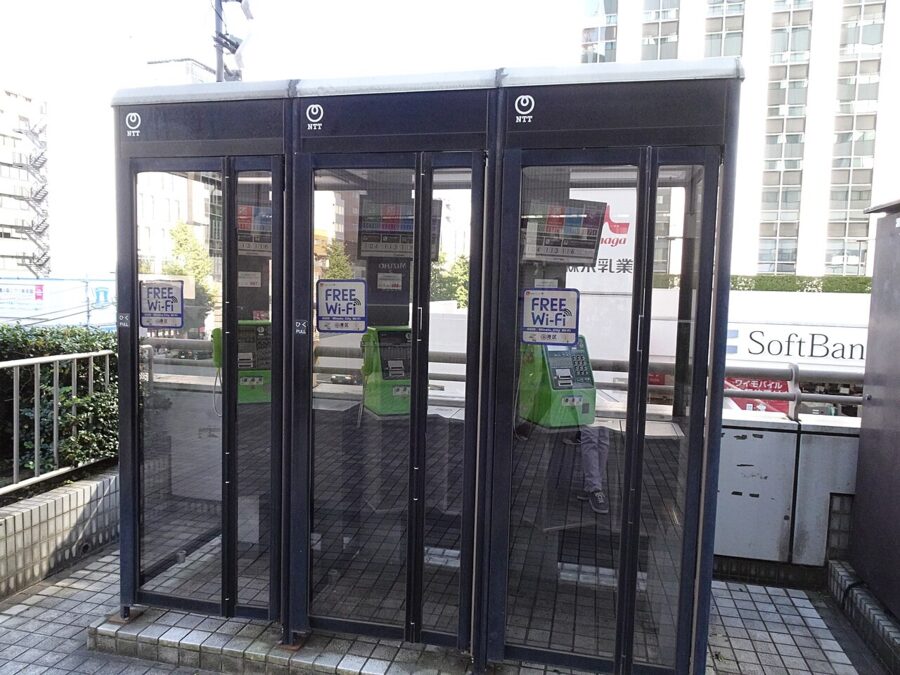
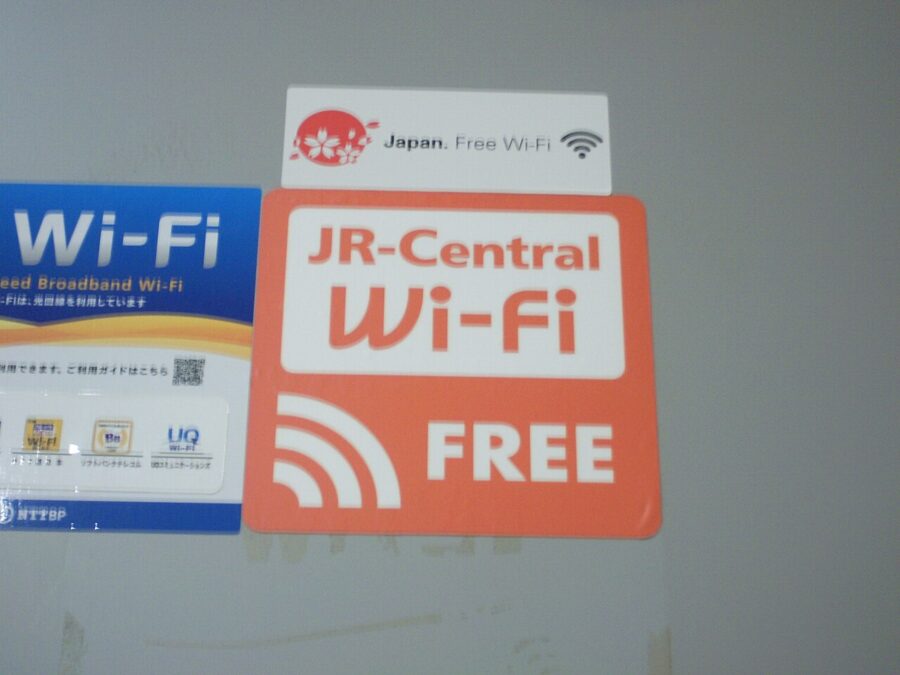
As a backup, yes; as your only connection, no. It works where you stop (stations, convenience stores, cafes, hotels) and disappears on the walk between them, which is when you need a map. Most networks also ask for a sign-up the first time, often on a login page that only appears once you open a browser.
Three things cut the friction. Japan Wi-Fi auto-connect, a free app from NTT Broadband Platform, registers you once and reconnects at any hotspot you’ve used before. SoftBank’s FREE Wi-Fi PASSPORT gives two weeks of access, renewable, for up to five devices, but it needs an LTE phone, may refuse some prepaid home plans and isn’t encrypted. And some cafe chains and JR East’s Yamanote Line stations run their own free networks, each with its own sign-up.

Can I charge my phone and get online on the bullet train?
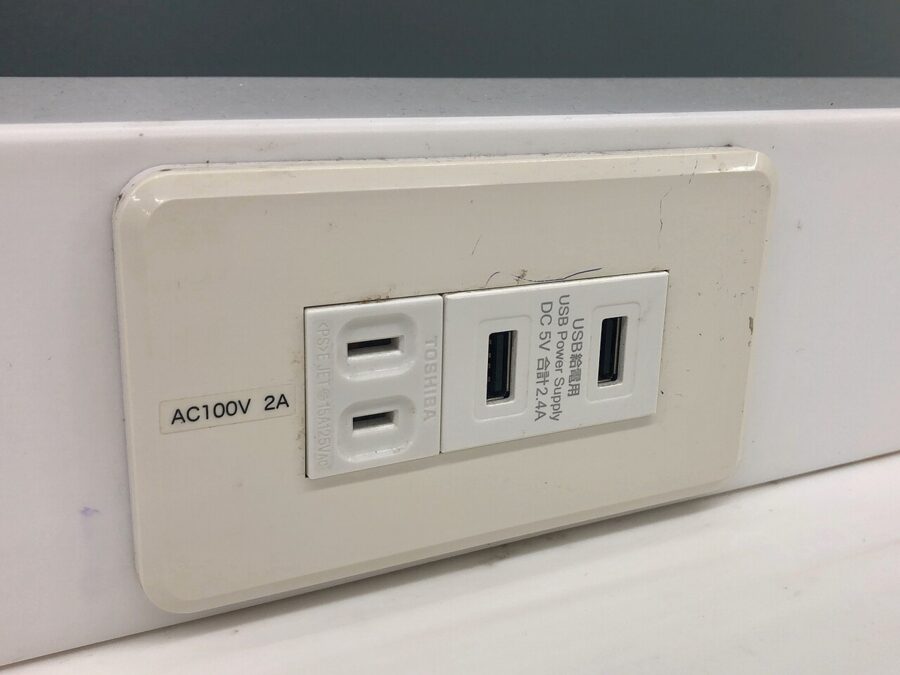
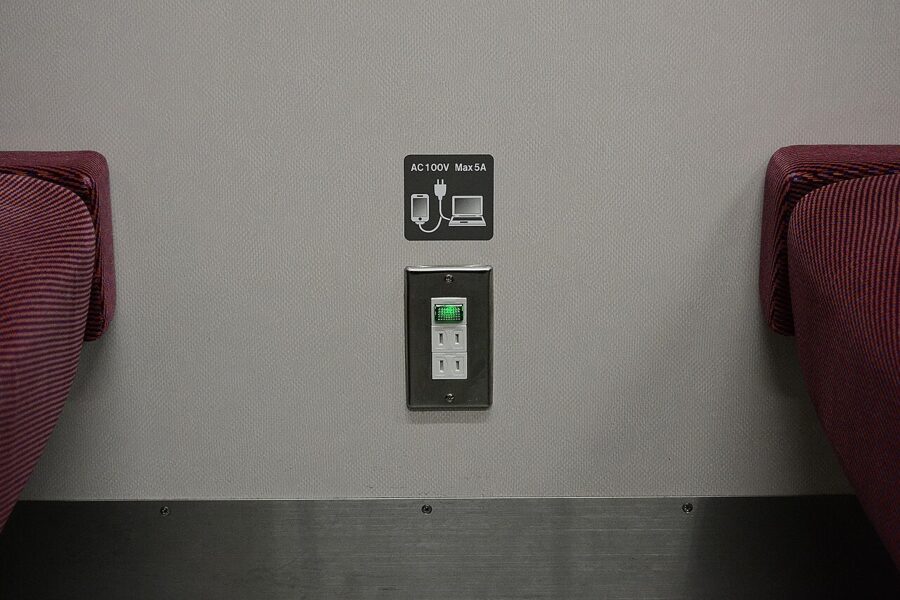
Usually both. JR Central’s seat guide puts an outlet at every seat on the N700S, while on the older N700A ordinary cars have them only at window seats and the very front and back rows. JNTO’s advice is simply to ask for a window seat with an outlet when you buy the ticket.
The Wi-Fi is free on every Tokaido, Sanyo and Kyushu Shinkansen train: pick “Shinkansen_Free_Wi-Fi” and register with an email address or a social account. JR Central’s Wi-Fi page says you’ll be asked to log in again every 30 minutes, so I treat it as a bonus for email, not a connection to plan a video call on.
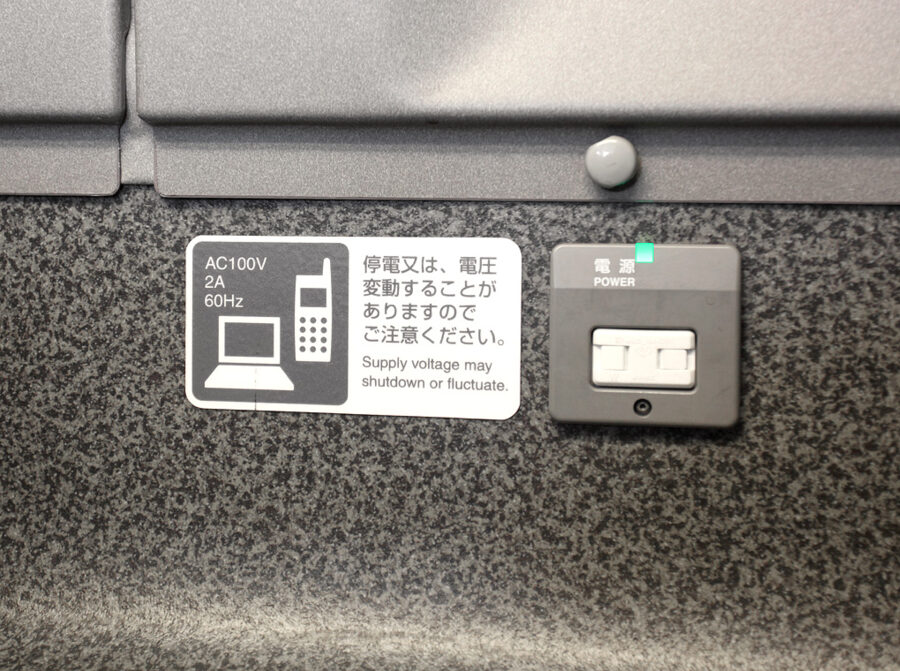

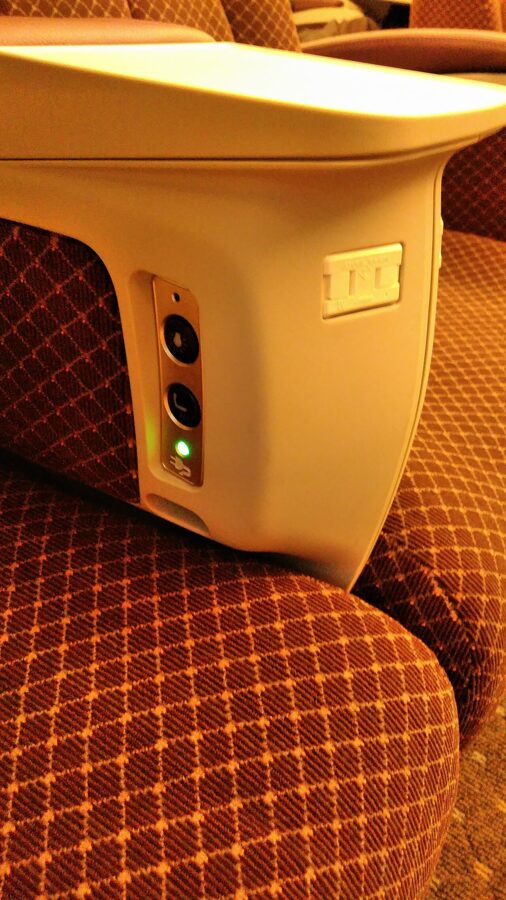

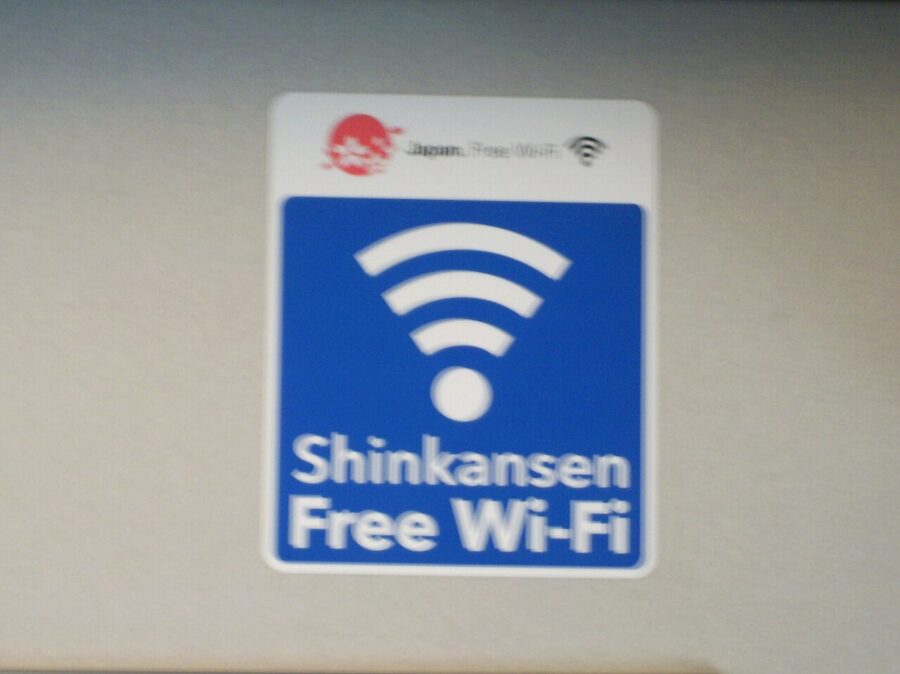

On ordinary commuter trains, don’t count on an outlet, although a few sets have them; carry a power bank and charge at the hotel.

What are the rules for power banks on flights?
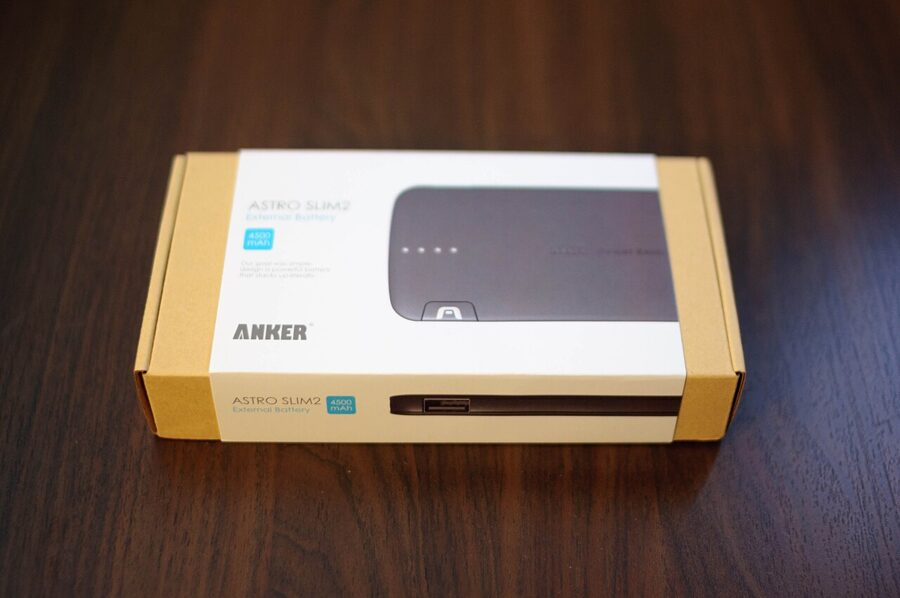
Stricter since April 24, 2026. The transport ministry’s new rules allow at most two power banks in the cabin, each 160 Wh or less, and ban both charging a power bank on board and charging anything from it during the flight. Power banks still can’t go in checked bags.
Domestic hops are covered. On an international flight, check your airline’s own rule as well, since it may differ.

Can I take a call on the train?
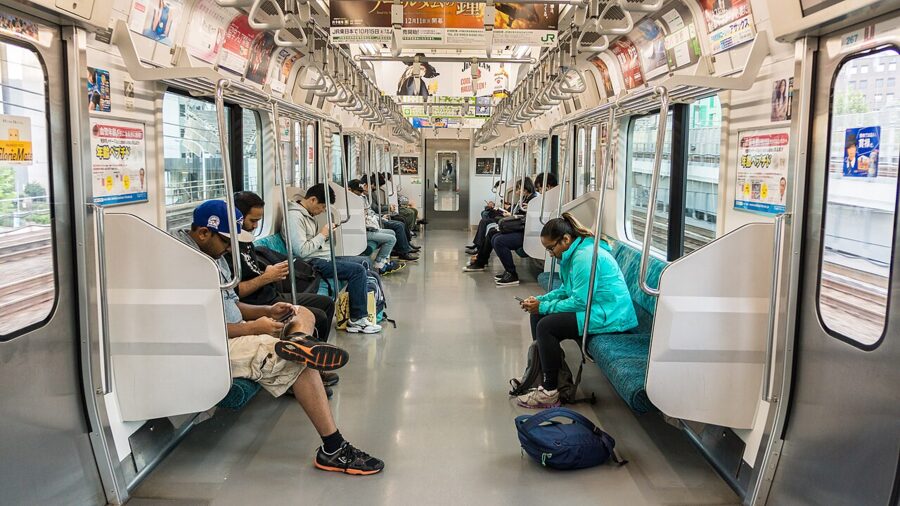
No. JR West’s manners page asks passengers to set phones to silent mode and refrain from making or taking calls on board, and the other operators say the same. Texting, scrolling and video with earphones are fine; step out onto the platform, or into the space between cars on a long-distance train, if a call can’t wait.

Is Google Maps reliable?
For trains and walking it’s the app I’d open first, with one weakness: it needs data for exactly the directions you want. Google’s offline maps help page says transit, walking and cycling directions are unavailable offline; downloaded maps only give driving routes. So a downloaded map of Tokyo shows you where you are, not which train to take.
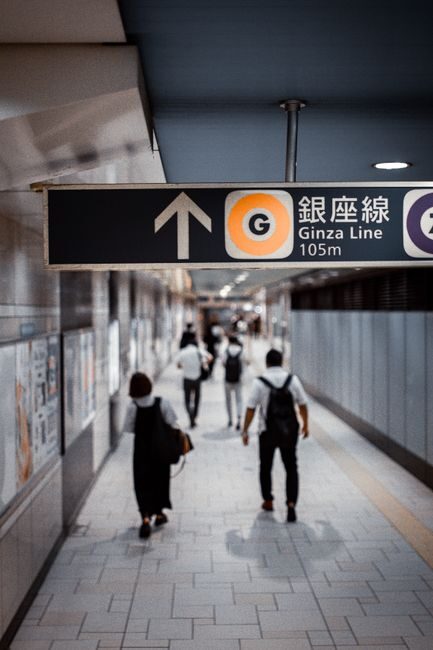
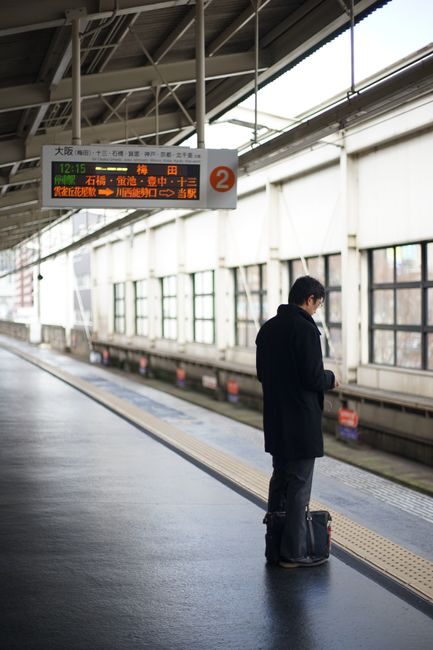
Check the platform on the station boards when a route involves a transfer between operators, because two companies can share a station name and not a building. Japan Transit Planner and NAVITIME do the same job if you prefer a dedicated rail planner.
Can I use a VPN?
Yes, and you don’t need one to reach anything: Freedom House’s 2025 report on Japan rates the internet free and found no blocked websites. Gmail, WhatsApp, Instagram and the rest work as they do at home.
Where a VPN helps is public Wi-Fi. SoftBank says plainly that its free network isn’t encrypted, and the ministry’s Wi-Fi security advice tells users to prefer WPA2 or WPA3 networks and check that sites load over HTTPS. I’d keep banking for the eSIM, or run a VPN on the open hotspots.
When something goes wrong
What happens with earthquake alerts?
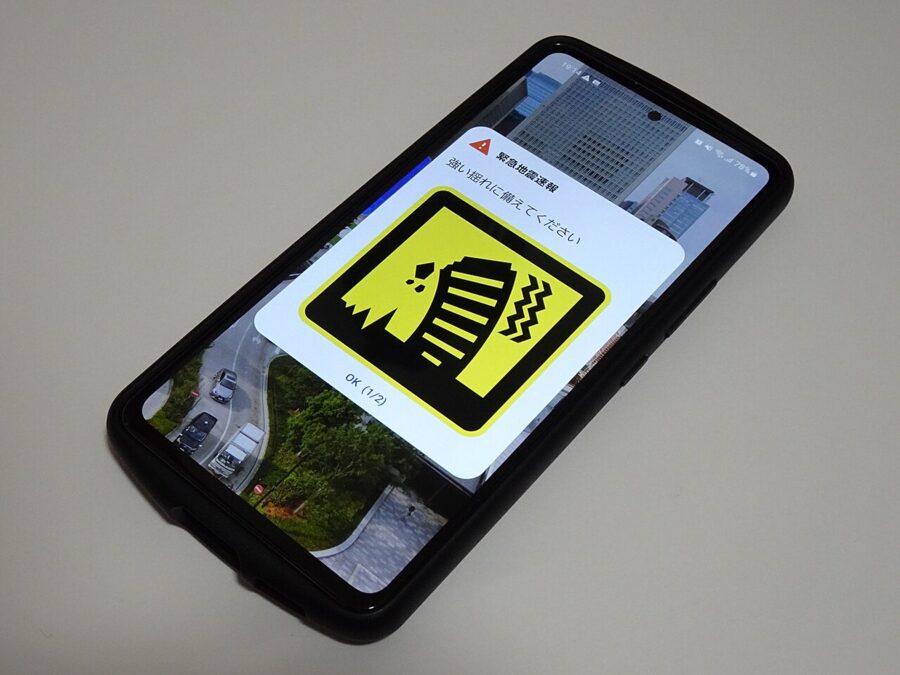
The Japan Meteorological Agency issues an Earthquake Early Warning (kinkyu jishin sokuho, 緊急地震速報) when it expects a maximum intensity of 5 lower or more, to areas expecting intensity 4 or more, under its issuing criteria. Japanese carriers push it to every phone in those areas. Whether a foreign phone shows it depends on the model and its emergency-alert settings, so switch those alerts on before you fly.
The warning buys seconds, not minutes, and JMA explains that close to a shallow inland quake it can arrive after the shaking. For a backup in English, install Safety tips, the free app supervised by the Japan Tourism Agency. It sends early warnings for intensity 4 or more, plus tsunami, volcanic, heat illness and civil protection alerts, in 15 languages.

What if I lose the router, or the phone?
Call the rental company first; JAL ABC tells customers to ring its call center immediately. Then work out what the loss costs you, which depends on the cover you bought. JAL ABC’s loss and damage waiver costs ¥210 (about US$1.30) a day and knocks 70% off the repair or replacement bill, while Japan Wireless’s insurance plans cover 80% (Regular) or 100% (Gold).
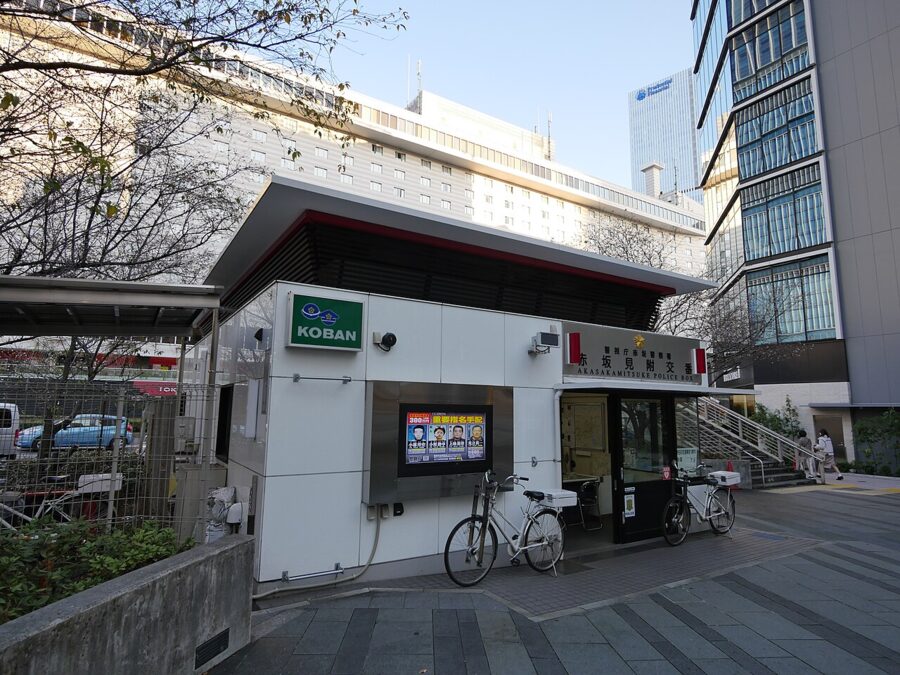
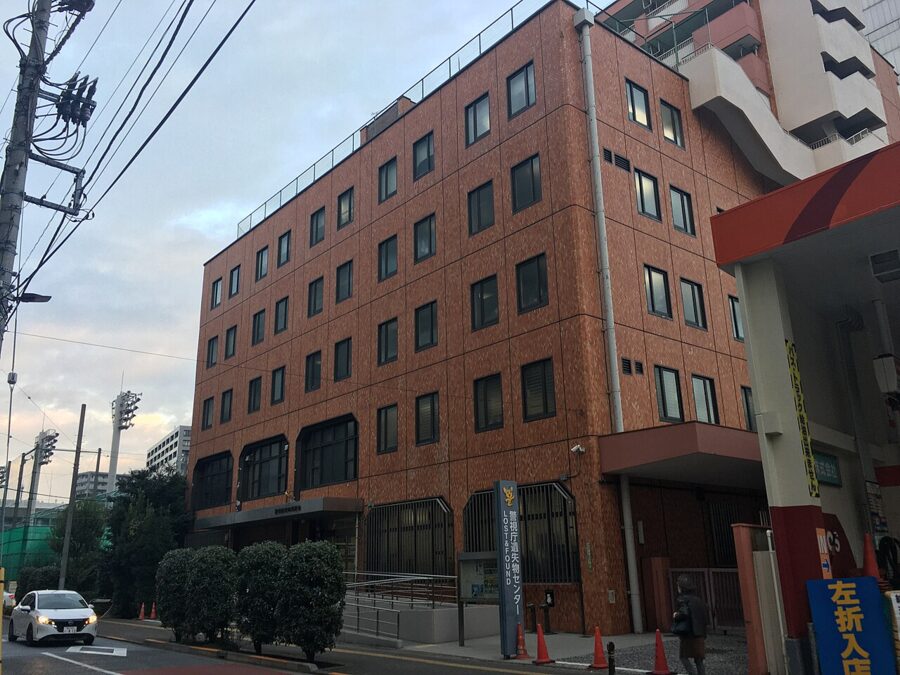
Next, report it at a koban (交番, police box), and the police will contact you if it turns up. Tokyo’s lost property pages ask for a phone’s SIM card number or serial number, so photograph the router’s label and note your phone’s IMEI on the first day. Ask the train company too, since rail operators keep lost property for a few days.


The one check to make tonight
Open your phone’s settings and find out whether it’s carrier-locked. Unlocked, it takes a Japanese eSIM, and the rest of the trip’s connectivity costs about ¥1,430 a week and a few minutes of setup. Locked, ask your carrier to unlock it before you fly, or plan around a router and roaming. Either way, it’s the same phone that has to make calls over 4G.