

On this page8 parts
About ten free apps cover almost everything a phone has to do on a trip to Japan, and the most useful thing on the list is not really an app at all. It is a Suica card living in your phone’s wallet, and whether you can have one is decided by the phone you already own: any iPhone from the 8 onward can, and almost no Android phone bought outside Japan can, as of November 2026.
Everything else is a matter of installing the right apps on Wi-Fi at home, signing in before you board, and knowing which ones need data and which keep working when the signal drops in a tunnel under Shinjuku.

The short list to install before you fly
Install these at home, open each one once, and sign in where it asks. Most of them want a verification text, an email link or a card on file, and all of that is easier on your home Wi-Fi with your home number still working than in an arrivals hall.
| App | What it does for you | Cost | Needs data? |
|---|---|---|---|
| Google Maps | Walking and transit directions, opening hours, saved places | Free | Yes for transit routes |
| Japan Travel by NAVITIME | Train and bus routes that know your rail pass, platform and car numbers | Free; premium from US$7.99 a week | Yes; some spot search offline |
| Japan Transit Planner (Jorudan) | Station-to-station routes, fares and timetables | Free to download; full features ¥360 (about US$2) a month | Yes |
| Welcome Suica Mobile or Apple Wallet (iPhone) | Suica on your phone for trains, buses and shops | Free, no deposit | Only to top up |
| smartEX | Shinkansen tickets between Tokyo, Osaka, Hiroshima and Kyushu | Free, no annual fee | Yes to book |
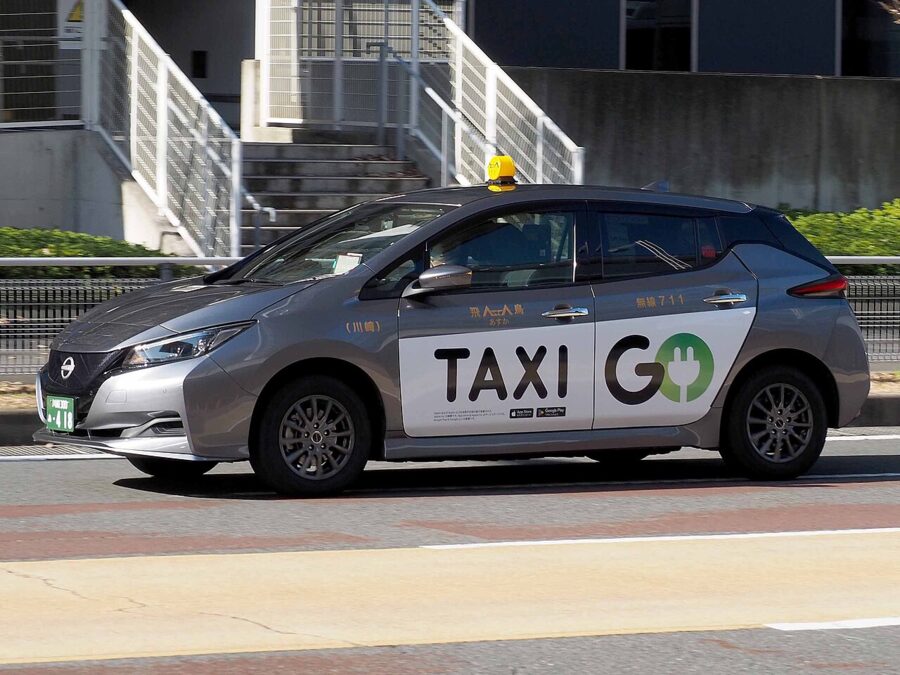
| GO (and Uber) | Call and pay for a licensed taxi | Free; fares as metered plus fees | Yes |
| Google Translate | Camera translation of menus and signs | Free | No, once Japanese is downloaded |
| VoiceTra | Spoken two-way translation | Free | Yes |
| LINE | Messages and calls with hotels, guides and anyone you meet | Free | Yes |
| Safety tips | Earthquake, tsunami, weather and heat alerts in 15 languages | Free | Yes for alerts |
| Tabelog | Restaurant search and table booking in English | Free | Yes |
One thing people expect to find on this list is an immigration app. There isn’t one. Visit Japan Web is a website run by the Digital Agency where you register your arrival details for immigration and customs and get a QR code to show on landing; it also handles tax-free shopping during your stay. Bookmark it on your phone and fill it in before the flight.


The order of work at home, then: download the Japanese language in Google Translate, set up LINE, register for smartEX if you will ride the Tokaido Shinkansen, create the GO account, and pick your locations in Safety tips. On an iPhone, also decide where your Suica will come from. The rest can wait until you land.
Getting around: maps, routes and trains

Google Maps, and what Japanese commuters use instead
Google Maps does the job most visitors need: type a place, get a walking and train route with fares and the time of the next departure. Its place pages are also where you check whether a shop is open today. I would keep it as the default and add one Japanese route app on top.
The weak spot is offline use. Google’s own help page on offline maps says downloads are not available in some countries, without listing them, and that transit, walking and cycling directions are unavailable offline anyway. So a downloaded map of Tokyo will show you where you are, but it will not route you through the subway without data. Try the download at home before you count on it.
Japanese commuters mostly use dedicated route apps, the norikae annai (乗換案内, transfer guide) type. Two of them have English versions built for visitors, and both do things Google Maps does not: they know which rail passes cover which trains, and they can tell you which car stops nearest the stairs you want.
Japan Travel by NAVITIME
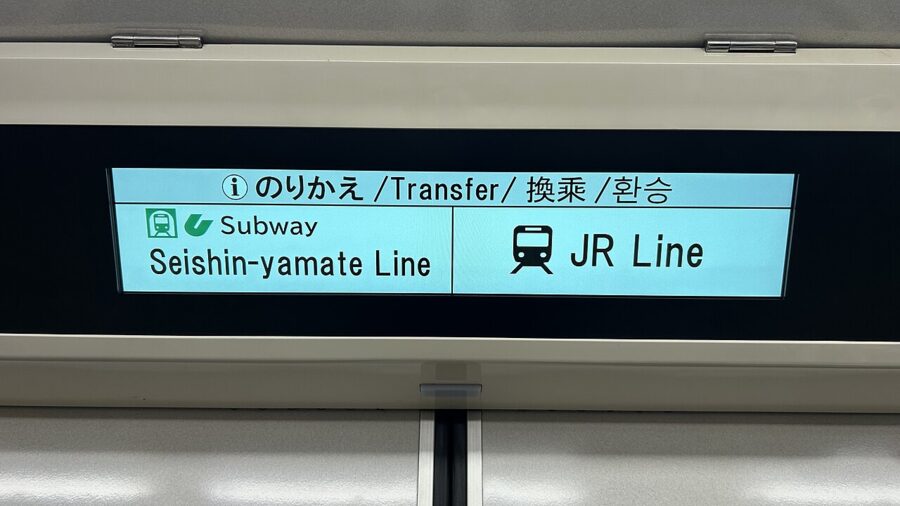
NAVITIME’s visitor app is the one I would install if you only add one. Its route search covers shinkansen, JR, subways, buses, ferries and flights, and you can tell it which of more than 50 passes you hold (Japan Rail Pass, JR TOKYO Wide Pass, Tokyo Subway Ticket and others) so it shows which legs the pass covers and which cost extra. It also shows the platform, the car to board, and a crowding forecast for each leg.
Two features stand out for first-timers. “Check & Ride” lets you photograph a platform departure board or a bus destination sign and tells you whether it matches the route you searched. And if you hold a physical IC card to the back of the phone, the app reads the balance.
The Japan Travel app listing is free with in-app purchases; as of November 2026 the US App Store lists premium tickets at US$7.99 for 7 days, US$15.49 for 30 days and US$37.99 for 90 days. Premium adds alternative routes during delays, timetables and real-time bus locations. For a one-week trip the free version is enough for most people.
Japan Transit Planner (Jorudan)
Jorudan’s Norikae Annai is a long-running Japanese route app, and Japan Transit Planner is its multilingual version: station in, station out, then the route, the fare and the time. It holds timetables for almost every station in the country, switches fares between IC card and paper ticket with one tap, and can search with the Japan Rail Pass or Tokyo Subway Ticket in mind.
The paid plans add platform numbers and the best car position for a transfer. Jorudan’s App Store listing gives the plans as ¥360 for a month, ¥1,000 (about US$6) for 90 days and ¥3,780 (about US$24) for a year; the US store shows US$2.99, US$5.99 and US$22.99. The listing also says an internet connection is required, so this is not an offline tool.
NAVITIME or Jorudan, then? NAVITIME is the better all-rounder for a visitor; Jorudan is quicker if you already know the station names and want a fast answer. Neither replaces the other’s best trick, and both are free to try.
Shinkansen tickets: smartEX, JR East and JR West
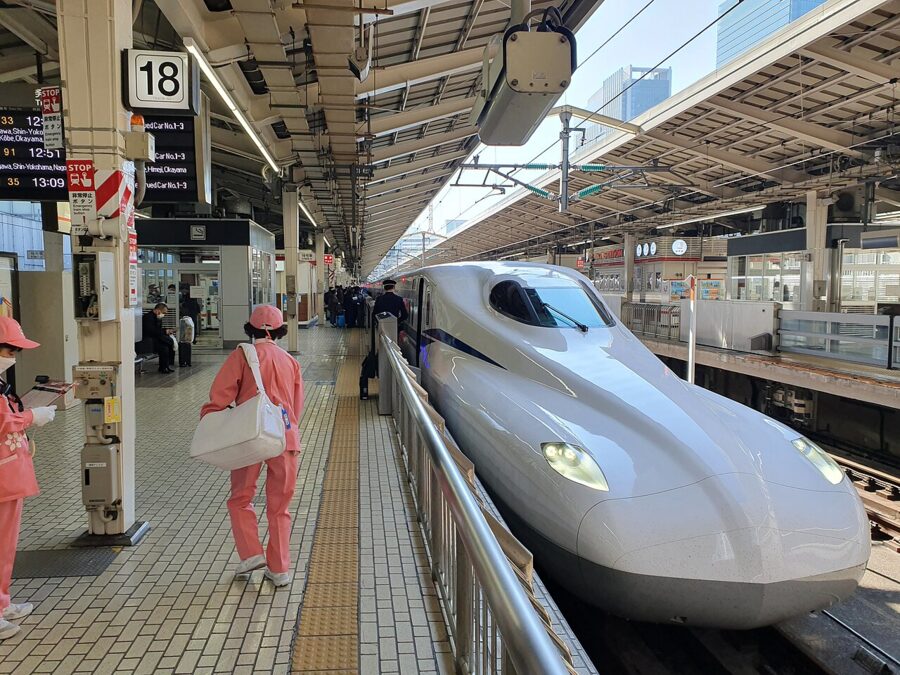
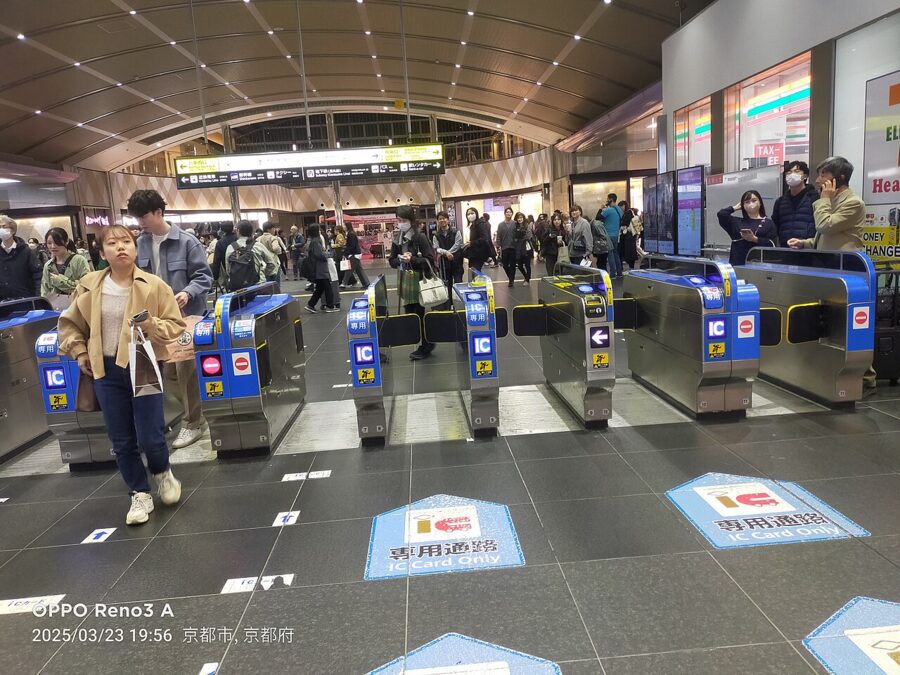

Japan’s bullet trains are sold by the railway that runs them, so the app depends on the line. For the Tokaido, Sanyo and Kyushu Shinkansen (Tokyo, Nagoya, Kyoto, Osaka, Hiroshima, Fukuoka, Kumamoto), it is smartEX, run by JR Central with JR West and JR Kyushu. Registration is free with no annual fee, you pay by credit card, and changes are free up to four minutes before departure.
You board with a QR ticket on your phone, or by linking an IC card such as Suica or ICOCA to the booking; a pickup code also lets you print tickets at machines in the main stations. Early-booking discounts exist on some trains. One firm rule: the app says not to use it for seat reservations on a Japan Rail Pass, which has its own booking route.
For JR East’s lines north and east of Tokyo (Tohoku, Hokkaido, Joetsu, Hokuriku, Yamagata and Akita Shinkansen), visitors book through JR-EAST Train Reservation, a website that can put the ticket on a Suica. JR East’s own JR East app is listed in Japanese only, so skip it unless you read Japanese. In the west, JR West’s online reservation site sells regular tickets and passes and can put a WEST QR ticket on your phone.

Suica and PASMO on your phone, as of November 2026
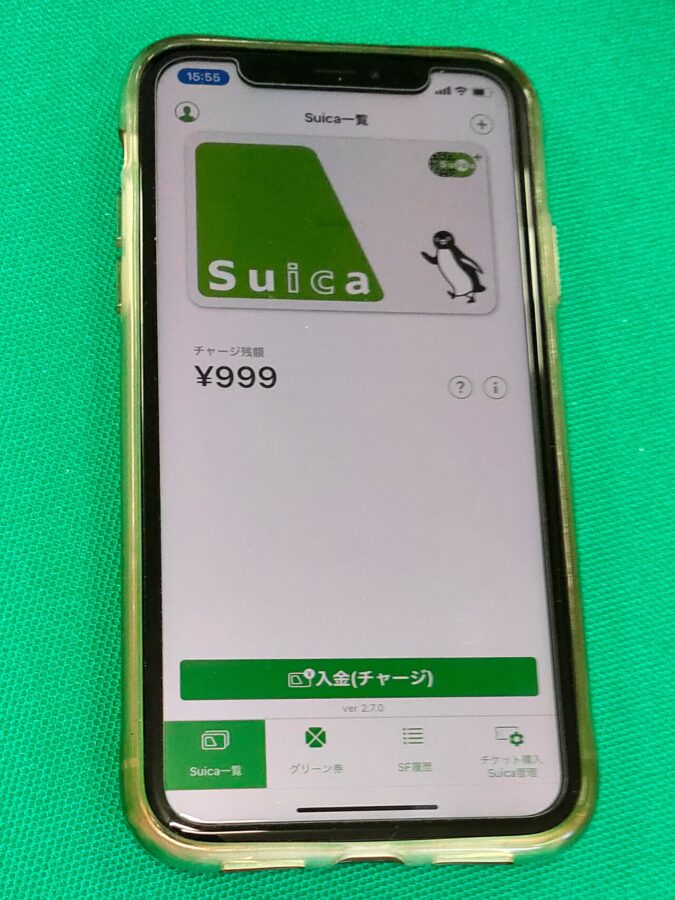
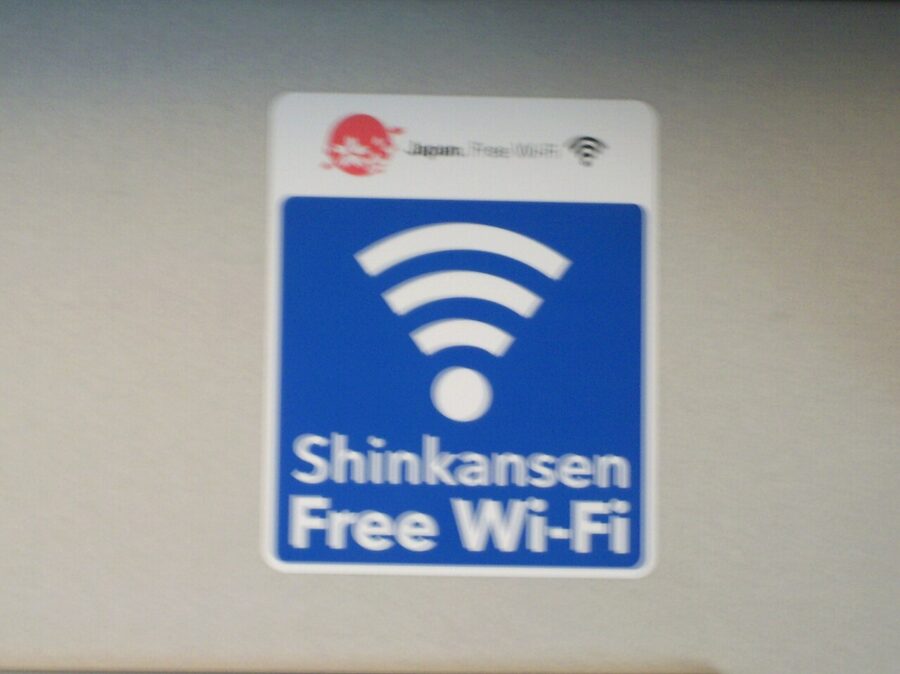
An IC card is a prepaid tap card: you load it with yen, touch it on the gate going in and out, and the fare comes off. Suica (JR East’s card) and PASMO (Tokyo’s private railways and subways) work on trains and buses across Japan and in convenience stores, vending machines and coin lockers. On a phone, the card lives in the wallet, and it does not need data at the gate.
iPhone: Apple Wallet or Welcome Suica Mobile
Any iPhone 8 or later can carry Suica, PASMO, ICOCA or TOICA in Apple Wallet, according to Apple’s guide to adding a transit card in Japan. Open Wallet, tap Add, choose Transit Card, pick the card and load an amount; you need an Apple Account with two-factor authentication and an eligible payment card in Wallet. The first transit card you add goes into Express Mode, which means you pay at the gate without waking the phone or using Face ID.
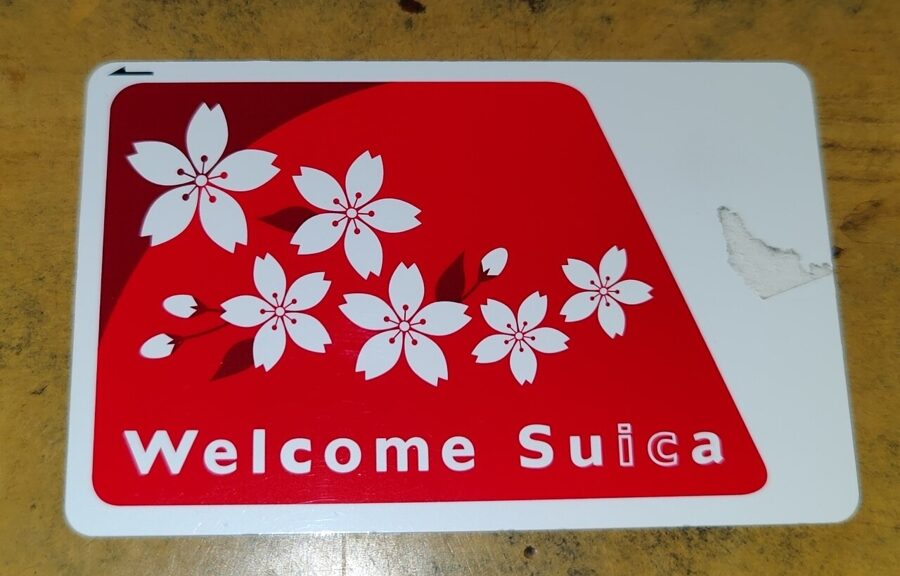
JR East also makes Welcome Suica Mobile, a free iPhone app for visitors that issues a Suica into Wallet with no deposit and no membership, just a “secret keyword” for support. Its listing requires iOS 17.2 or later, top-ups go through a card in Apple Pay, and each top-up is capped at ¥20,000 (about US$125). The app also books JR East shinkansen and limited express seats and sells Green Car tickets for local trains.
Read the small print before you load it heavily. A Welcome Suica Mobile balance expires 180 days after issue and is not refundable, so spend it down at the airport on your way out. Location services must be on to issue or top up, and JR East warns that in some countries the law blocks setup until you are in Japan.

Android: probably not yet
Japan’s IC cards run on FeliCa, a contactless standard that Japanese-market phones support and most phones sold abroad do not. Google’s help page for Japan says that to add e-money such as Suica or PASMO to Google Wallet, the phone must support Osaifu-Keitai, the Japanese wallet system, and that most credit cards issued in Japan can top it up. A Galaxy or Pixel bought in New York or London does not qualify.
That is changing slowly. Samsung Japan announced in April 2026 that Galaxy phones sold overseas in the first half of 2027 should be able to issue a Suica through Welcome Suica Mobile, with regions and models still to be named; your current Galaxy is not part of the plan. Google’s Pixel 11 series was reported in August 2026 to support FeliCa on its non-US models, but whether Suica sets up on one bought abroad is unproven. If you own one, open Google Wallet before you fly and see whether Suica appears.
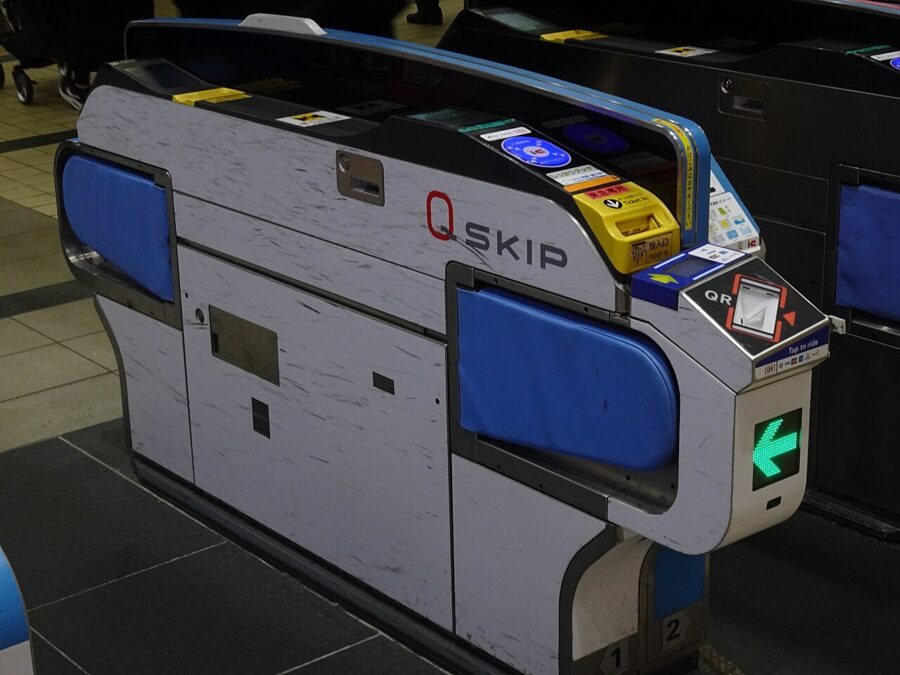
For everyone else on Android, two workarounds. Buy a physical card at the airport, or tap a contactless credit card at the gates where it is accepted: Tokyo Metro’s Tap to Ride service runs on all its lines and connects with ten other Kanto operators, including the Toei subway, Keio, Keikyu and Tokyu. It charges adult fares only, and you must enter and exit with the same card or device.

Taxis: GO, Uber and DiDi


Taxi apps in Japan call ordinary licensed taxis at the meter fare; they are not a cheaper ride-share. What they save you is the language problem: you set the destination in the app, so there is nothing to explain to the driver, and you pay by card on file.
GO is the biggest by its own figures, and it covers all 47 prefectures. Its listing says you can now register with a non-Japanese mobile number, it accepts Visa, Mastercard, JCB, American Express and Diners Club, and Apple Pay, and it gives you a confirmation number to show the driver. There are flat airport fares between Tokyo and Haneda and for rides out to Narita, and in some cities you can reserve a car from 15 minutes to 7 days ahead for an extra service charge.
Uber works in Japan with the account you already have, mostly as Uber Taxi. Uber Japan said it reached all 47 prefectures in December 2025, with the Niseko ski area scheduled to follow that month. DiDi also runs taxi dispatch in Japan, paid in the app by card or PayPay; DiDi Japan’s site lists the areas it serves, so check your cities before relying on it.
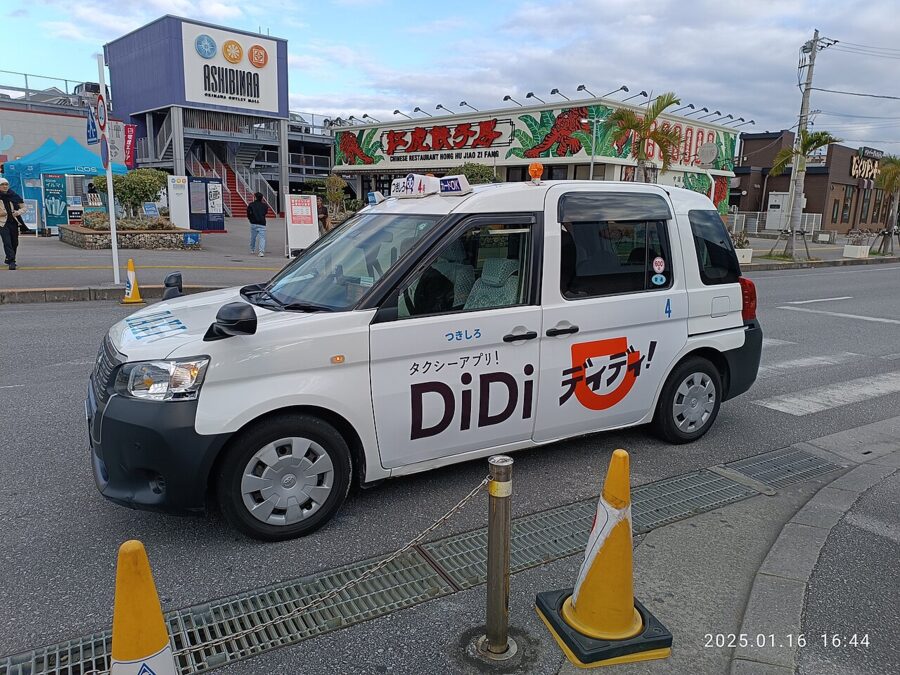
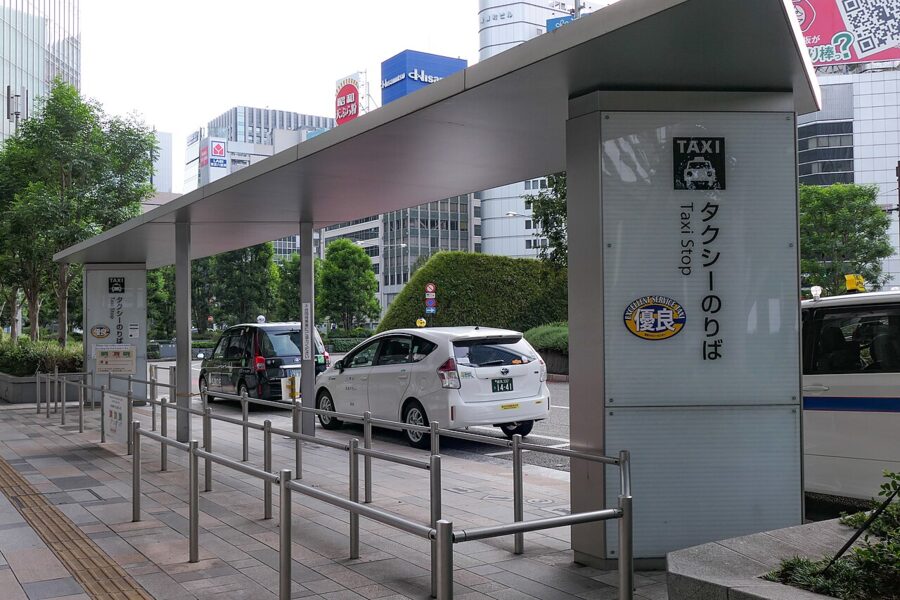
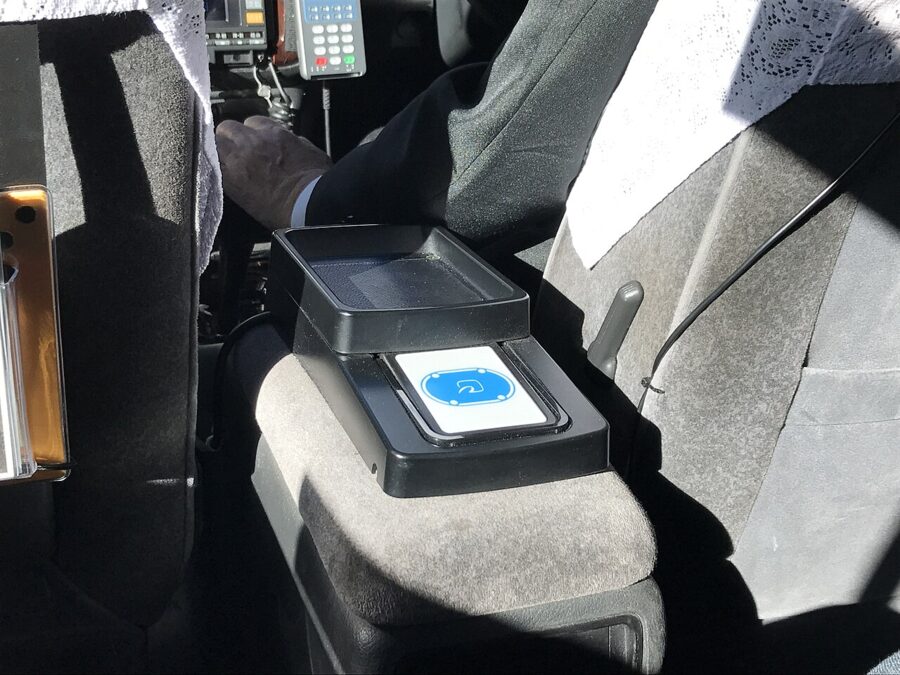
All three use very little data: a booking is a few map refreshes and a payment. If an app shows no cars, the old method still works, a raised hand at the curb or the taxi rank outside a large station.


Talking and reading
Google Translate, camera first
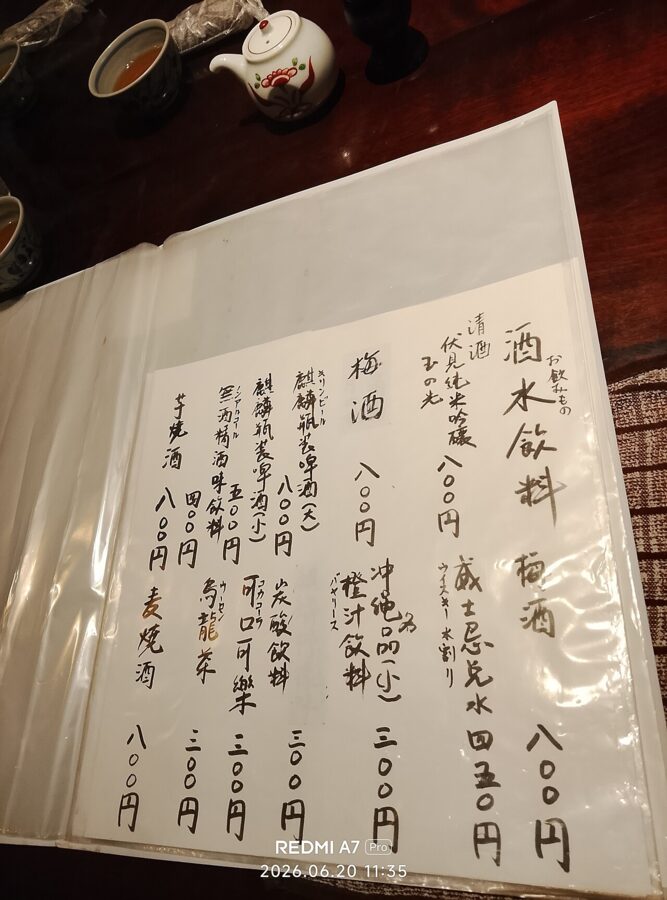
Google Translate’s instant camera mode is the feature you will use most in Japan: point the phone at a menu, a ticket machine or a pharmacy shelf and the English appears over the Japanese. Download Japanese before you go. Google’s offline guide says a downloaded language translates without a connection, and for some languages that includes the camera.
The app also does conversation mode, where each person speaks in turn, and a transcribe mode that keeps translating someone who is talking. Both work, and both are slower than pointing at the thing you want. For a short trip, the camera and a few saved phrases cover most of it.
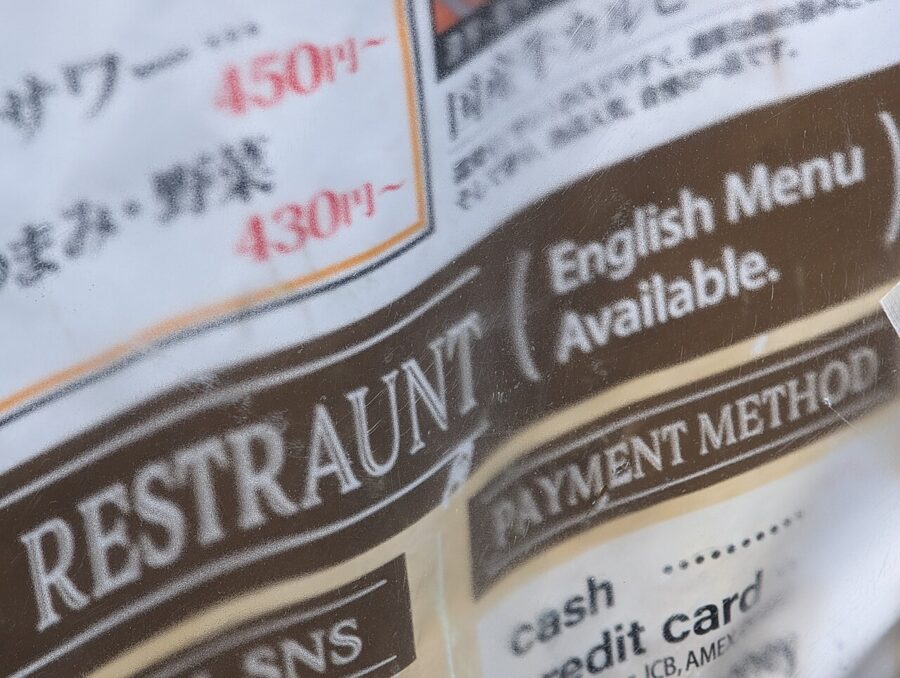
VoiceTra
VoiceTra is a free speech translator from NICT, Japan’s national communications research institute, and it handles 33 languages. You speak, it shows the translation and reads it out, then flips direction so the other person can reply on the same phone. It was built for travel situations like taxis, hotels and stations, and it is good at them.
Two catches. It needs an internet connection for every sentence. And NICT runs it as a research service: the app’s own description says recordings sent to its servers are used to improve the technology, so keep private details out of it.
LINE
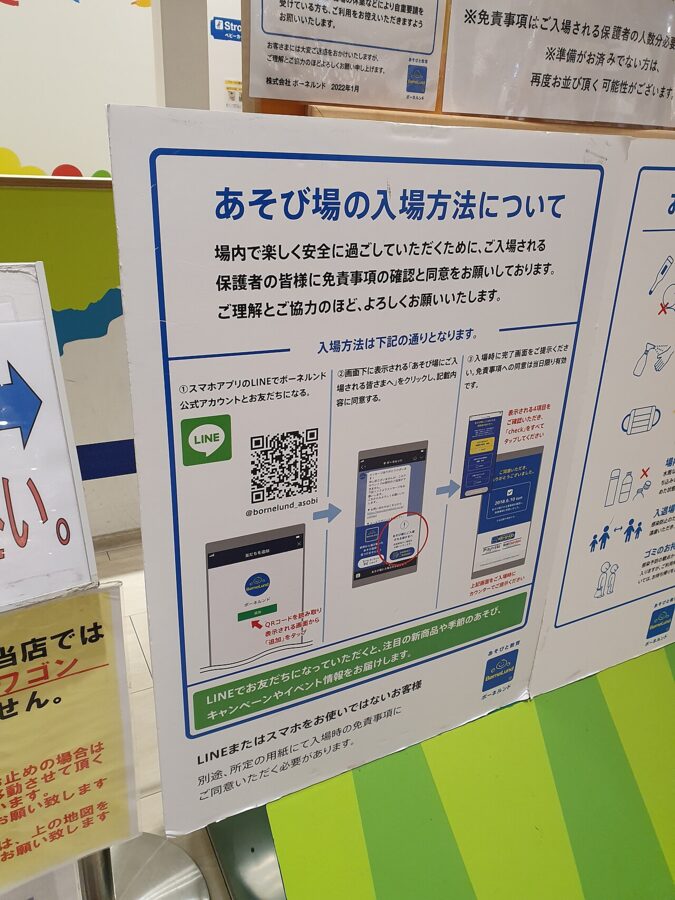
LINE is Japan’s everyday messaging app, and you will meet it as a QR code on a counter, a ryokan asking you to message your arrival time, or a guide who would rather chat there than by email. Free messages and calls between LINE users make it worth installing even if you never add a business.
The sign-up surprises people. LINE’s help center says phone-number verification is only for users who live in Hong Kong, Japan, Korea, Taiwan or Thailand; everyone else signs up with an Apple or Google account, because creating an account with a phone number was discontinued from LINE version 13.11.0. So a data-only eSIM is no obstacle, and you can set it up at home before you go.
Safety and weather
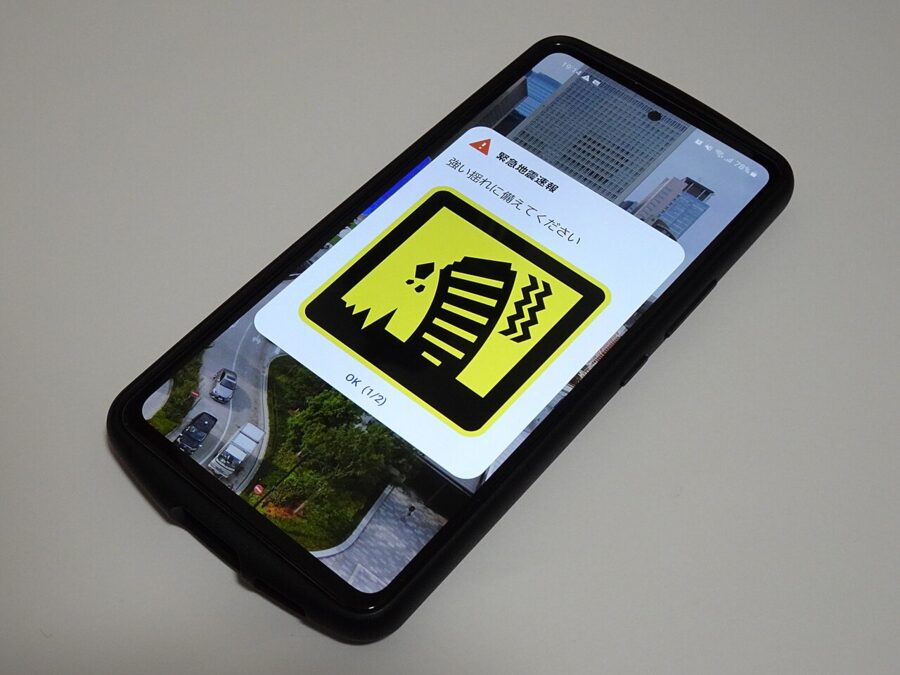

Install Safety tips and set it up before anything happens. It is a free app supervised by the Japan Tourism Agency that pushes Earthquake Early Warnings, tsunami, volcanic, weather and heat-illness warnings, and civil protection alerts such as missile launches, in 15 languages including English, Spanish, Thai and Vietnamese.
Setup takes a minute: choose up to five locations in Japan in the settings (your hotels, say) and allow notifications, and it alerts you when an earthquake warning of seismic intensity 4 or more is issued for one of them. Beyond the alerts, it lists medical institutions that accept foreign patients, emergency numbers, and “communication cards” with questions to show people around you in a disaster. It is a quiet app until the day it is not.
For forecasts and live warnings, the Japan Meteorological Agency’s multilingual pages are the source the alerts come from: weather warnings, typhoon tracks, rain radar, tsunami and earthquake information in 15 languages. It is a website, so bookmark it on your home screen next to Visit Japan Web. Emergency numbers are 110 for police and 119 for fire and ambulance; calling in Japan covers how to dial them from a foreign phone.
Food: Tabelog, with Google as backup

Tabelog is Japan’s big restaurant review site, and since late 2025 it has had a proper multilingual app in English, Traditional Chinese and Korean. It lists more than 900,000 restaurants as of January 2026, with photos and reviews, and at restaurants that take online bookings you enter a time and party size and reserve a table or a course without a phone call.
That booking feature is the reason to install it. Many smaller restaurants in Japan only take reservations by phone, in Japanese, and Tabelog removes that wall for the ones signed up to it. Read the cancellation terms on the booking screen before you confirm.
Google Maps is still the faster tool for “what is open near me right now.” I would use Google to find a street and check the hours, and Tabelog to choose the place and book it.

Data use, and what still works offline
Most of these apps are light. Routes, taxi bookings and text messages use little data, and the heavy users are video, photo backups and calls with the camera on. The numbers Japan’s carriers publish make the point: SoftBank’s data guide puts a LINE voice call at about 18 MB an hour and standard-quality YouTube at about 450 MB an hour, and au’s guide says 1 GB covers about 40 hours of LINE voice or about 3 hours of LINE video.
| App | Offline? | What uses the data |
|---|---|---|
| Suica or PASMO in Wallet | Yes at gates and shops | Only top-ups |
| Google Translate | Yes, with Japanese downloaded | Conversation and online-only features |
| Google Maps | Map only, if the download works | Transit routes always need a connection |
| Japan Travel by NAVITIME | Partly: stations, Wi-Fi spots, ATMs | Route search and live delays |
| Japan Transit Planner | No (saved history only) | Every search |
| VoiceTra | No | Every sentence |
| LINE | No | Video calls most of all |
| GO, Uber, DiDi | No | Small: map and booking |
| Safety tips | Reference pages yes; alerts no | Push alerts are tiny, but need a connection |
That last row is the one to take seriously. An earthquake alert can only reach a phone that is online, so whatever you use for data should be on all day, not just when you open the map. An eSIM does that with nothing extra to carry; a pocket Wi-Fi rental does it only while the router is switched on and in your bag.
A physical Japan SIM card or a router are the other ways to stay online; hotspot rental fees set the daily cost of the second, and routers are collected and returned at the airport pick-up and return counters.
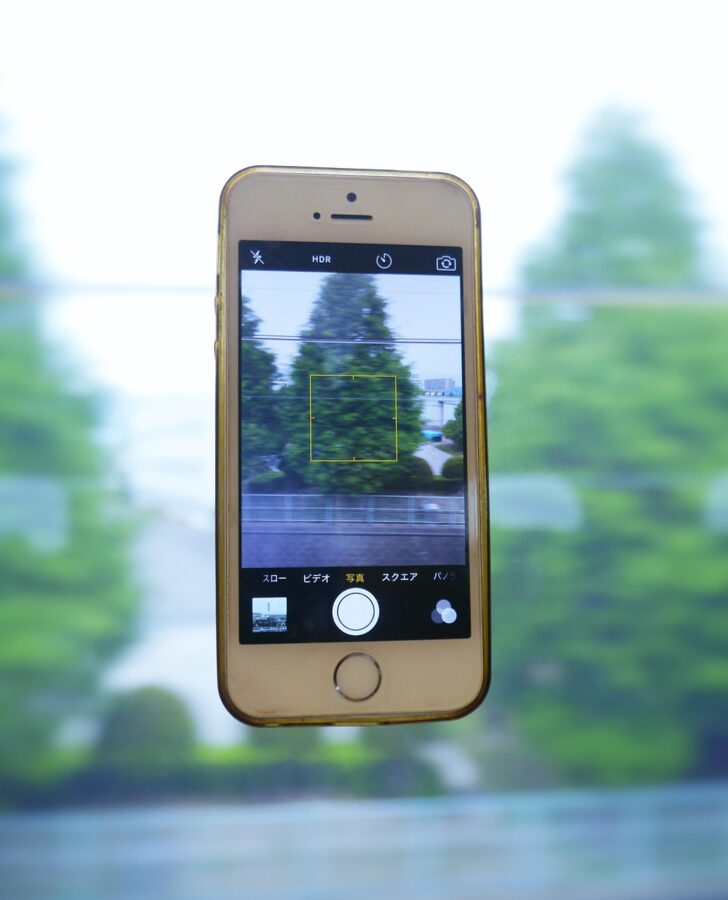
So the one check worth doing tonight takes ten seconds. Open Wallet on your iPhone, tap Add, choose Transit Card, and see whether Suica is offered; on Android, open Google Wallet and look for it. If it is there, the hardest part of the trip is already on your phone.