

On this page7 parts
Where your phone was bought decides whether a SIM card is even an option in Japan. An iPhone 14 or anything newer from an American store has no tray to put one in, while many iPhones sold in mainland China take two physical SIMs and, apart from a handful of recent models, no eSIM at all. Everyone else gets a choice, and for a good number of travelers the plain plastic card is still the cheapest, sturdiest way to get online.
The cards on sale as of November 2026 differ in price, in where you can buy them between the plane and the train, and in the ID rules for the few with a phone number; and whichever you choose, the SIM that comes out of your phone needs looking after. If your phone takes an eSIM and you have no reason to want a card, the Japan eSIM guide is the shorter route.
Two terms first. A data-only SIM gives you internet and nothing else: no Japanese number, no texts. A voice SIM adds a real 070, 080 or 090 number, and that is the one Japanese law treats as a phone contract, with an ID check to match.


Who should buy a SIM card rather than an eSIM
Most readers with a recent iPhone or Pixel should skip the card and install an eSIM before they fly. The physical SIM earns its place in a handful of cases, and they are more common than the eSIM sellers suggest.
- Your phone has no eSIM. That covers older Android phones, many budget models and, per Apple’s own list, many iPhones bought in mainland China, which come with two nano-SIM slots instead.
- You want to hand a SIM to someone else. A teenager’s old phone, a tablet, a spare handset for a parent: a card moves between devices in seconds.
- An eSIM install has already failed you once. Some phones are fussy with travel eSIM profiles, and a card that works the moment it goes in takes that problem away.
- You need a Japanese phone number for weeks or months. Voice plans for visitors exist on both formats, but the card versions are the ones you can collect in person at an airport with a passport.
If none of those fits, a card is not worse, only slower to get. For a group with laptops, compare it with pocket Wi-Fi rental before you buy four SIMs.
Is your phone unlocked?
A SIM-locked phone will refuse any card from another network, and Japanese tourist SIMs are no exception: SoftBank says plainly that its travel SIM works only in SIM-lock-free phones. If you bought the phone outright from Apple, Google or Samsung, it is almost certainly unlocked. If it came from a carrier on a contract, ask that carrier before you leave, because unlocking from a hotel room in Osaka usually means a phone call at 3 a.m. home time.
Networks, bands and the end of 3G
Japan has four networks of its own: NTT Docomo, KDDI’s au, SoftBank and Rakuten Mobile. Every tourist SIM in the table below rides on one of the first three, either sold by the carrier itself or by a reseller (an MVNO, a company that rents capacity on someone else’s masts). Docomo carries b-mobile, IIJ’s capped Japan Travel SIM and Mobal; au carries IIJ’s Bic Camera-only card; SoftBank sells its own.
A band is the slice of radio spectrum a network uses, and your phone has to speak the same ones. Band 1 (2100 MHz) is the one that matters most: Mobal lists it as the minimum for its Docomo SIMs, and SoftBank’s travel SIM uses Bands 1, 3, 8 and 41. Docomo’s 5G runs on n78, n79 and n257, and a phone that lacks all three will simply stay on 4G, which is fine for maps and messages.
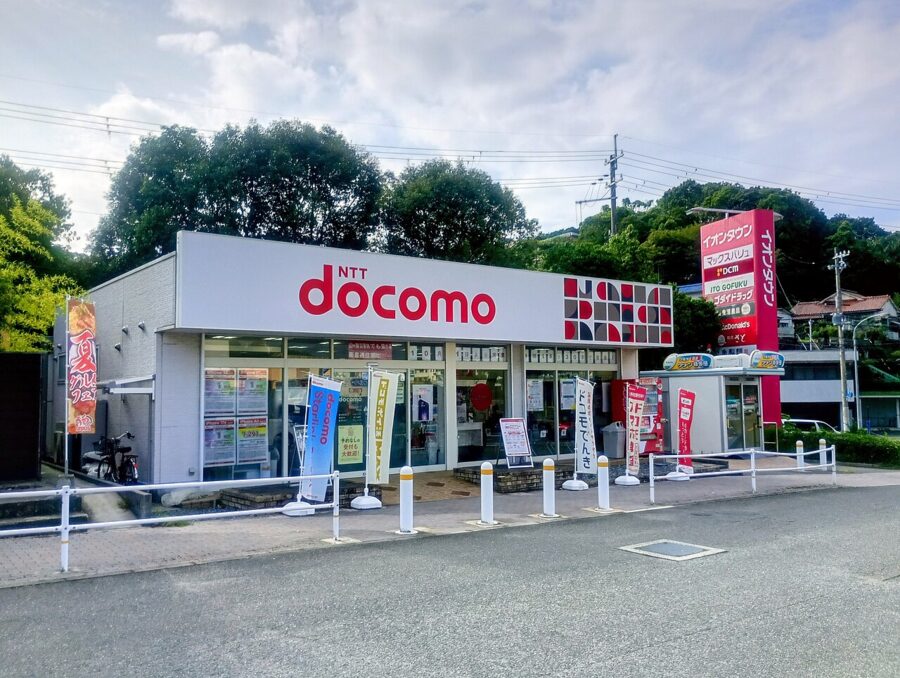

One change older guides miss: Docomo switched off its 3G network on March 31, 2026, the last of the three to do so. There is no 3G fallback anywhere in Japan now. For data that rarely matters, but a voice SIM needs a phone that makes calls over 4G (VoLTE), and Mobal adds that Android phones need Android 12 or newer for voice on Docomo.
What is on sale, and what it costs
The table below lists the main cards a visitor can buy without a Japanese address, with prices from each provider’s own page or, where the provider leaves the price to the shop, a dated report. Prices include tax and are as of November 2026.
| SIM | Network | Data and days | Price | Where to get it |
|---|---|---|---|---|
| b-mobile VISITOR SIM | Docomo 4G | 5GB for 10 days; 7GB for 21 days | ¥1,980 (about US$12); ¥2,970 (about US$19) | Online, delivered to your hotel or an airport post office; electronics stores |
| IIJ Japan Travel SIM | Docomo 5G/4G | 3GB to 55GB, 30 days | Set by the shop | Bic Camera and other electronics stores |
| IIJ Japan Travel SIM Unlimited for BIC SIM | au 5G/4G | Unlimited, with a tethering cap of 9GB, 14GB or 30GB; 10, 15 or 31 days | ¥7,700 (about US$48), ¥9,350 (about US$59), ¥14,080 (about US$89) online, June 2026 | Bic Camera, Kojima and Sofmap stores and their online shops |
| SoftBank Prepaid SIM for Travel | SoftBank 4G | Varies by package | Set by the shop | SoftBank shops, electronics stores, SoftBank rental counters at airports |
| Sakura Mobile travel SIM | Docomo (3GB a day at full speed) or au (unlimited, with a hotspot cap) | 4 to 93 days | From ¥3,850 (about US$24) | Airport counters at Narita, Haneda, Kansai and Fukuoka; hotel or post office delivery |
| Mobal data SIM | Docomo | 25GB for 8 days; 50GB for 16 or 31 days | ¥5,800 (about US$36); ¥6,490 (about US$41); ¥7,920 (about US$50) | Free pick-up in Japan or free shipping abroad |
| Mobal Japan Voice SIM | Docomo | Monthly plans from voice-only to 200GB | ¥4,950 (about US$31) for the card, then from ¥1,430 (about US$9) a month | Pick-up in Japan with a passport, or delivery with ID |
Read the data column before the price column. b-mobile’s VISITOR SIM is the cheapest card here, and 5GB over ten days is enough for maps, messaging and a few photos a day, but not for video calls every evening. The plans sold as unlimited all have a catch you should know before paying: Sakura’s Docomo plan drops to 1 Mbps after 3GB in a day until midnight, and IIJ’s unlimited au SIM caps tethering and may slow you at busy times.
SoftBank’s card is the odd one. Its Prepaid SIM for Travel page leaves the price to the retailer, and its 500MB top-up stopped taking orders on February 18, 2025, so when the data runs out you buy a new SIM. I would pick it only if it is the card in front of you.
At the airport: vending machines and counters
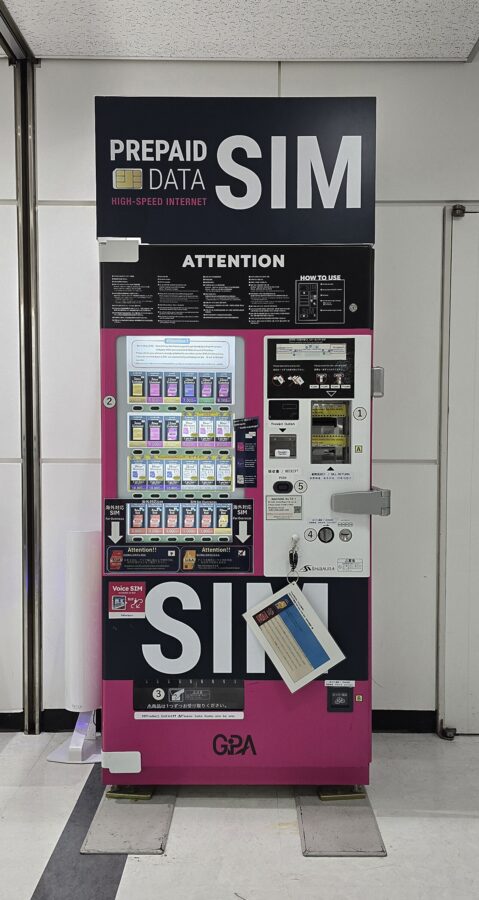
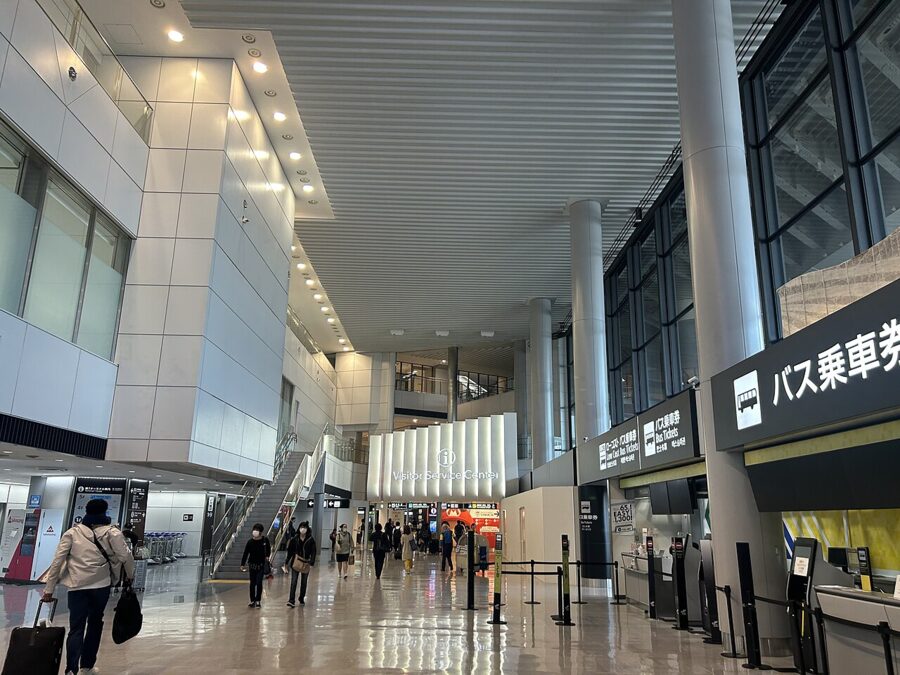
The fastest card is the one you buy before you leave the terminal. At Narita, the airport’s list of SIM sellers shows GPA SIM vending machines on 1F of Terminal 1 (South Wing and Central Building), on 1F of Terminal 2 and in Terminal 2’s 2F area before customs, and on 1F of Terminal 3. Staffed counters there mostly keep 07:00-21:00, including SoftBank Global Rental and AnyFone JAPAN in Terminal 1’s Central Building and Terminal 2.

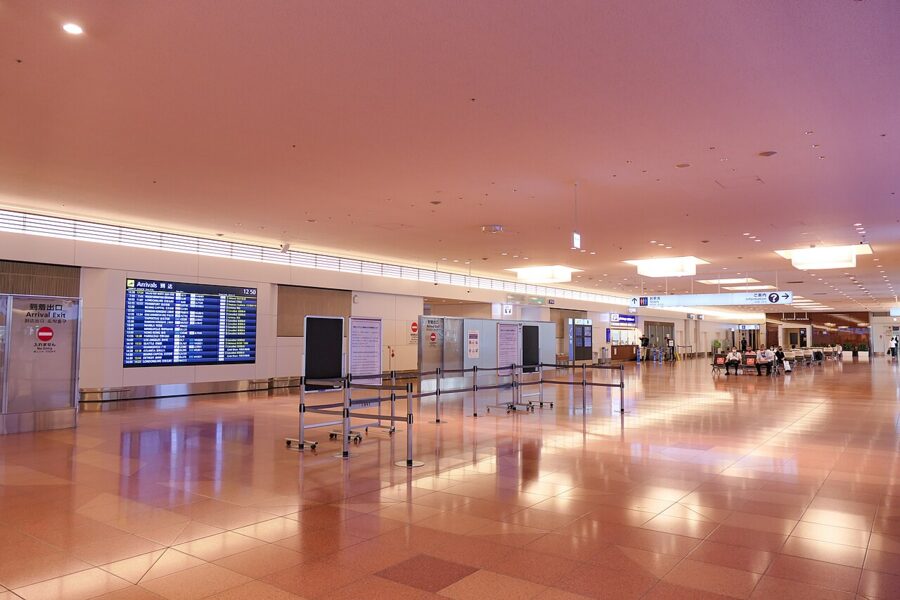
At Haneda, the terminal operator’s page lists AnyFone JAPAN SIM vending machines on B1F of Terminal 1 (Marketplace, North) and B1F of Terminal 2, both 5:00-24:00. Most international flights land at Terminal 3, where the AnyFone JAPAN counter on the 2F arrival lobby sells prepaid SIMs 6:00-23:00 and the Mobile Center next to it opens 6:30-23:00.



Kansai, Chubu, Fukuoka and the other big airports have their own counters, and the full terminal-by-terminal list with opening hours is in the guide to airport counters and pick-up points. Airport machines carry a narrower range than city shops, and you pay for the convenience, which I would still rather do than spend the first evening hunting for a store.
Bic Camera, Yodobashi and other electronics stores
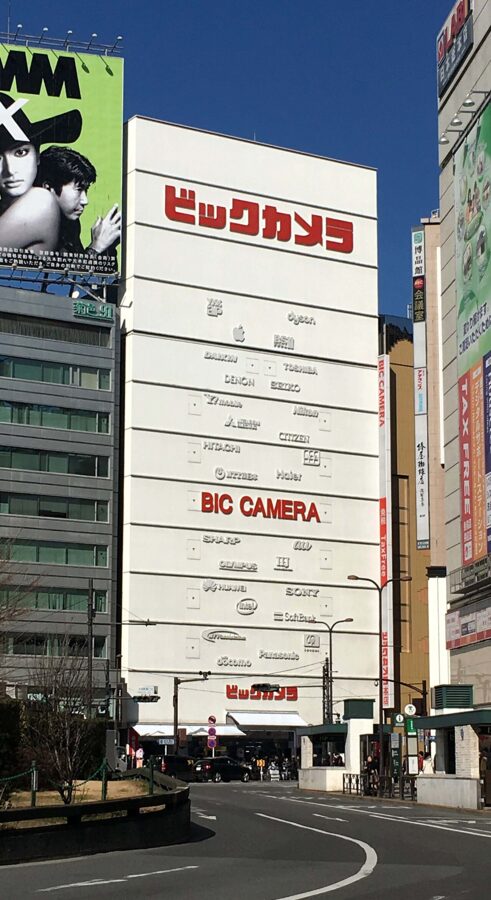
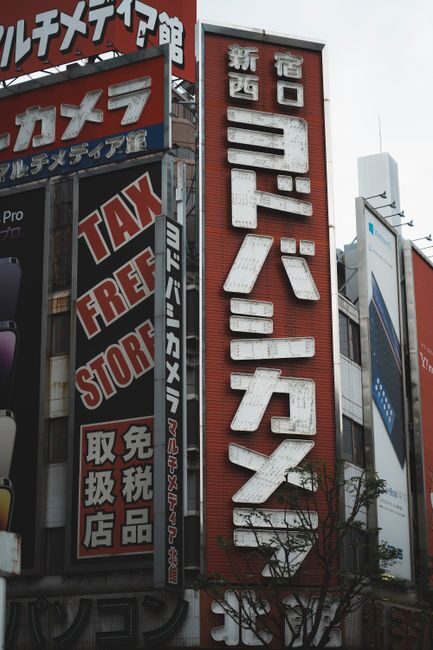
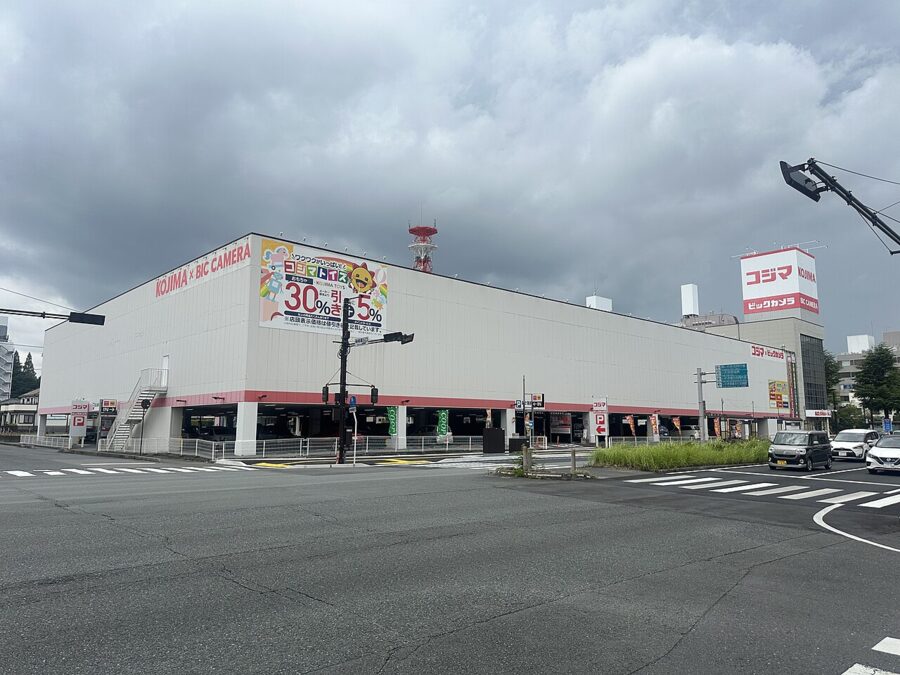
The big electronics chains are where the range is widest. Bic Camera (with its sister chains Kojima and Sofmap) sells IIJ’s Japan Travel SIM, and since June 17, 2026 it has had IIJ’s unlimited au card to itself, with tethering capped at 9GB to 30GB depending on the plan, according to IIJ’s announcement. Yodobashi Camera sells travel packs too, b-mobile’s VISITOR packs among them, though the brands on the shelf change from store to store.
Online, delivered to your hotel
Ordering ahead is the calm option, and the one I would choose for a late arrival. b-mobile delivers to a hotel, office or home in Japan for ¥600 (about US$4), or to an airport post office for ¥430 (about US$3). Sakura Mobile ships to hotels, homes and local post offices, and asks for orders at least three days before your pick-up date. Mobal ships its data SIMs abroad for free, so the card can be in your tray before you board.
Hotel delivery depends on the front desk accepting a parcel for a guest who has not checked in yet, so ask the hotel first. Apartment rentals often have no one to sign. If you are staying in a rental, the post office pick-up is the safer choice.
Data-only SIMs, voice SIMs and the ID rules
As of November 2026, Japan’s identity law for phone contracts covers voice service only. The Ministry of Internal Affairs and Communications says that from April 2027 data-only SIMs come under the same checks, that reading the IC chip in an ID document becomes the rule, and that short-stay foreign visitors using a data SIM for tourism or business may be covered. Contracts signed online have already required chip reading, as a rule, since April 1, 2026.
The law is the floor, not the ceiling. SoftBank’s travel SIM asks you to photograph your original passport during online registration, accepts no other document, and is limited to customers 18 and over. Collecting a pre-ordered card in person can mean ID too: Mobal asks for your passport and order confirmation at its pick-up points. How each will handle the April 2027 rules has not been announced, so check for an ID step on the packet or order page if you are buying after that date.
The few SIMs with a Japanese number
A voice SIM is what you want if a Japanese bank, landlord, school or ticket app insists on a local number for codes by text. For a short visit, the realistic choices are Mobal’s Japan Voice SIM and Sakura Mobile, which lists a voice-and-data version of its travel plan. Neither makes sense for two weeks of maps and messaging; for that, a data SIM and the apps covered in the guide to calling in Japan cost far less.
Mobal’s ID rules show what the law asks. If you want the SIM delivered, you upload an ID showing your name and the delivery address, and the two must match. If your home ID does not show your address, you collect the card in Japan instead, at an airport, station or tourist center, with your order confirmation and passport.
Once you have a number, it is yours under your name. The ministry also reminds users that handing a working SIM to someone outside your family without the carrier’s consent is against the law that governs phone contracts, so do not pass a voice SIM on to a friend when you fly home.
Setting it up: insert, APN, test
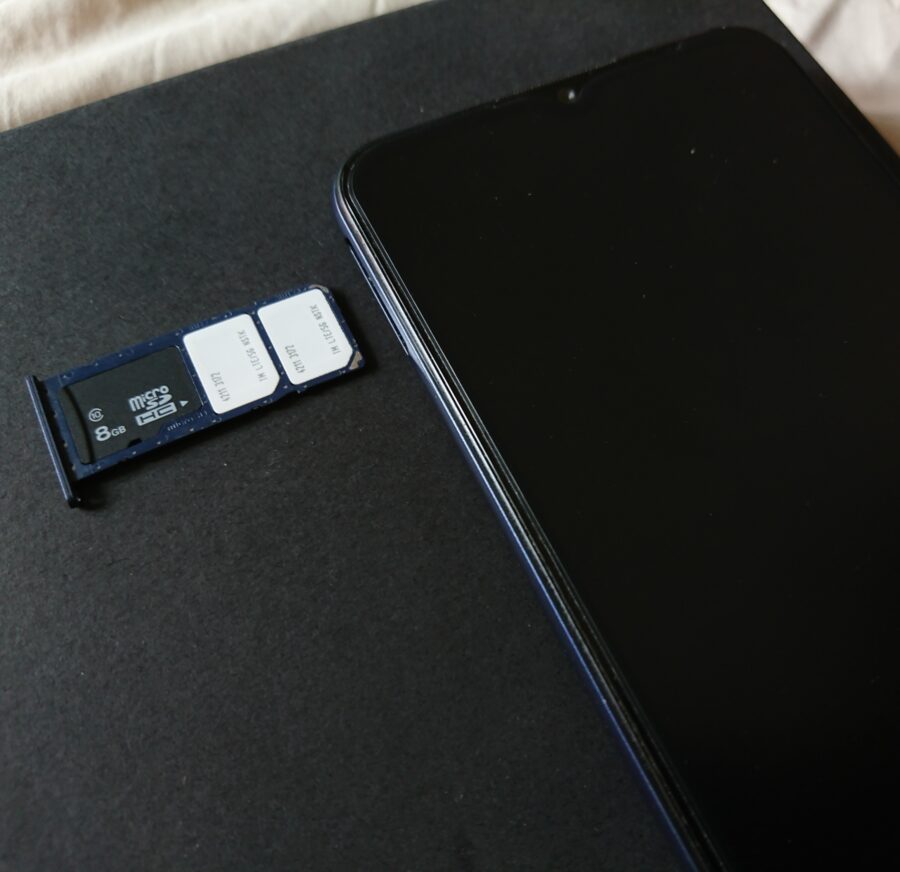
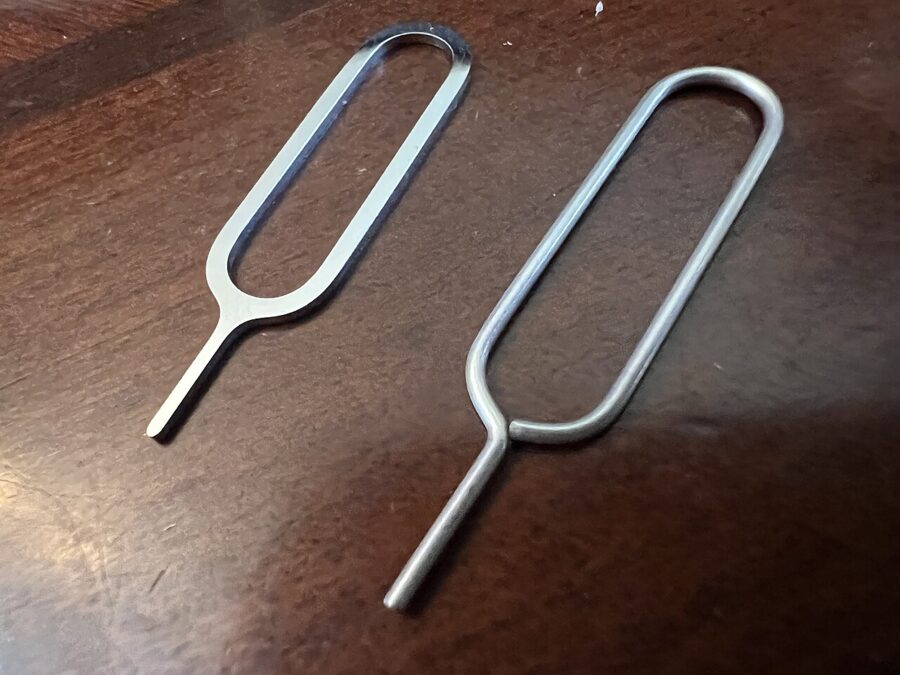
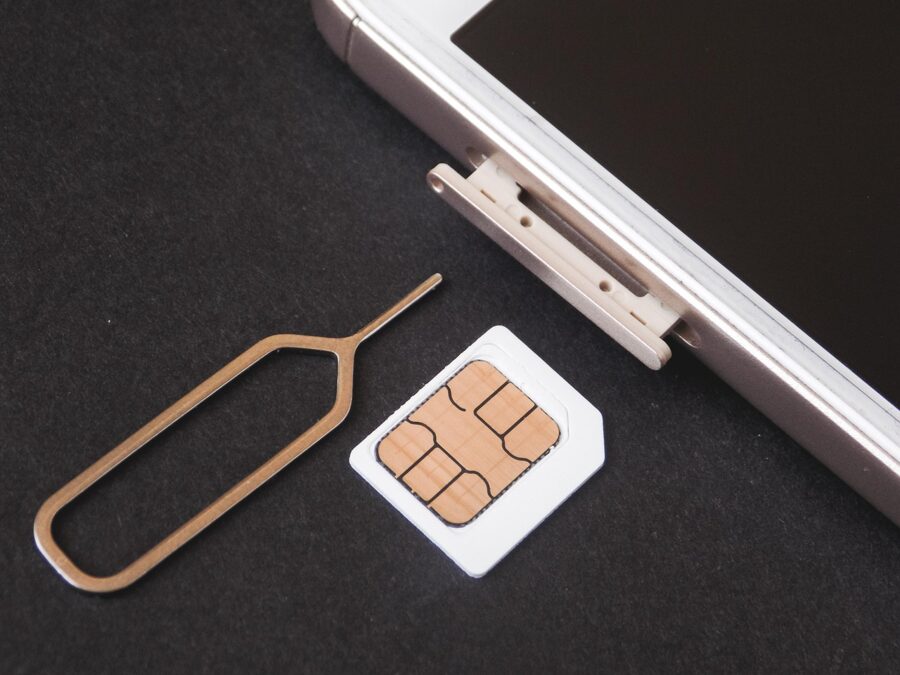
Two checks belong at home, with Wi-Fi around you and time to spare. Find the ejector tool that came with your phone (a straightened paperclip works) and check that the tray opens. Then confirm the phone is unlocked and note your home SIM’s PIN if it has one, because you will need it when the old card goes back in.
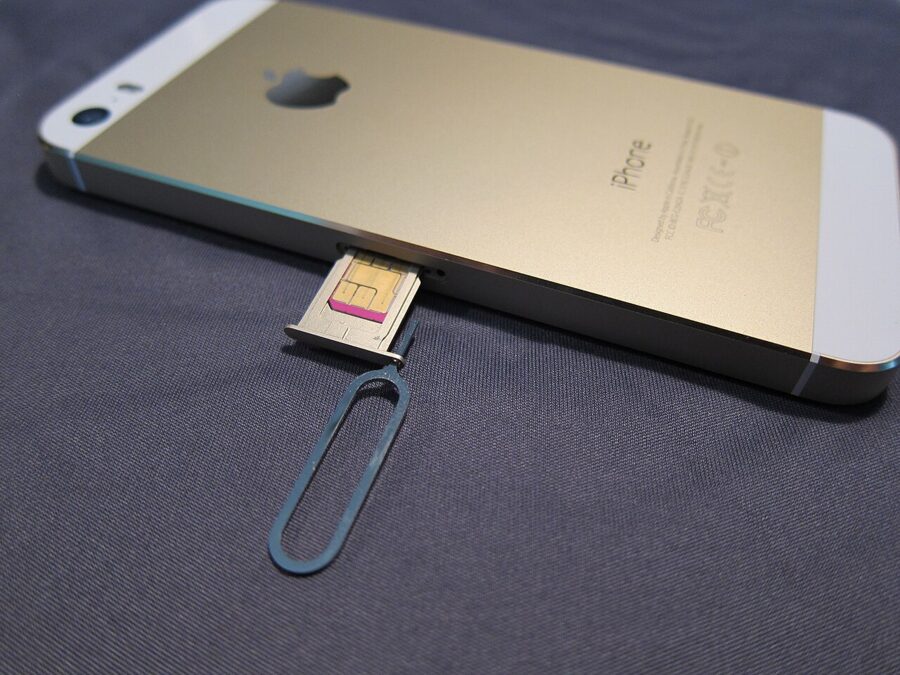

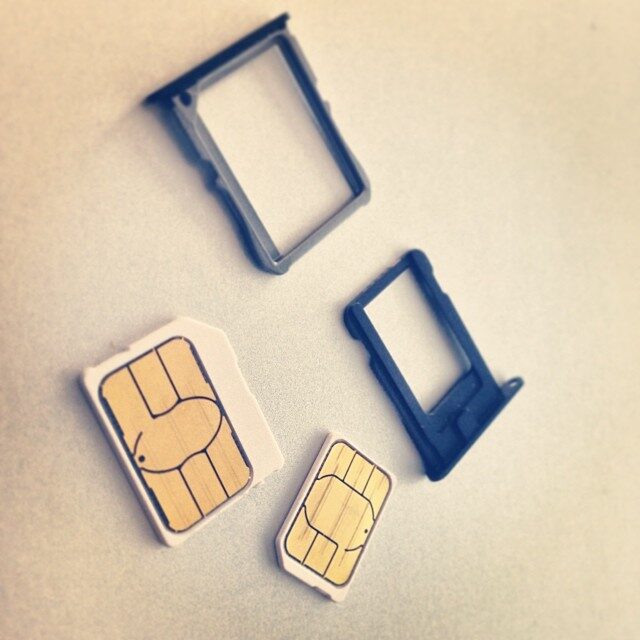
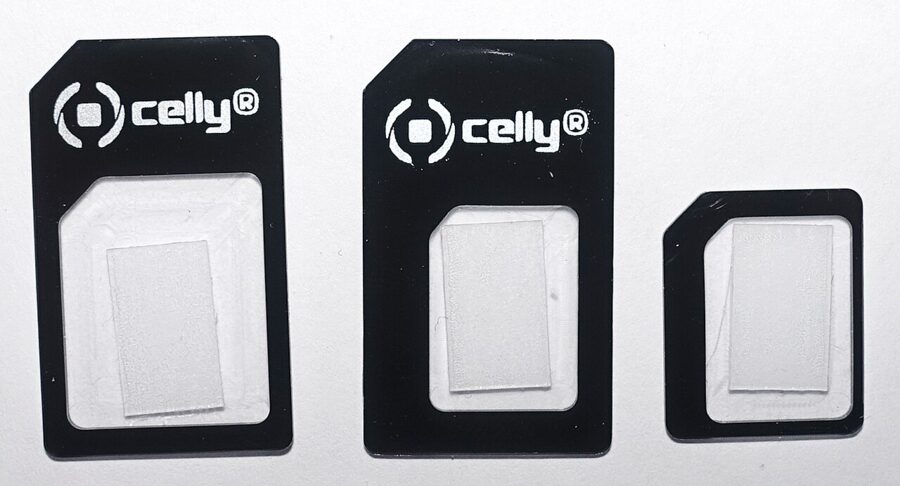
- Insert. Turn the phone off, pop out the nano part of the card, seat it in the tray with the cut corner matching the tray, and switch on. IIJ’s instructions ask for the phone to be off while you do this, and it costs nothing to follow them.
- Set the APN if asked. The APN (access point name) is the address your phone uses to reach the network’s internet gateway. Many cards set themselves; the settings for the ones that do not are printed on the card’s backing or instructions.
- Register, if the card says so. SoftBank’s travel SIM needs a registration form on its website, completed over mobile data with Wi-Fi switched off, and it can take up to 30 minutes after that before data flows.
- Test. Turn Wi-Fi off and load a web page. A 4G or 5G symbol with a page that loads means you are done.
On an iPhone, the APN lives under Settings, Cellular, Cellular Data Network when a card needs it typed in. IIJ notes for its au-based card that no configuration profile is needed, and that a profile left behind by another carrier can block the connection; delete old ones under Settings, General, VPN & Device Management. On Android, IIJ’s path is Settings, Network & internet, SIM, then Access Point Names, where the plus sign creates a new entry; save it, select it and restart the phone.

No signal? Restart once and check that mobile data is set to the Japanese line. If it still fails, go back to the counter while you are at the airport.
Keeping your home SIM safe
The card you just took out carries your bank’s text codes and your number back home. Losing it in a hotel room is how a cheap Japanese SIM ends up expensive.
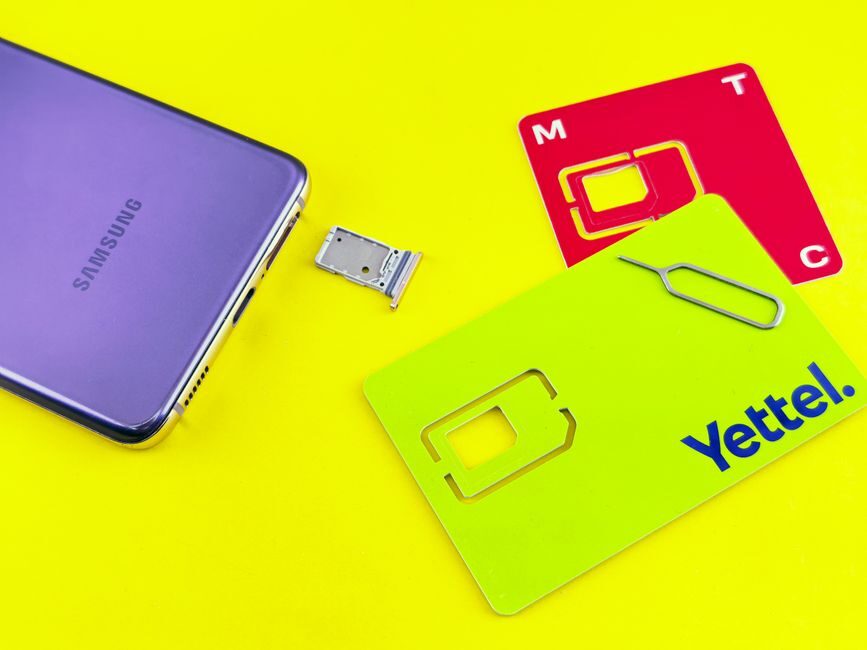
- Put it straight into a labeled holder, the empty frame of the Japanese card, or a small envelope taped inside your passport cover.
- Keep the ejector tool with it for the swap back at the departure gate.
- If your phone has two slots, or one slot and an eSIM, leave the home line in and switch its data roaming off. You keep incoming texts without paying roaming rates for data.
- If your phone has one slot and no eSIM, ask your home carrier before the trip about receiving bank codes another way, since the number goes silent while the Japanese card is in.
Staying longer: resident plans in short
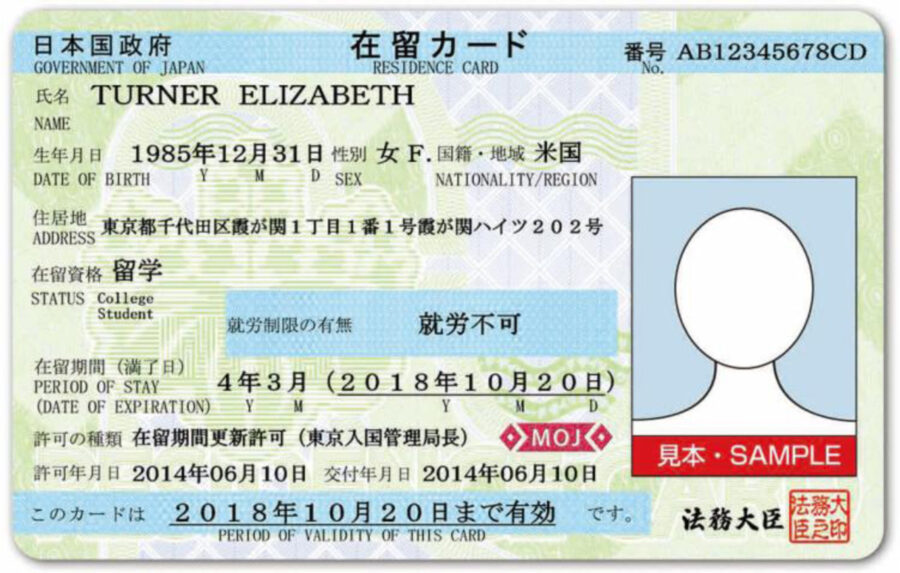
Most tourist SIMs stop at a month. Sakura Mobile’s run to 93 days, and the company points anyone staying more than 90 days to monthly plans. Once you have a residence card and an address, a monthly plan with a number is cheaper per gigabyte and opens the doors a data SIM cannot: bank accounts, apartment leases and most apps that verify by text.

Three providers show the range, and they trade price against English.
- Sakura Mobile runs its voice and data plans on Docomo: 5GB for ¥3,278 (about US$21) a month, 15GB for ¥3,828 (about US$24), 30GB for ¥4,378 (about US$28), plus a ¥5,500 (about US$35) activation fee. Sign-up is in English, foreign cards are accepted, and you can verify with a residence card online or with a passport at its airport counters and Shinjuku office.
- Mobal’s Japan Voice SIM costs ¥4,950 for the card, then monthly plans from ¥1,430 for voice only, ¥1,650 (about US$10) for 1GB, ¥3,190 (about US$20) for 5GB and ¥4,378 for 30GB, on Docomo with no contract.
- IIJmio, a Japanese-language budget brand on Docomo and au, charges ¥950 (about US$6) a month for a 5GB voice plan. It is the cheapest of the three by a distance, but you sign up in Japanese and pass a chip-reading ID check.
IIJmio is a good example of how fast the ID side is moving. Its online sign-up dropped photo uploads of ID documents on January 27, 2026, and its same-day counters in electronics stores are switching to chip reading, at the Bic Camera group’s BIC SIM counters from December 1, 2026, Impress Watch reported. Bring the residence card itself, not a photo of it.



When a SIM beats an eSIM, and when it does not
The card wins in fewer cases than it did five years ago, but it still wins clearly in some.
- Buy a card if your phone has no eSIM, if you want to move the connection between devices, if you need a number you can collect in person with a passport, or if you would rather walk up to a machine at Narita than troubleshoot a QR code.
- Buy an eSIM if your phone was bought in the United States from the iPhone 14 onward, or in Japan, Canada and several other markets from the iPhone 17 onward, because those have no tray at all. Also if you want to land with data already working and your phone is unlocked.
- Rent a router if three or four people and a laptop will share one connection; the numbers are in the guide to hotspot rental fees, and the hardware itself is covered in the piece on mobile routers.
Price rarely decides it on its own. Cards and eSIMs ride the same three networks, and the unlimited plans on both formats come with daily or tethering limits. What decides it is your phone, your arrival time and how much you trust yourself with a card smaller than a fingernail in a moving train.
Quick answers
Can I buy a SIM card at a convenience store?
Not reliably. None of the providers above lists convenience stores among its sellers, so treat a SIM on a convenience store rack as a lucky find rather than a plan.
Do I need my passport to buy a data SIM?
The law does not require it until April 2027, but some providers already do: SoftBank’s travel SIM will not activate without a photo of your original passport. Carry it when you buy, as you are required to carry it in Japan anyway.
Will free Wi-Fi do instead?
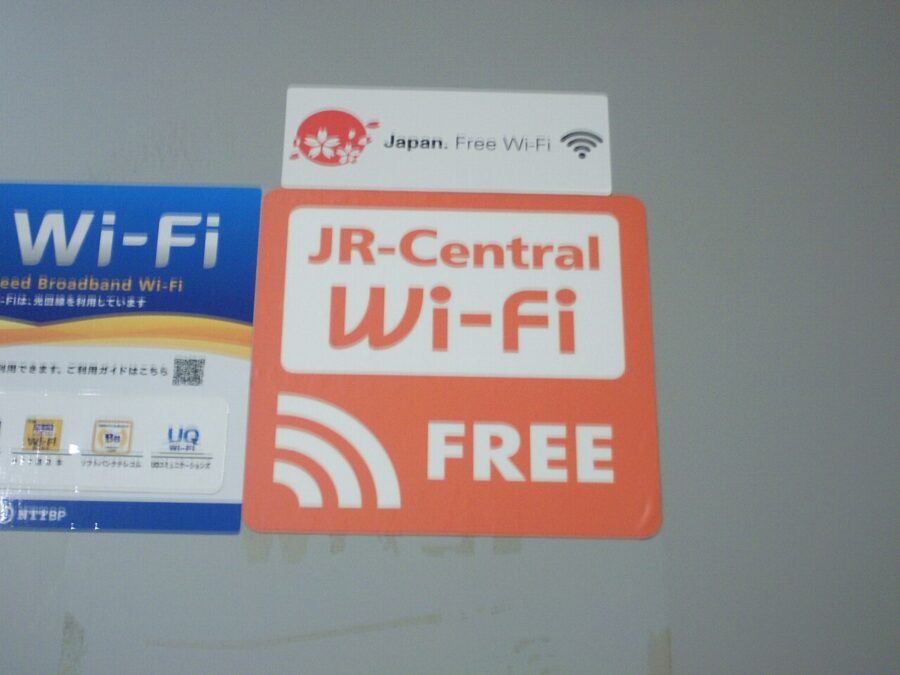

JNTO notes that Japan’s major international airports have free Wi-Fi in their terminals, and many cafés and stations do too, often after a sign-up page. It is enough to install an app or check a booking. It is not enough to follow a map between two of them, which is when you want data most, and the travel apps you will lean on assume a live connection. The rest of the common questions are in the FAQ.
Is a Japanese SIM card worth it for a three-day trip?
Yes, if your home carrier charges by the day for roaming. A 5GB card for ¥1,980 covers three days of maps, messages and translation comfortably, and with a dual-SIM phone you keep your own number on at the same time.
So, before you fly: open the SIM tray, or find out that there isn’t one. That small hole on the side of your phone, or its absence, settles more of this article than any price table.