

On this page7 parts
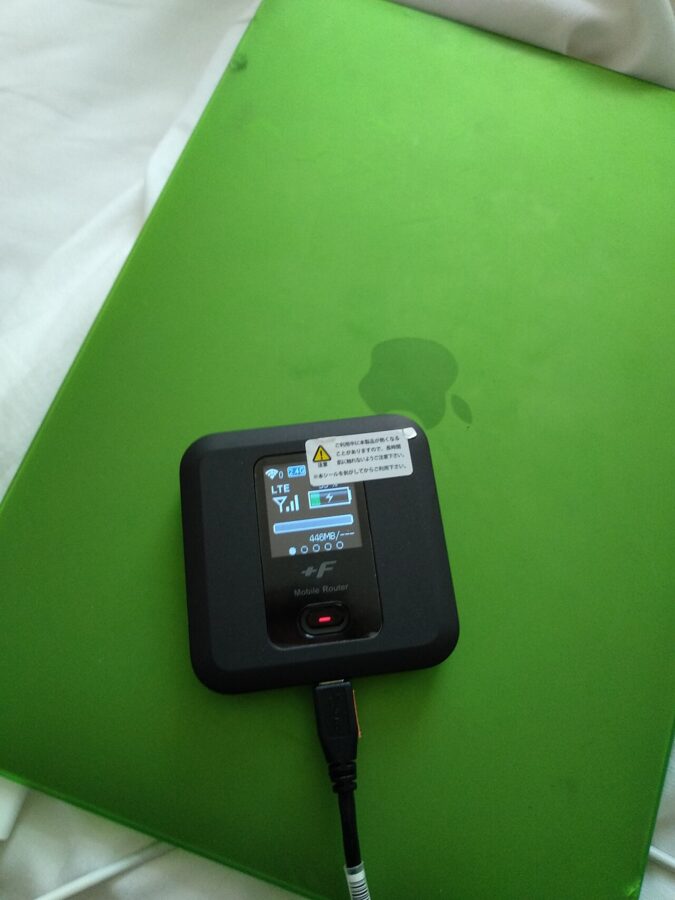
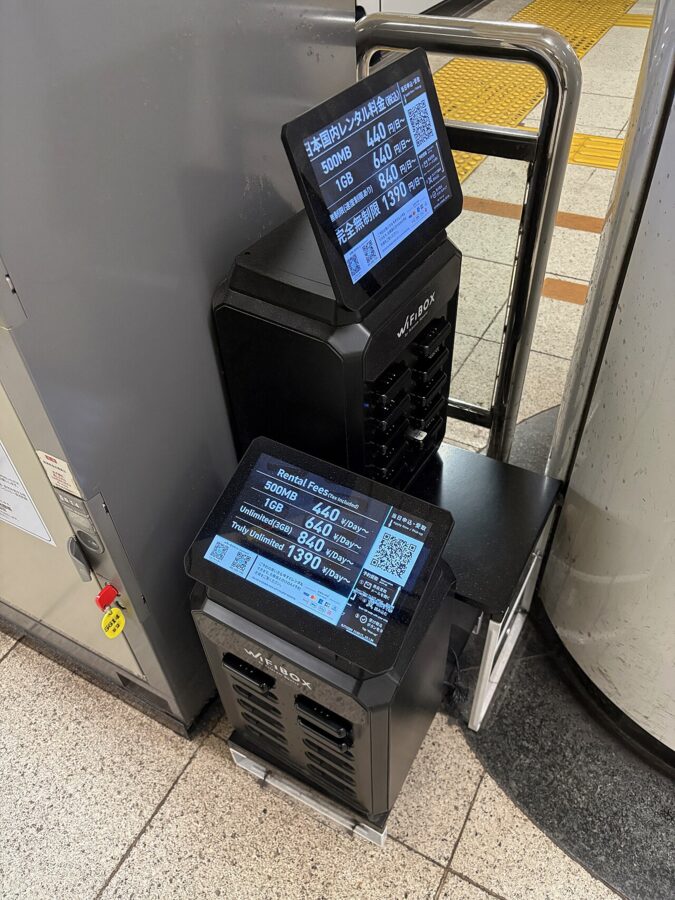
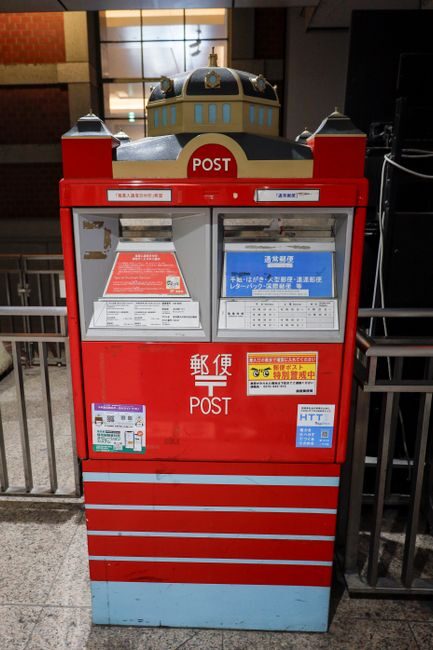
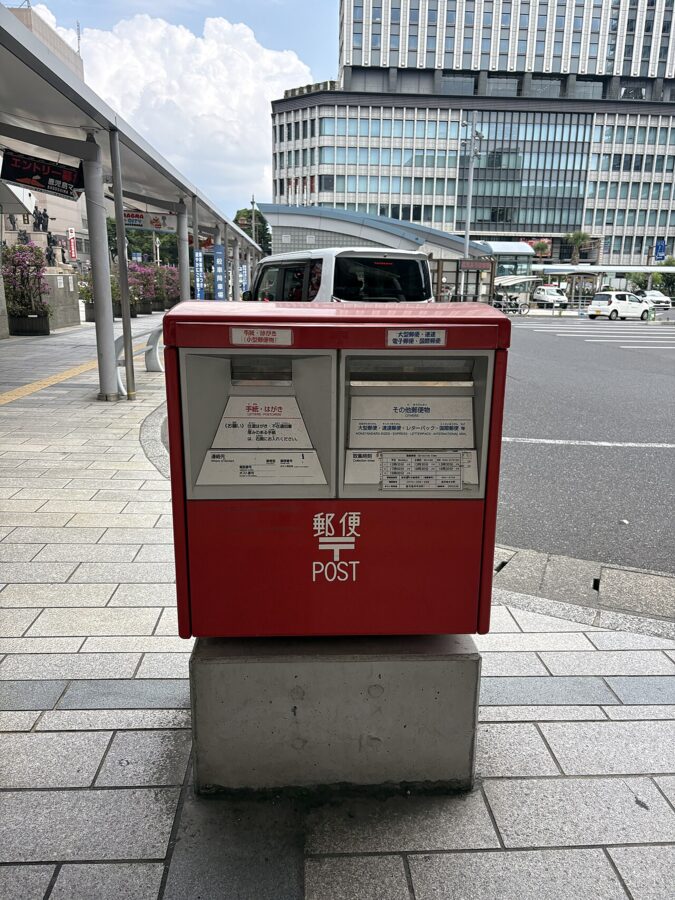
A rented router in Japan is a plastic tile about the size of a coaster. It holds a Docomo or SoftBank SIM, turns that 4G signal into Wi-Fi for up to 15 phones and laptops, and goes back in a prepaid envelope that you drop in a red post box on your last day.
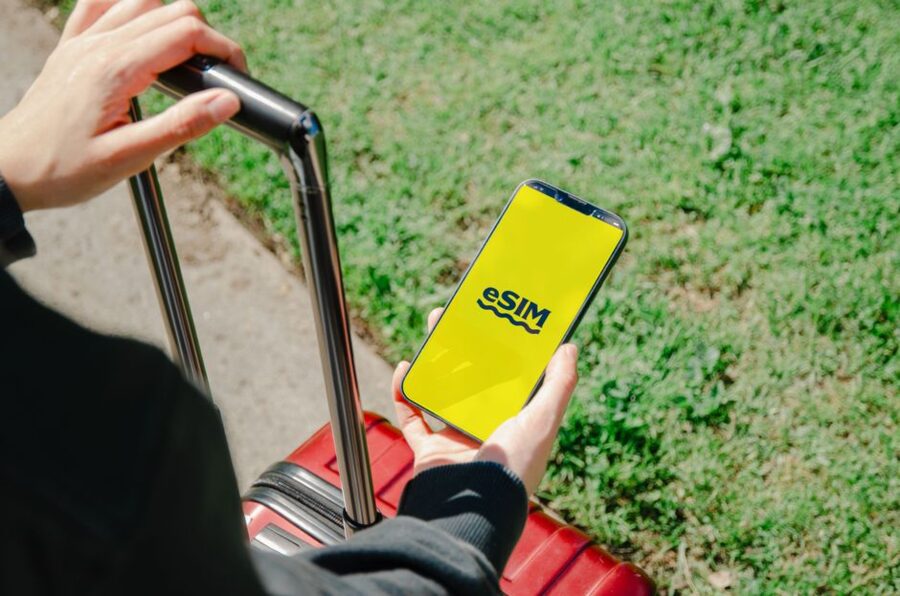
In 2026 it competes with a phone that can download an eSIM in two minutes, so the decision comes first. If you travel alone and your phone takes an eSIM, skip the router and read about the Japan eSIM instead.
A router earns its place in three cases: a family or group that moves around together, a phone that is locked to its home carrier or too old for eSIM, and a laptop or tablet that needs to be online all day without draining anyone’s phone.


What is inside the box
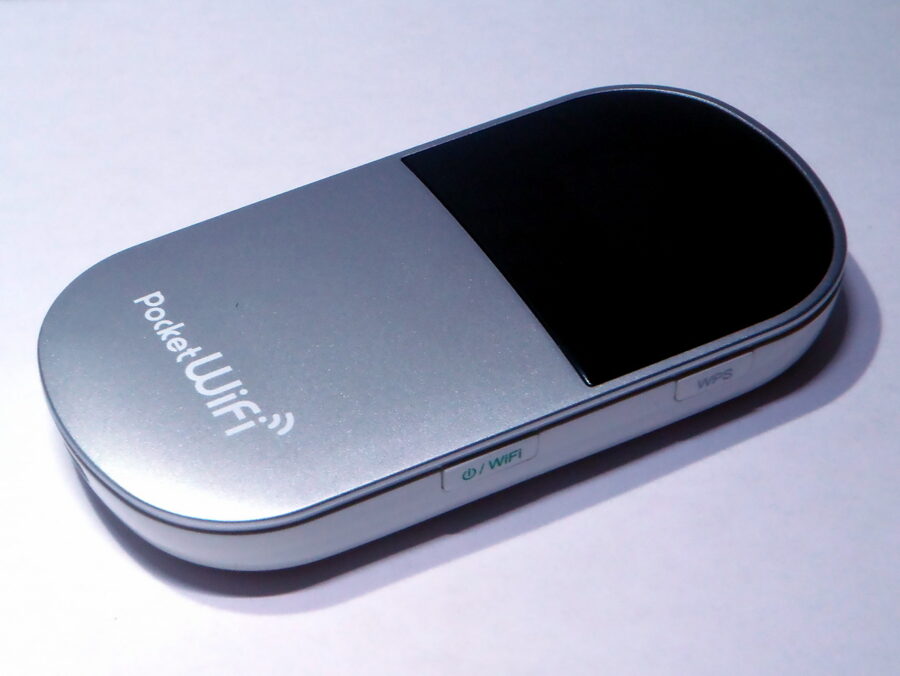
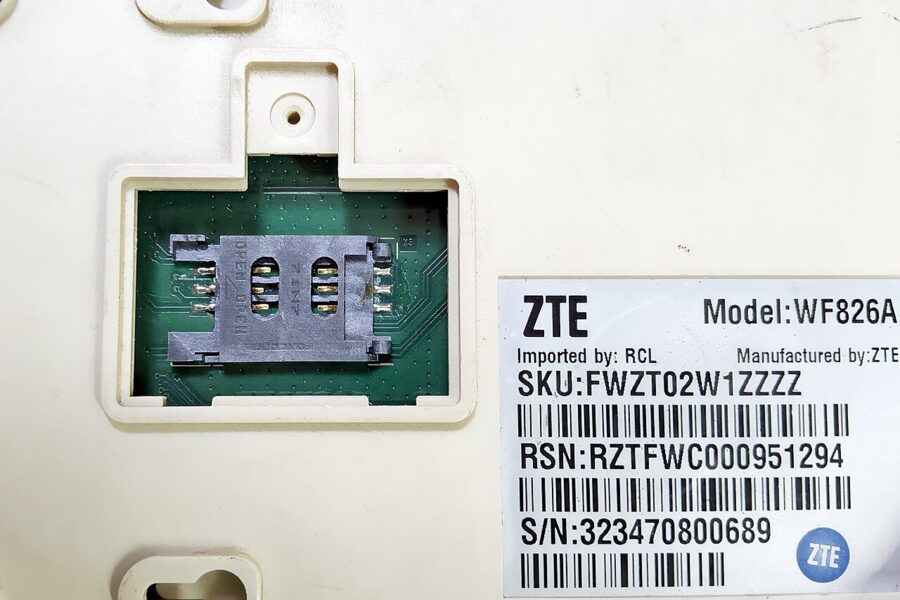
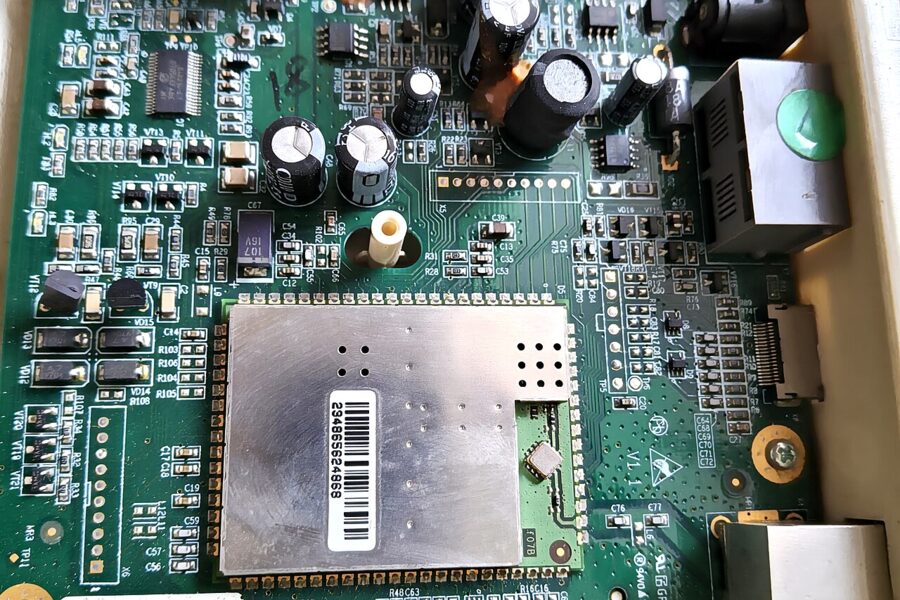
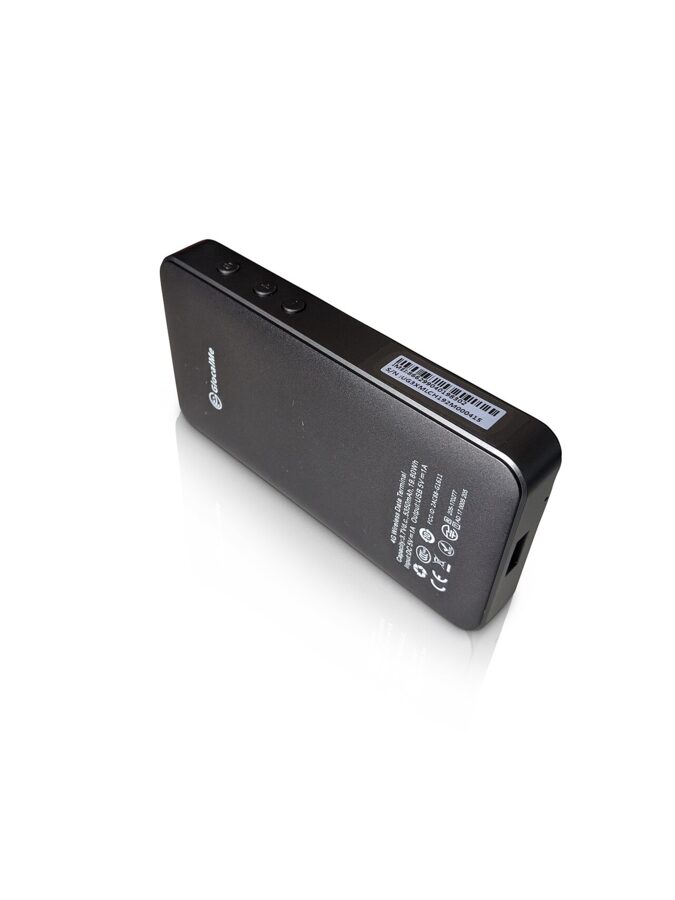
A mobile router is a phone without the screen, the camera and the microphone. The sequence runs like this: a SIM card, an eSIM profile or a cloud-SIM profile tells the modem which carrier to join; the modem connects to the nearest base station on one of the frequency bands it supports; the router turns that connection into a small Wi-Fi network on 2.4 GHz or 5 GHz; and your devices join that network with the name and password printed on the router or shown on its screen.
So a mobile hotspot and a mobile router do the same job. A phone hotspot uses the phone’s own modem and battery, which is fine for an hour of laptop work and tiring for a whole day. A dedicated router carries its own battery and leaves your phone free for maps, tickets and calls.
Connecting takes a minute. Switch the router on and wait for the signal bars, then pick its network name (the SSID) in your phone’s Wi-Fi list and type the password, or scan the QR code that many routers show on screen.



Japan’s four networks and the bands a router needs
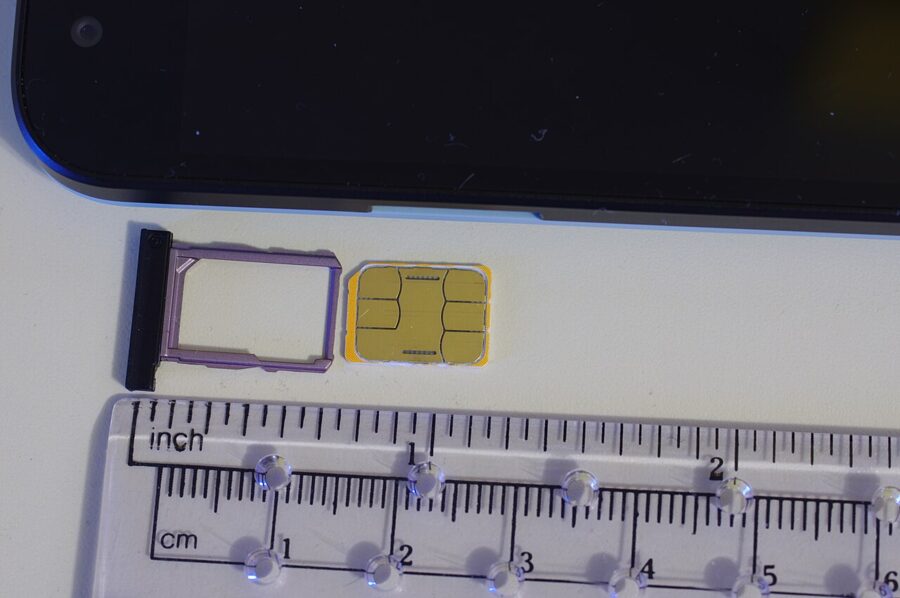
Japan has four network operators: NTT Docomo, KDDI (sold as au), SoftBank and Rakuten Mobile. Every other brand you meet, from budget data SIMs to most rental routers, runs on one of those four. Sakura Mobile states Docomo 4G for its rental router, and Japan Wireless runs on SoftBank 4G.
3G is gone. KDDI switched off its 3G network in 2022 and SoftBank in 2024, and Docomo ended its FOMA 3G service on March 31, 2026. A router that only does 3G, including plenty of old travel gadgets in drawers, will not connect anywhere in Japan.
A band is simply a slice of radio spectrum with a number. Your router must support at least some of the bands its carrier uses, and the table below lists them from the Ministry of Internal Affairs and Communications’ 2022 summary of the carriers’ frequencies, plus Rakuten’s newer 700 MHz band.
| Carrier | 4G LTE bands | 5G bands |
|---|---|---|
| NTT Docomo | 1, 3, 19, 21, 28, 42 | n78, n79, n257 |
| KDDI (au) | 1, 3, 11, 18/26, 28, 42 | n77, n78, n257 |
| SoftBank | 1, 3, 8, 11, 28, 42 | n77, n257 |
| Rakuten Mobile | 3, 28 (since June 2024) | n77, n257 |
The low bands are the ones to care about. Docomo’s 800 MHz (band 19), au’s 800 MHz (bands 18 and 26), SoftBank’s 900 MHz (band 8) and the 700 MHz band 28 travel farther and get through walls better, so they decide whether you have signal in a mountain valley or a basement restaurant. Rakuten began its own 700 MHz service on June 27, 2024, and is rolling it out first where its coverage still has holes.
For 5G, look for n77 and n78. Docomo also uses n79 (4.5 GHz), which few routers sold outside Japan support; without it a router still works on Docomo through n78 or 4G.



Coverage in cities and in the mountains
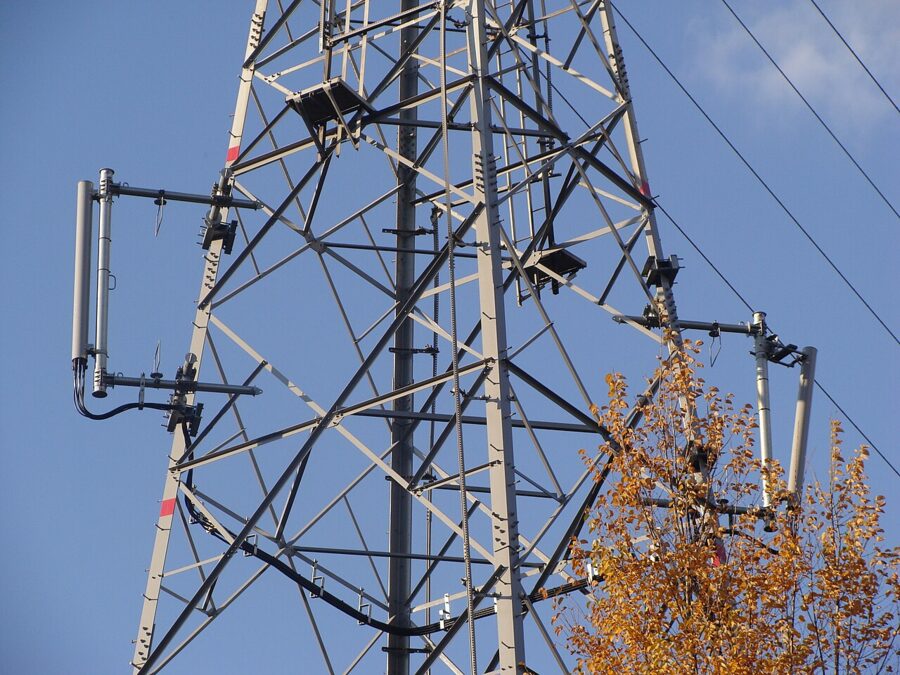
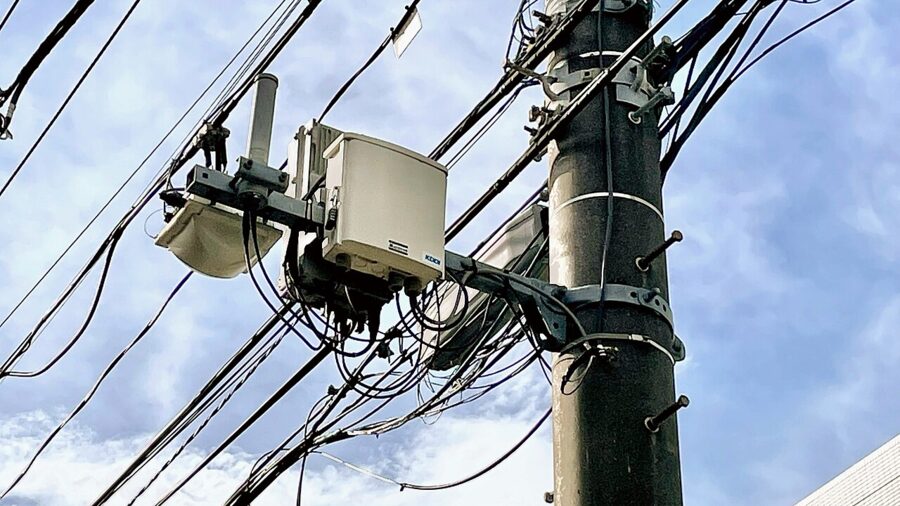
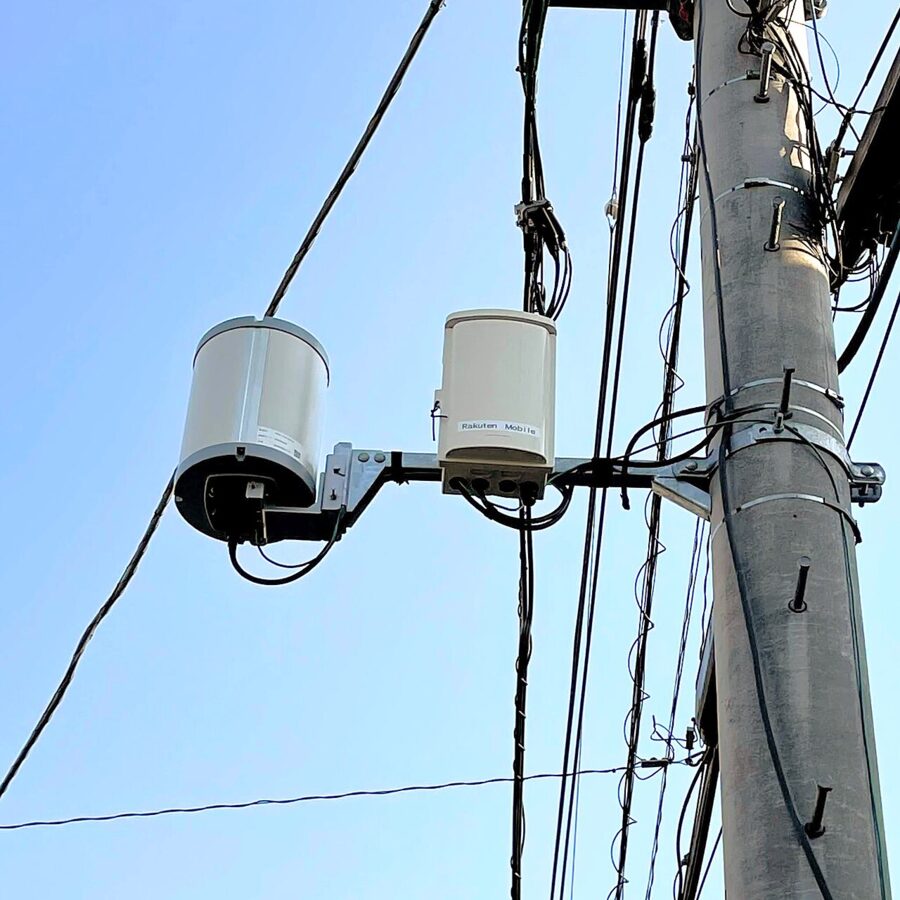
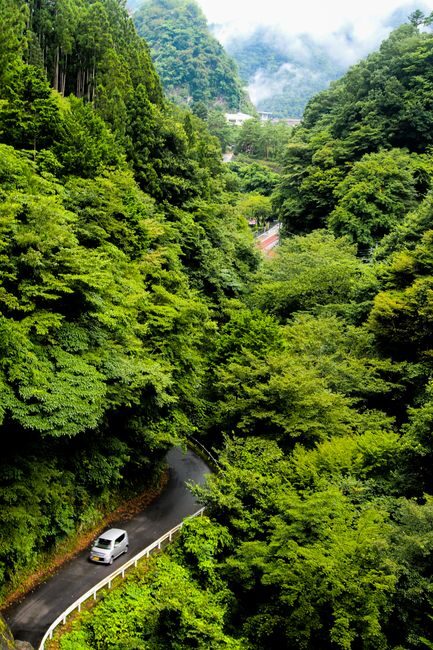
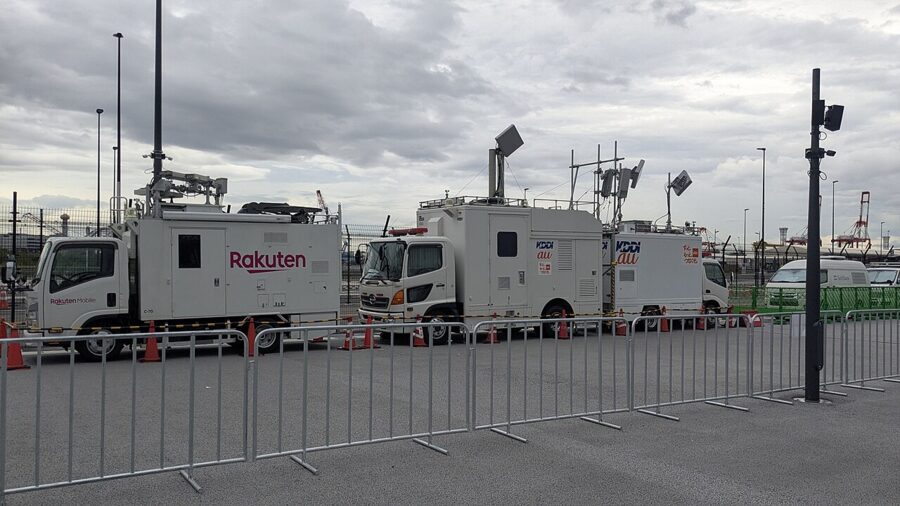
In the big cities coverage is not the question; capacity is. Away from them, check the carrier’s own map for your route before you choose a rental by its network: Docomo, au, SoftBank and Rakuten Mobile each publish one.
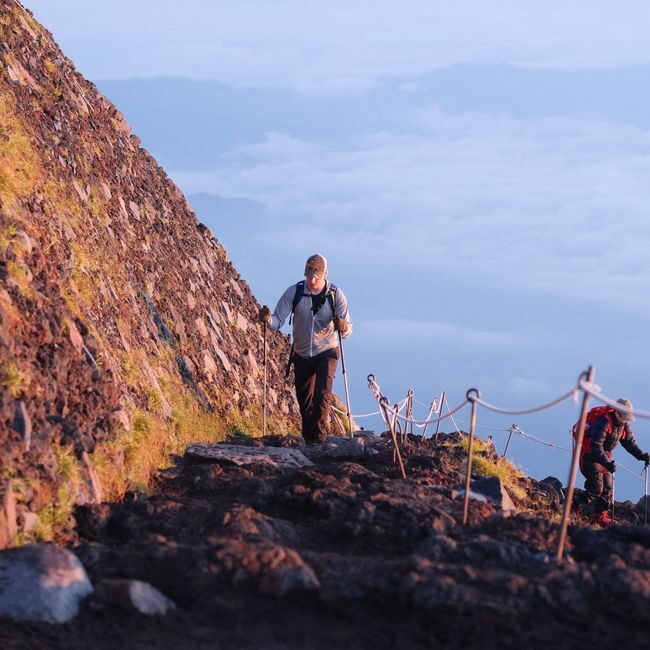
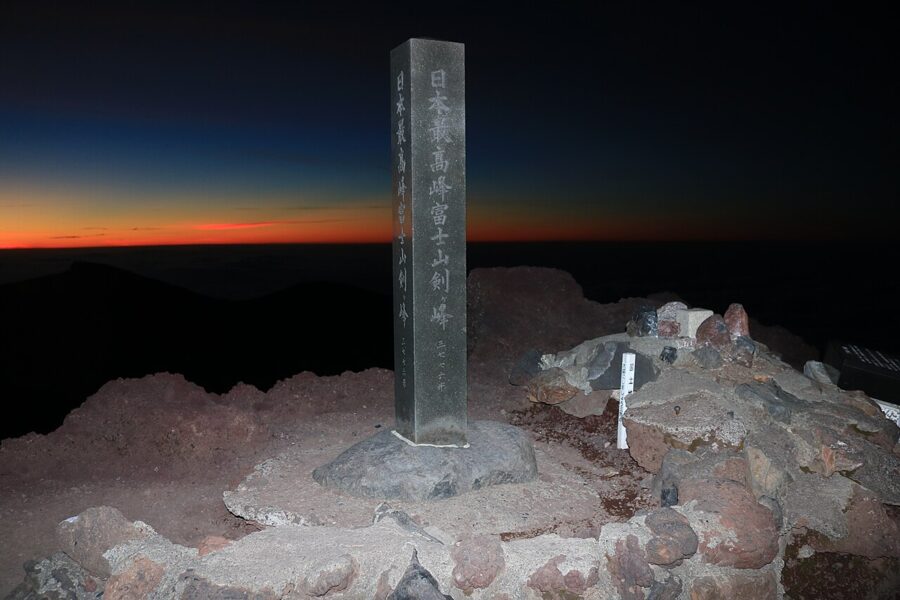
Mountains show how seasonal coverage can be. On Mount Fuji, Docomo’s 2026 summer service gave 5G and 4G near the Kengamine summit and 4G on the trails and at the huts, from early July to late August, with each hut covered only while it is open. Away from those areas Docomo points climbers to its Starlink Direct satellite service, which carries data only, on compatible phones and apps.
SoftBank and au set up seasonal equipment at the summit in the same way. Outside that July-to-August window, do not count on the summit and trail coverage at all.


Rent in Japan or buy your own
For one trip, rent. A rental arrives with a Japanese SIM, a charger and often a power bank, carries the certification mark the law requires, and costs one number on your card. Buying makes sense if you travel several times a year, want 5G, or want one device that works in every country you visit.
What a rental gives you (as of November 2026)
Sakura Mobile’s rental router runs on Docomo 4G, measures 74 x 74 x 17 mm, and is rated at 20 hours of battery and up to 15 connections. Its price calculator gives ¥7,780 (about US$49) for 7 days, ¥10,560 (about US$66) for 14 days and ¥16,890 (about US$106) for 30 days, discounted online from list prices of ¥9,900, ¥18,300 and ¥37,500.
Sakura calls the plan unlimited, and its fair-use policy guarantees 10 GB of high-speed data a day, after which speed may drop until the allowance resets at midnight. Its fair-use page, updated July 2026, also says the router is not meant for long video calls or large downloads.
Japan Wireless runs its rental on SoftBank 4G, quotes 8 to 10 hours of battery and up to 8 devices, puts a power bank in the box, and advertises no daily cap and no fair-use policy, from US$5.20 a day. Its loss and damage table is worth a look before you leave the router on a train seat: without cover, a lost router and SIM costs ¥40,000 (about US$251).
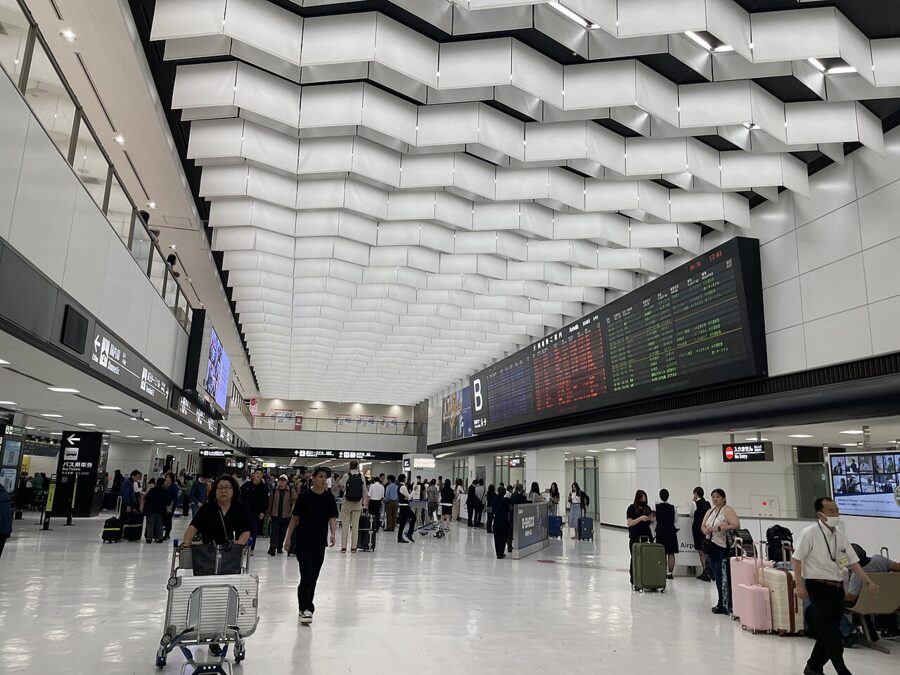
Both deliver to the airport or your hotel, and Sakura also to a post office. Both take the router back in a prepaid envelope through any Japan Post box: Sakura by midnight on the return date, Japan Wireless by noon on the day after the rental ends. Airport counters are covered in the guide to pickup and drop-off locations, and the providers are compared side by side in pocket Wi-Fi rental.

Buying a travel router with an eSIM or SIM slot
A router you own takes a SIM or an eSIM data plan that you buy for each trip. Netgear’s Nighthawk M7 (MH7150) lists at US$499.99, takes an eSIM or a physical SIM, connects up to 32 devices and is rated at up to 10 hours from its 3,850 mAh battery. Netgear sells data plans for 140-plus countries in its app, and the router also accepts other companies’ eSIMs.
Its band list shows the catch. It covers LTE bands 1, 3, 26 (which spans the 800 MHz frequencies Docomo and au use), 28, 41 and 42 and 5G n77 and n78, but not SoftBank’s 900 MHz band 8, the 1.5 GHz bands 11 and 21, or Docomo’s n79. That is fine in a city and a real gap in the countryside on SoftBank.
GL.iNet’s Mudi 7 (GL-E5800) suits people who like to tinker: an eSIM plus two SIM slots, a 5,380 mAh battery rated at up to 13.5 hours of light use, and WireGuard and OpenVPN built in. Its February 2026 datasheet lists no n79, and its certification list names FCC, CE and other marks but not Japan’s, which matters more than any band (see below).

Cloud-SIM routers and their limits
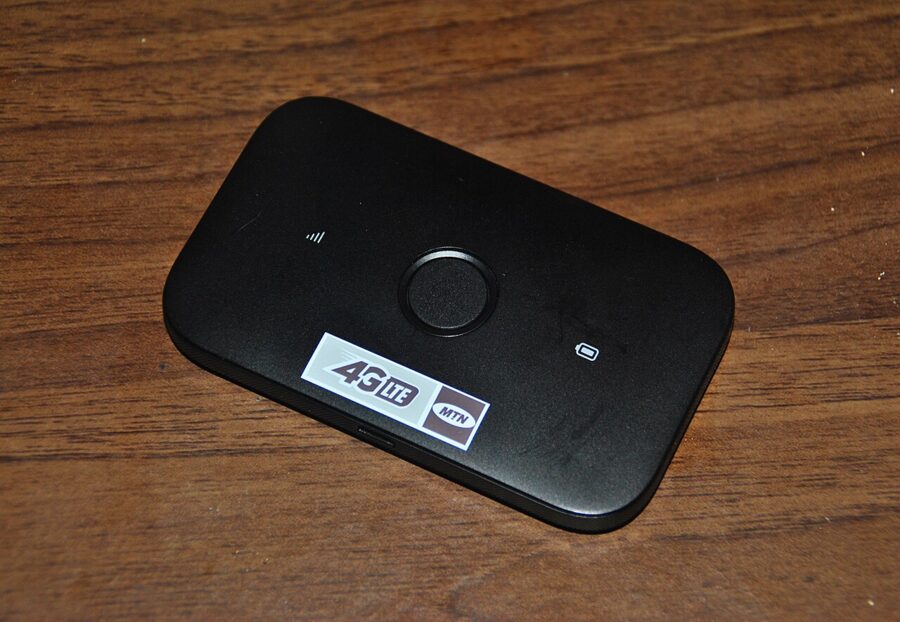
A cloud-SIM router keeps no carrier SIM of its own. When you switch it on, it fetches a SIM profile for a local network from the maker’s servers, and you top up data in an app instead of buying a SIM in each country.
GlocalMe’s Numen Air is the current flagship of the type: CloudSIM plus a physical SIM slot, a 5,400 mAh battery rated at 15 hours on 4G and 11 hours on 5G, and up to 16 devices. On the maker’s European store in November 2026 it cost €249.99 (about US$273) with 1 GB of global data.
The limits come with the design. You do not choose the Japanese network; the platform does. Most cloud-SIM services sold in Japan itself still run on 4G, with top speeds around 150 Mbps as of November 2026, and the price per gigabyte is whatever the platform sets, so check the Japan price in the app and compare it with an ordinary eSIM before you buy the device.

The Japanese mark your router needs
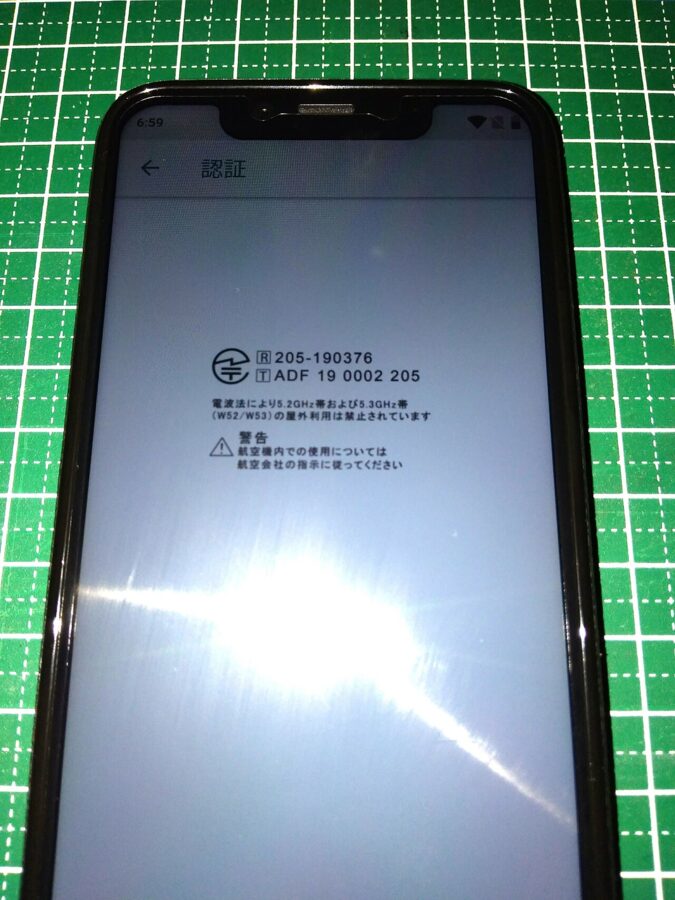
This is the part most buyers miss. Japan’s Radio Act requires radio equipment to carry the technical conformity mark, known as the giteki (技適) mark: a stylized R in a circle with a certification number. The Ministry of Internal Affairs and Communications lets visitors use phones, tablets and other Wi-Fi gear without it for 90 days after entry if they meet equivalent standards.
Routers are the exception. The ministry’s page on devices brought into Japan says plainly that a router from another country can only be used if it has the mark. Look for it on the label, the box or the settings screen before you pack a router bought abroad; rental routers are Japanese-market devices that carry it.

What it costs over one trip and over several
| Option (November 2026) | Up-front | Data |
|---|---|---|
| Sakura Mobile rental, 14 days | ¥10,560 | Included; 10 GB a day at full speed |
| GlocalMe Numen Air | €249.99 with 1 GB | Bought in the app per trip |
| Netgear Nighthawk M7 | US$499.99 list | Any eSIM or SIM, per trip |
| Data for a bought router (example) | None | Ubigi Japan eSIM, 10 GB for 30 days, US$16.50 |
Five two-week trips of renting from Sakura come to about ¥52,800 (about US$332). That would buy a Numen Air with money left for data, but not a Nighthawk M7, and both bought routers still need data every trip. A 10 GB, 30-day Japan eSIM from Ubigi costs US$16.50 on the Docomo, KDDI and SoftBank networks, which is less data than one heavy day on a rental’s fair-use allowance.
My rule: rent for one or two trips a year. Buy if you travel four or more times a year, carry a laptop, and are happy to buy data by the gigabyte.
Battery, charging and heat
Rated battery life is a best case. The figures above run from 8 to 10 hours at Japan Wireless to 20 hours at Sakura Mobile, and Netgear notes that real life varies with signal, devices connected and the battery’s age.
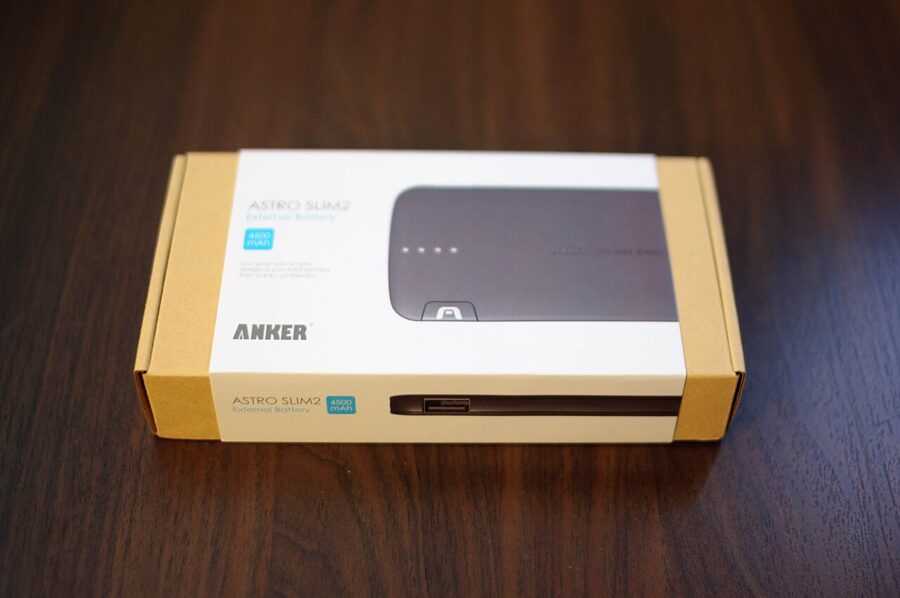
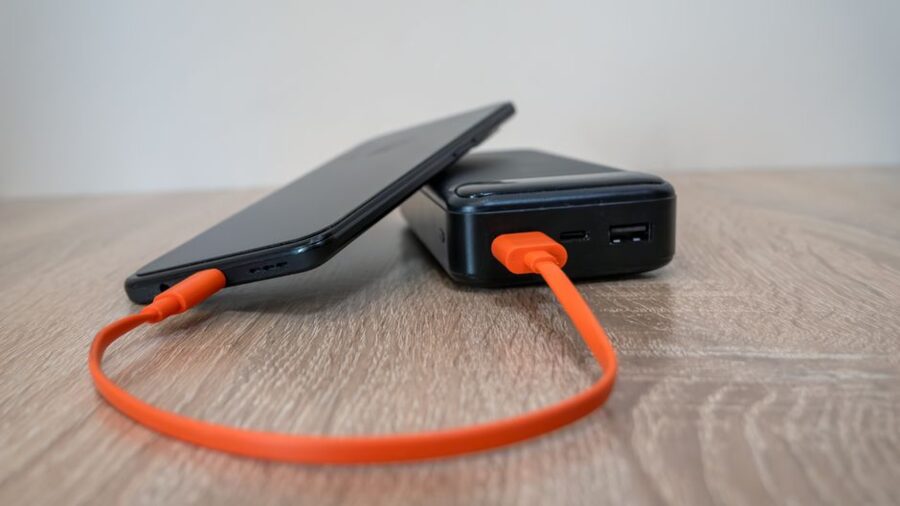
Charge it every night and carry a power bank for long days. The Nighthawk M7 and the Mudi 7 charge over USB-C, so one cable can serve the router and a modern phone.
Power banks now have their own flight rules. Since April 24, 2026, under Japan’s new power bank rules, you may carry at most two power banks in the cabin, each 160 Wh or less, and you may not charge a power bank, or charge anything from one, on board. Power banks never go in checked bags; the router is a device with a built-in battery rather than a power bank, but a rental’s spare power bank counts toward your two.
Heat is the other limit. GL.iNet rates the Mudi 7 for 0°C to 40°C (32°F to 104°F), and a router charging in a trouser pocket, sitting on a car dashboard or in a black bag in August sun can pass that. Give any router shade and air, and if it drops the connection on a hot day, let it cool before blaming the network.

How many devices one router really handles
The device limit is rarely what stops you. Sakura allows 15 connections, Japan Wireless 8, the Numen Air 16 and the Nighthawk M7 32, and a family of four with phones, a tablet and a laptop uses about eight.
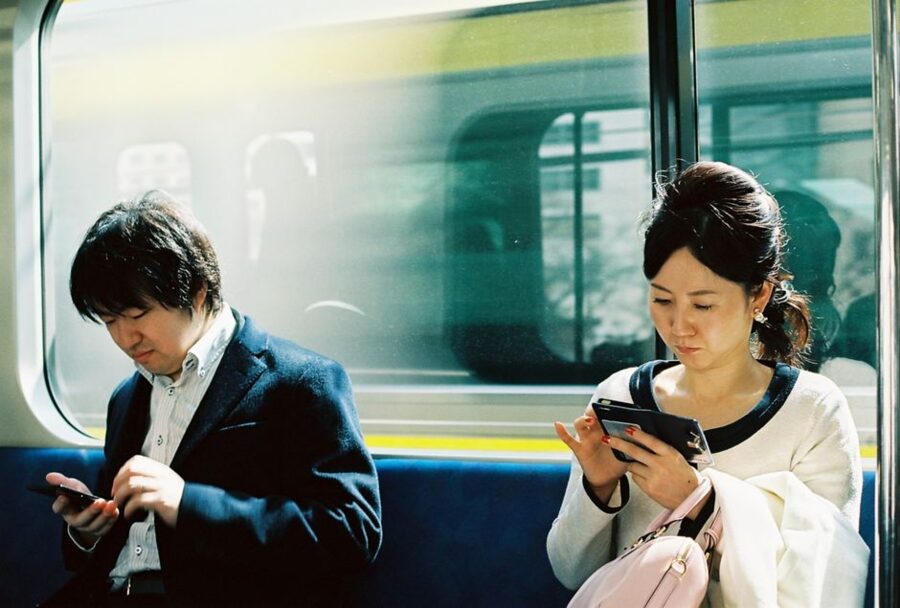
Data and distance are the real limits. Sakura’s 10 GB a day at full speed is shared by everyone on the router, so two people streaming video in the evening use it up faster than four people using maps. A pocket router’s Wi-Fi reaches across a hotel room or a train carriage, not to the next floor of a ryokan.
That last point decides it for many groups. The router only serves whoever is standing near it, so if you split up for a day, the half without it has no data. Either rent two (Sakura takes 10% off two or more) or give the wanderers an eSIM each.
Security and VPN
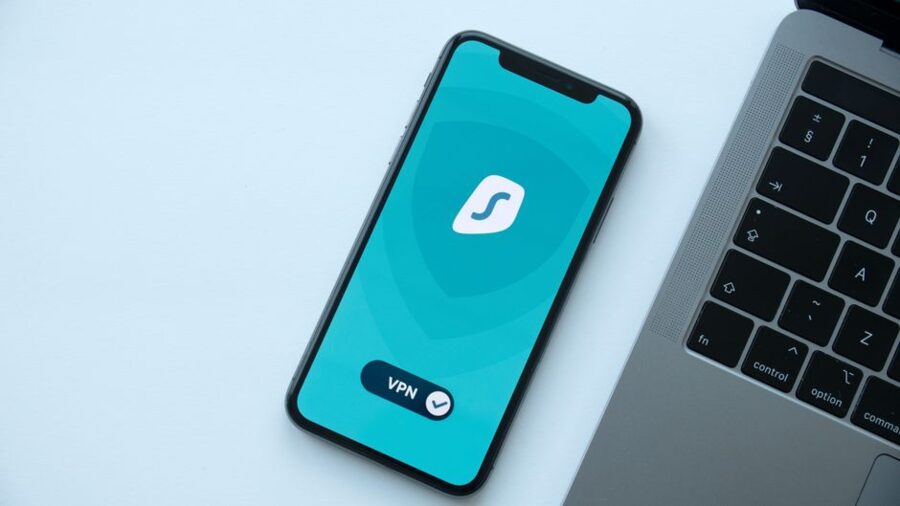
A mobile router is safer than open café Wi-Fi because the network is yours, but its password is printed on the device and on a card in the rental pouch, so keep both with you and keep them out of photos. Almost everything your phone does already travels encrypted over HTTPS, which is enough for most trips. If you need a VPN for work, run it on each device when you rent; a router you own, such as the Mudi 7, can run WireGuard or OpenVPN once for every device behind it.
How to choose: a short checklist
- One person, phone takes an eSIM: buy an eSIM and skip the router.
- A group that stays together, a locked phone, or laptops all day: rent a router, and one more for each group that splits up.
- Rural routes or mountains: check the carrier’s coverage map for your route, then pick a rental on that network.
- Fair use: find the gigabytes per day at full speed and what happens after; “unlimited” at Sakura means 10 GB a day before speeds may drop.
- Battery: the router’s rated hours, a power bank for long days, and no more than two power banks in the cabin.
- Buying: LTE bands 1, 3, 8, 19 or 26, and 28; 5G n77 and n78 (n79 for Docomo’s full 5G); eSIM support; the price per gigabyte in Japan; and the giteki mark.
- Returning: the post-box deadline (midnight on the last day at Sakura, noon the next day at Japan Wireless) and where the nearest box is on your way to the airport.

If you plan to bring a router you bought abroad, turn it over before you fly and find the giteki mark. Without it, the legal choice in Japan is the coaster-sized rental waiting at the arrivals counter.